How do I add people from a target list to a pipeline?
Pick people in a target list, then choose their pipeline and stage.
Choose people from a target list and put them in a pipeline stage.
Open the list you want to use.
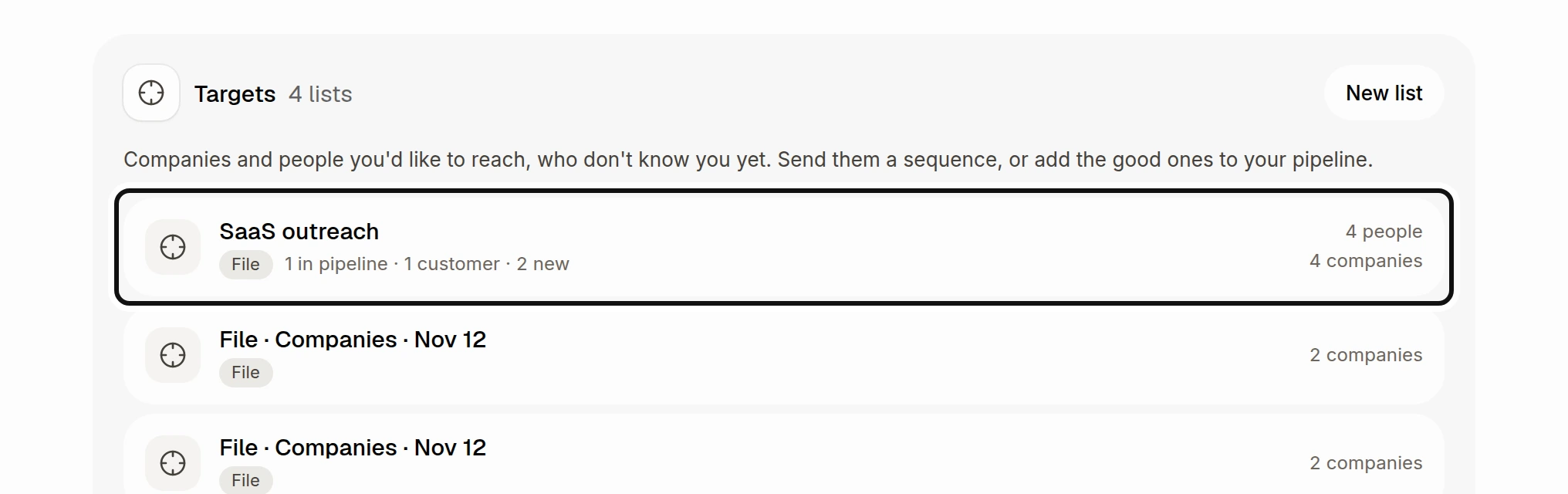
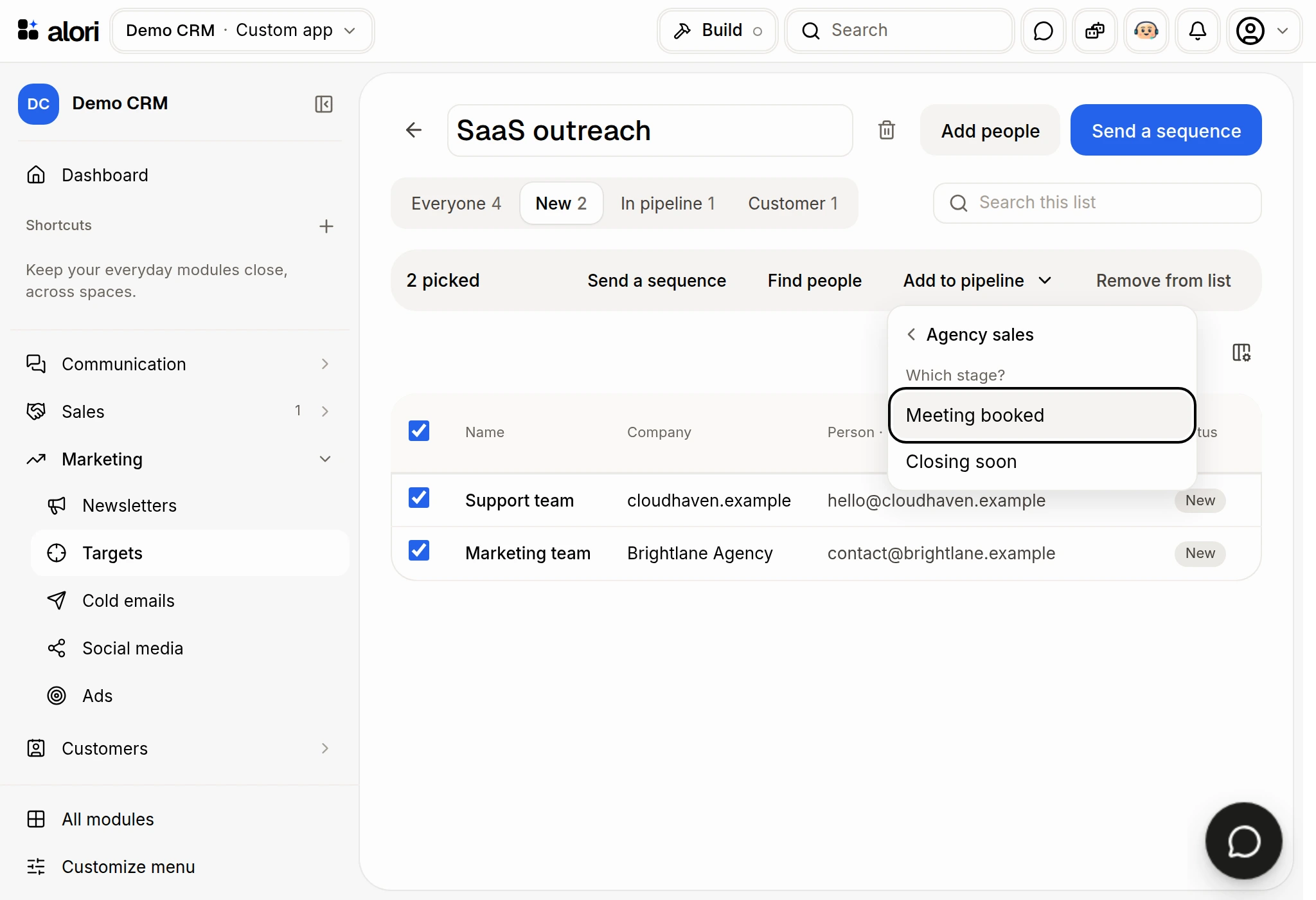
Use the checkboxes to pick the people you want to add.
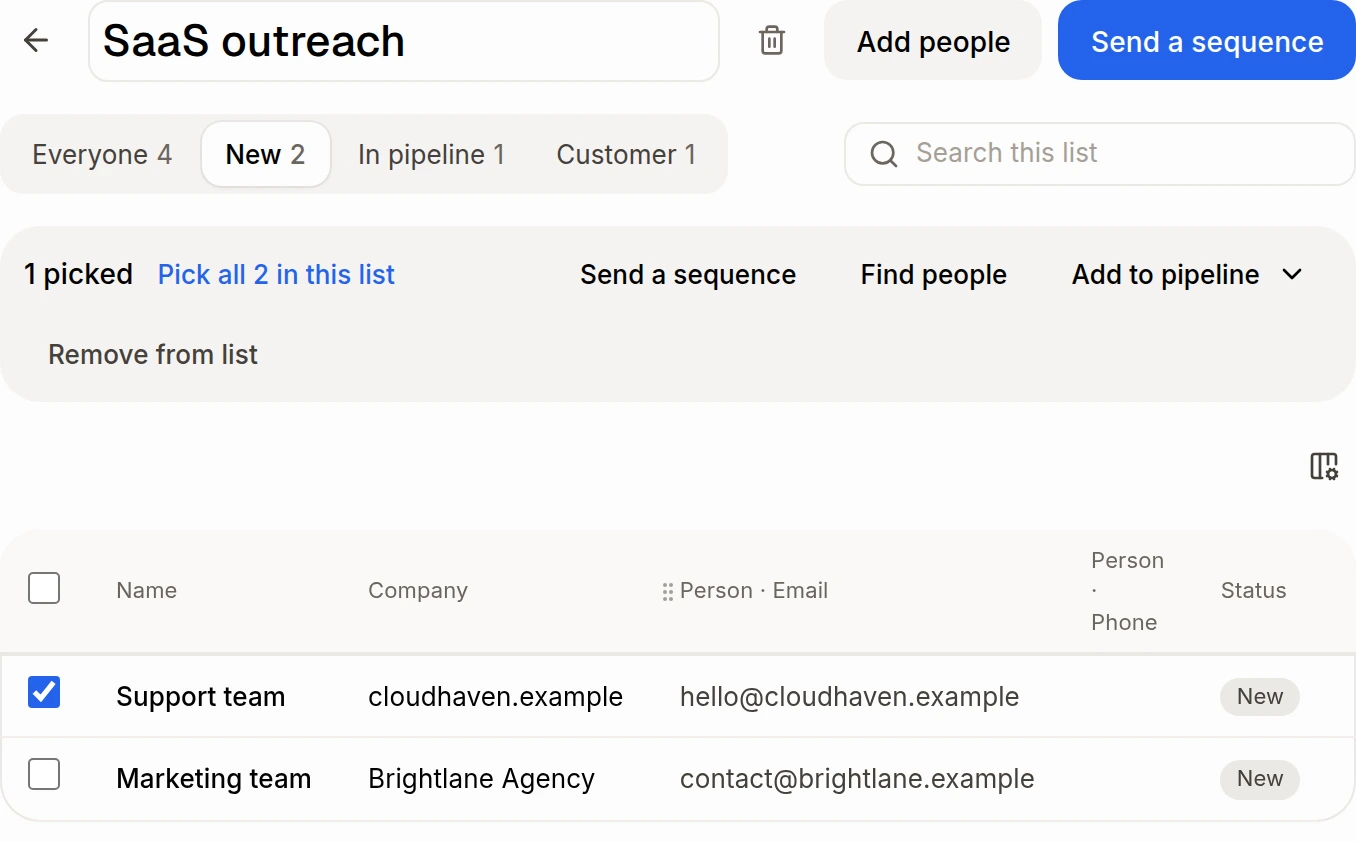
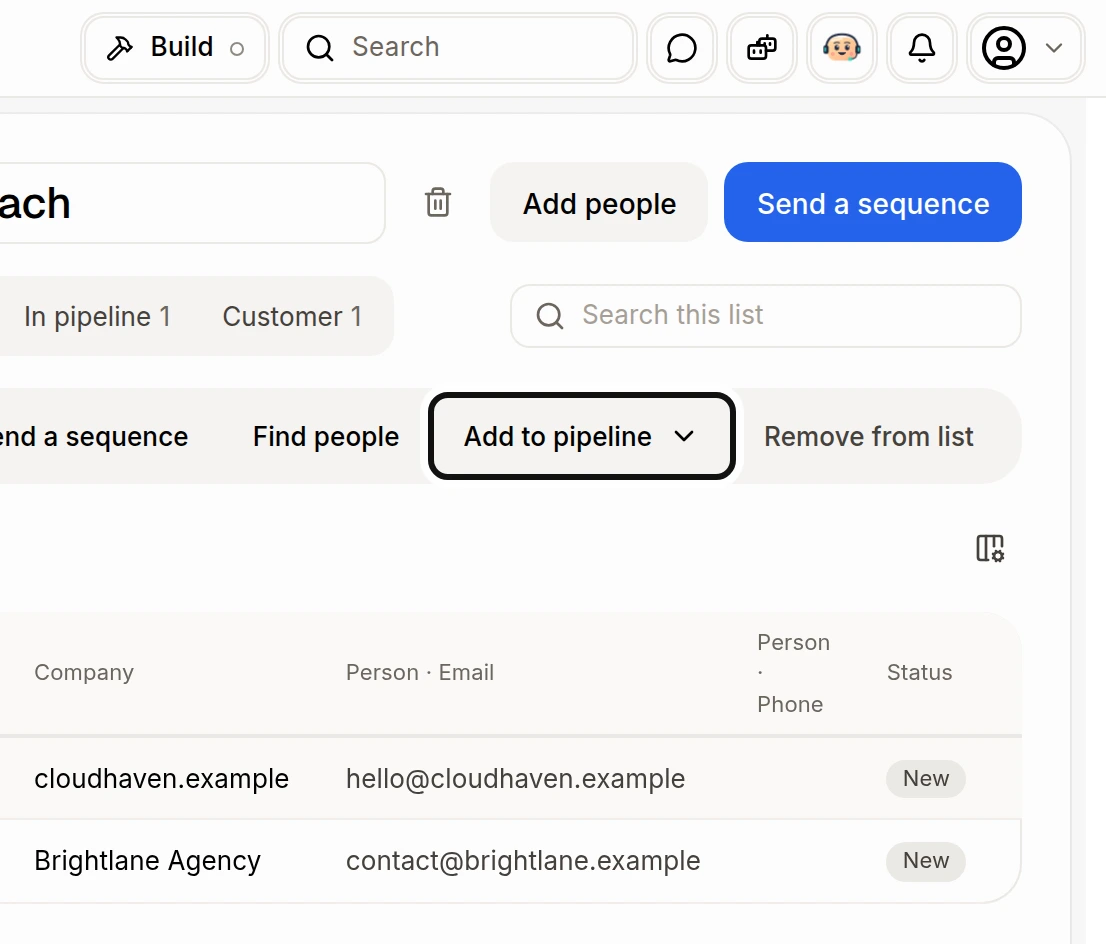
Click Add to pipeline.
Under Which pipeline?, choose a pipeline. If you have only one pipeline, Alori goes straight to its stages.
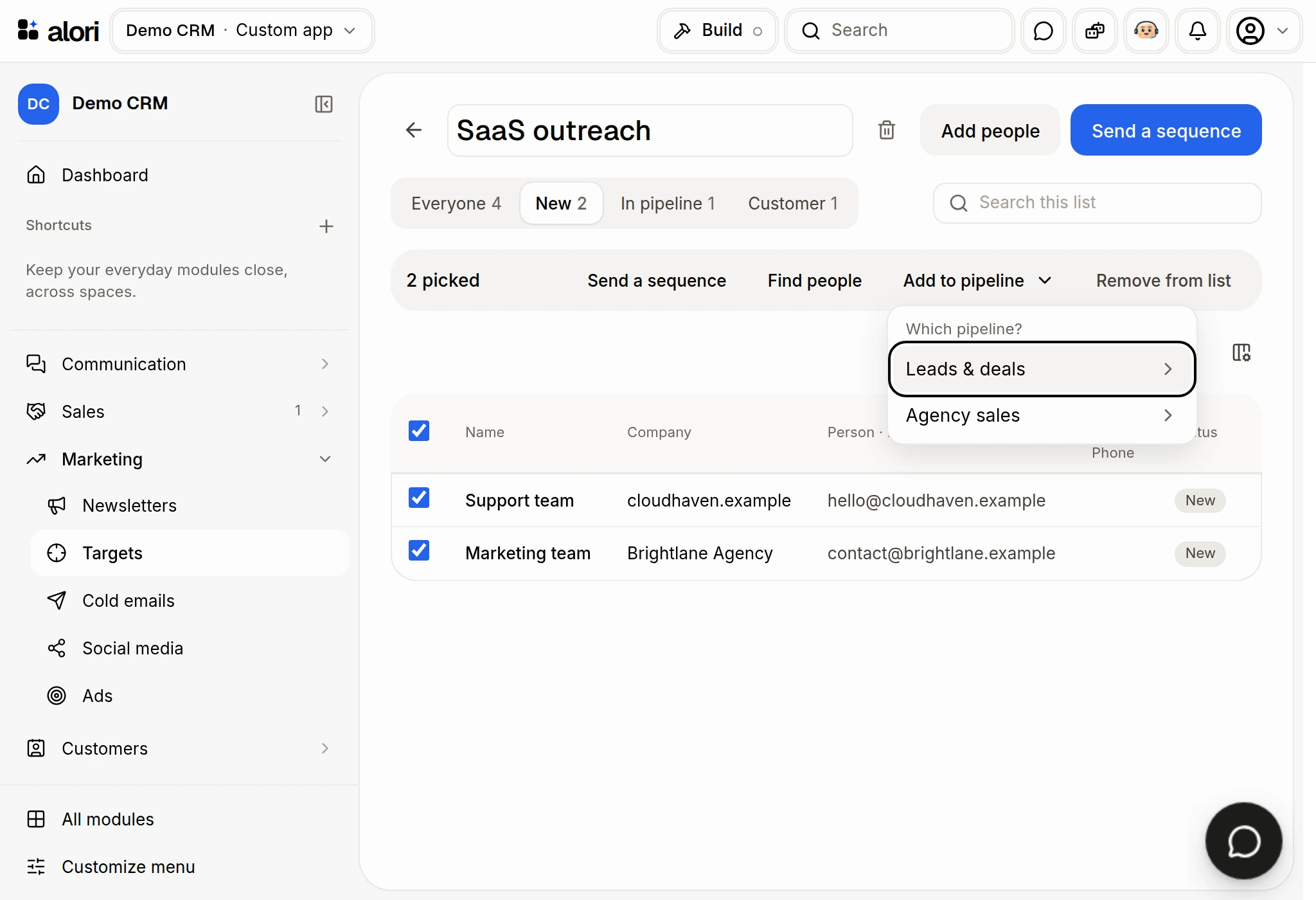
Under Which stage?, choose the stage. Alori tells you how many people were added or already had a deal. If a pipeline has only one open stage, choosing it adds people there immediately.
At the bottom of the list, choose 25, 50 or 100 rows per page and move between pages.
To find people at companies first, ask Sam or Claude to find them, review the results, then ask to add the people you choose to your target list. You can also use Add people and Company list → people (Apollo). That search skips people you already have; people keep the company's website and their job title. Turn on No one with these titles? Take whoever works there to include someone else when nobody matches the titles. See How do I find emails and phone numbers with Apollo?.