How do I choose when my cold emails are sent?
Choose the days and hours for a sequence and set each inbox's daily limit.
Written by Philippe Genois
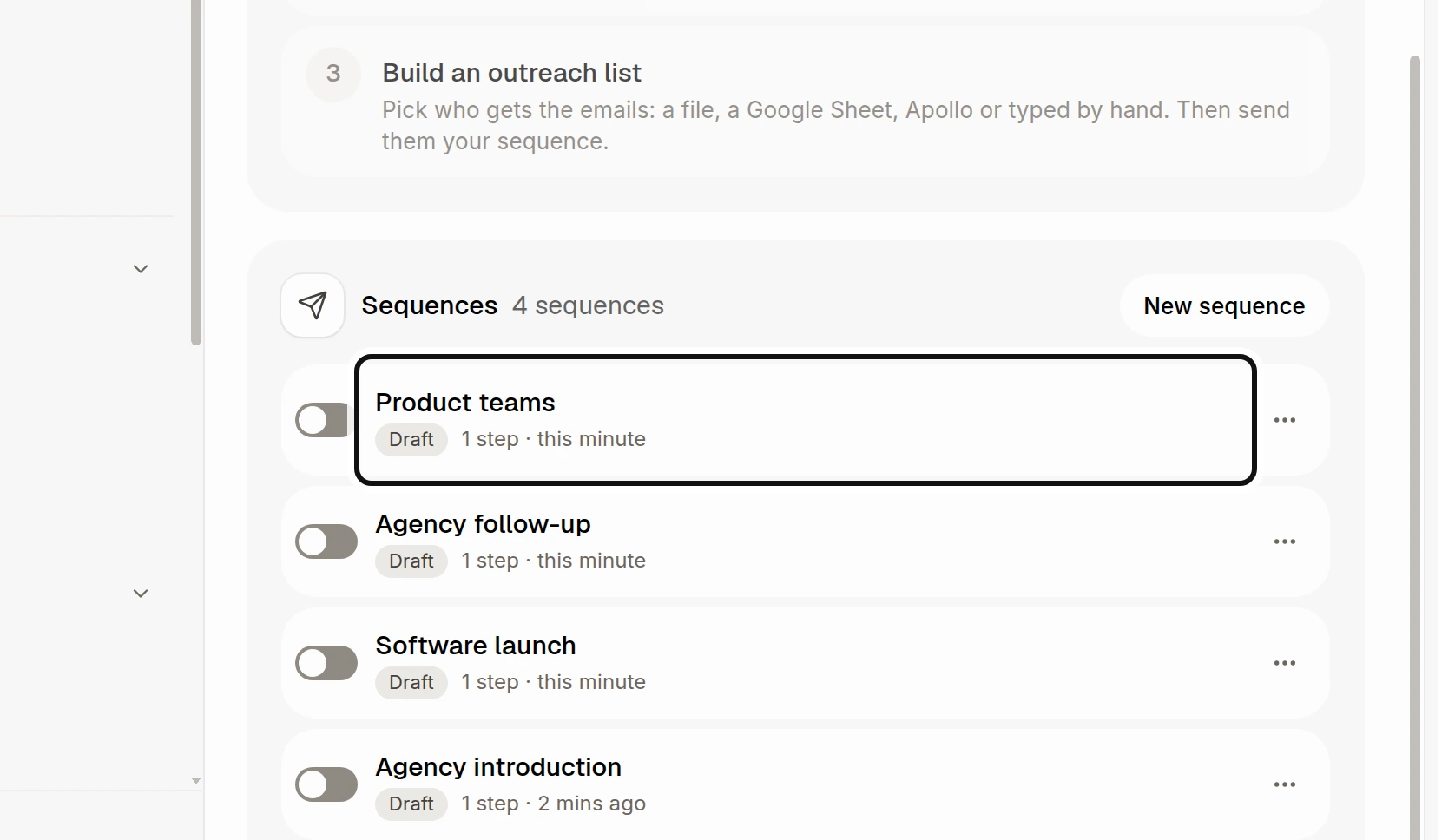
Choose the sequence you want to change.
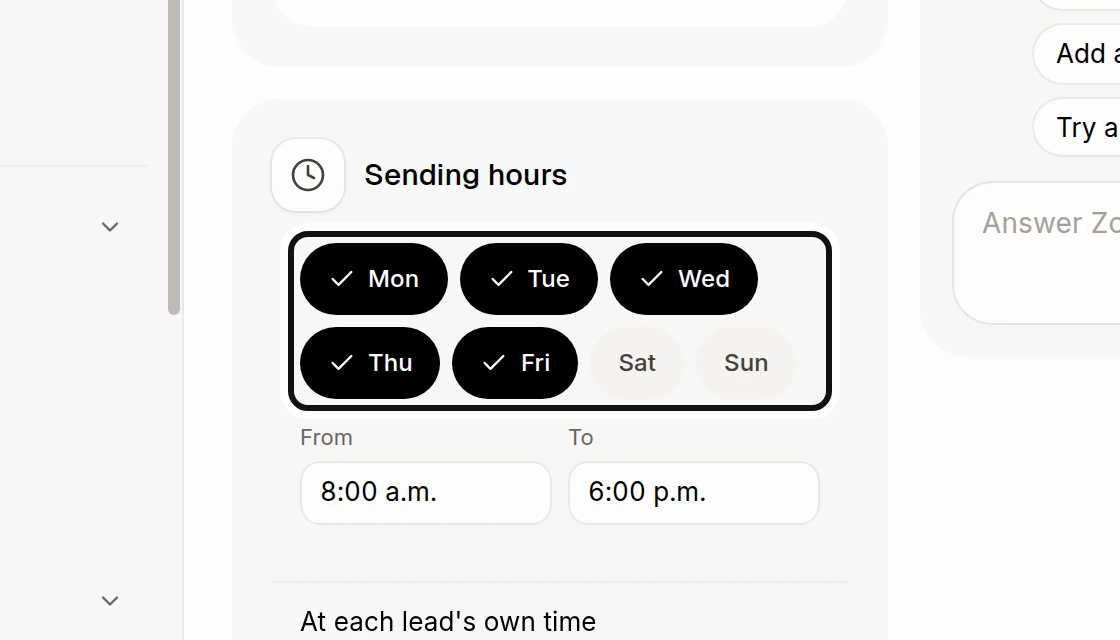
Under Sending hours, choose the days when emails may go out. At least one day must stay selected.
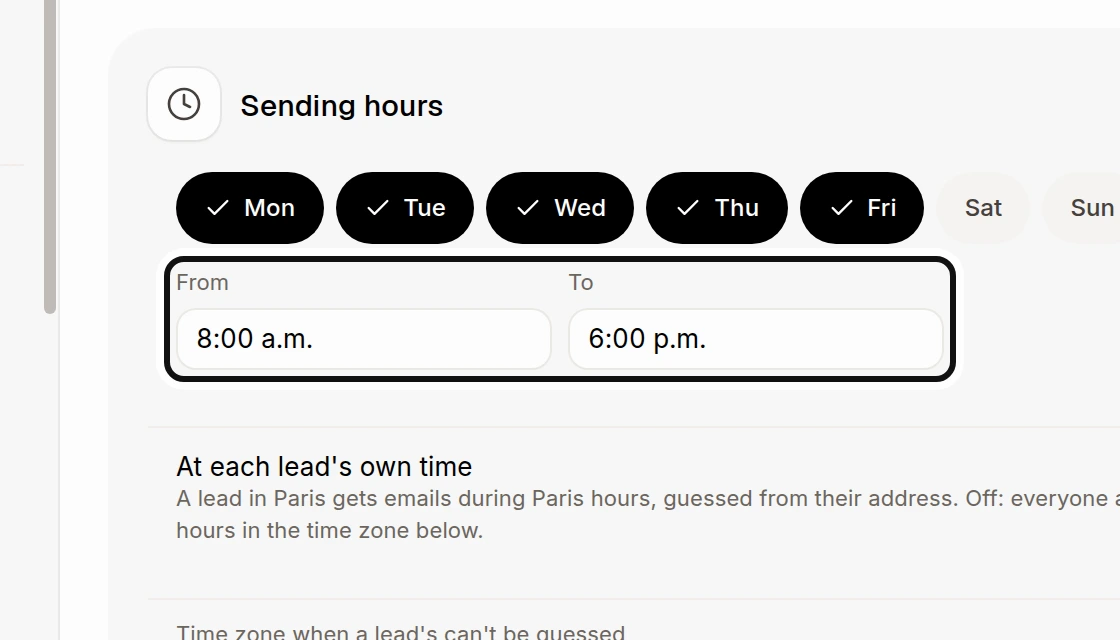
Choose the From and To times. Leave at least an hour between them.
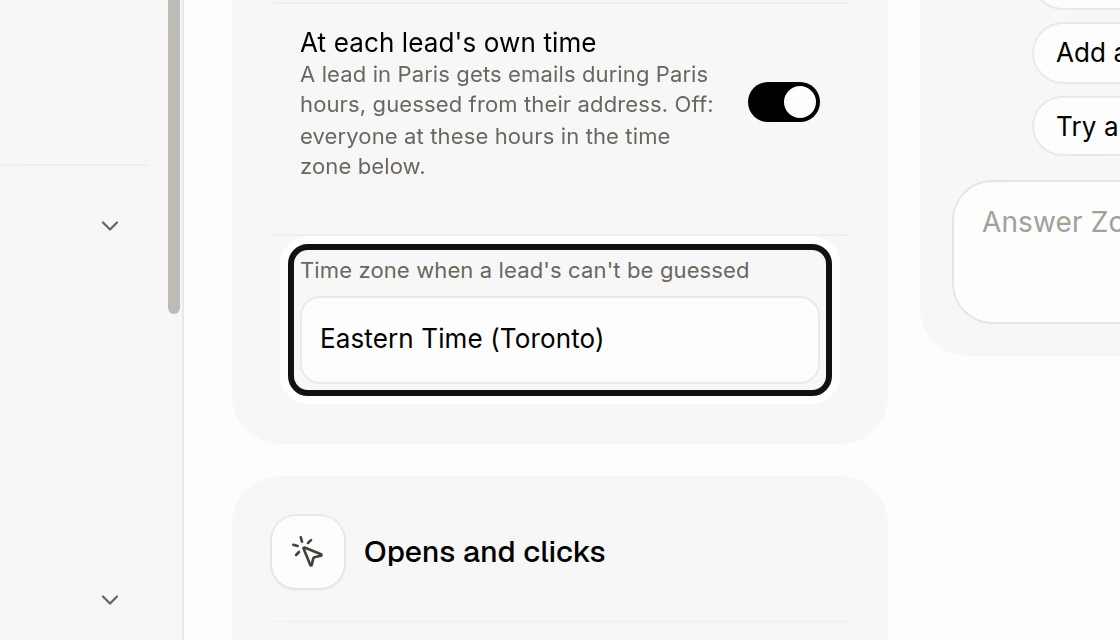
Turn At each lead's own time on to use the lead's time zone, guessed from their address. Turn it off to use the same time zone for everyone.
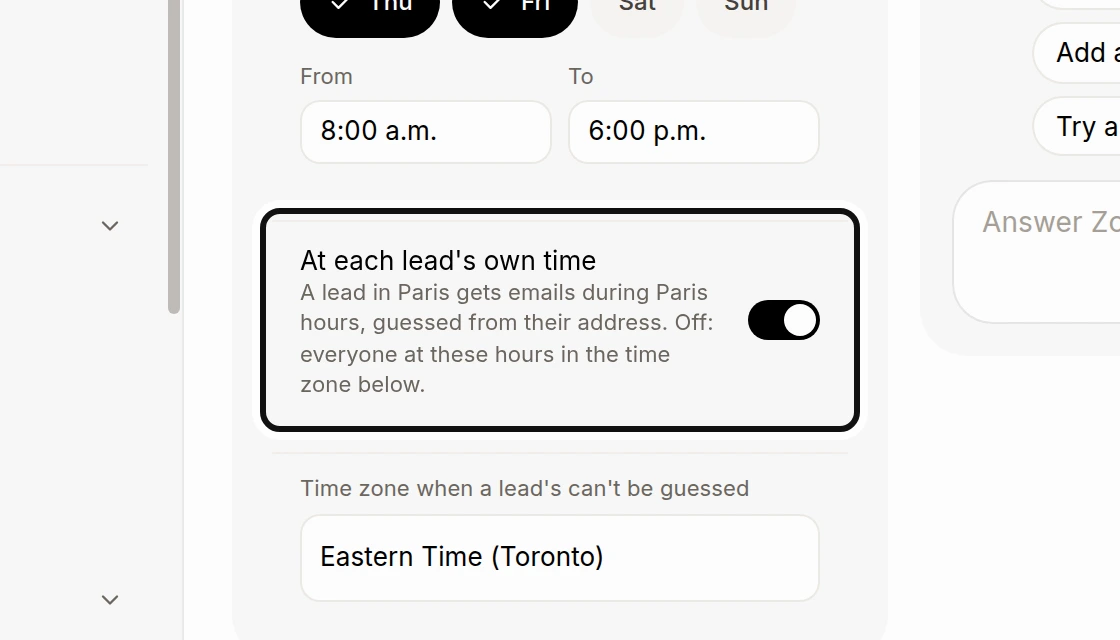
Pick the time zone below the switch. When the switch is on, Alori uses it if it can't guess a lead's time zone. Your changes save automatically.
Set the daily limit on each sending inbox with −, +, or the number field. The limit is 1 to 50 emails a day per inbox. A new inbox starts at 5 a day and adds 3 a day as it warms up to its limit.
Did this answer your question?