How do I find my unread Team chat messages?
Every channel and direct message with something new shows under Unread, at the top of Team chat. Click one to read it.
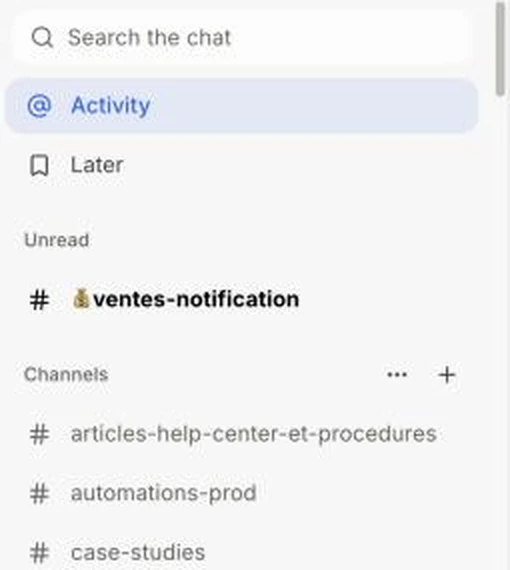
At the top of Team chat, the Unread section lists every channel and direct message with something new, newest first. Click one to read it. No more scrolling to find where the new message is.
Also called: unreads, new messages, unread channels, what I missed, non lus, nouveaux messages
Step 1: Open an unread channel
In Team chat, look under Unread, just below Activity and Later. Click a channel or person to read what's new. The channel stays there while you read it, then leaves Unread when you open something else. Muted channels don't show there.
Click: Team chat › Unread › the channel
When nothing is new, the Unread section goes away.