How do I import a list of businesses to call into a target list?
Bring a list of businesses into Targets and find people at those companies.
Bring a file of companies into Targets, then find people at those companies.
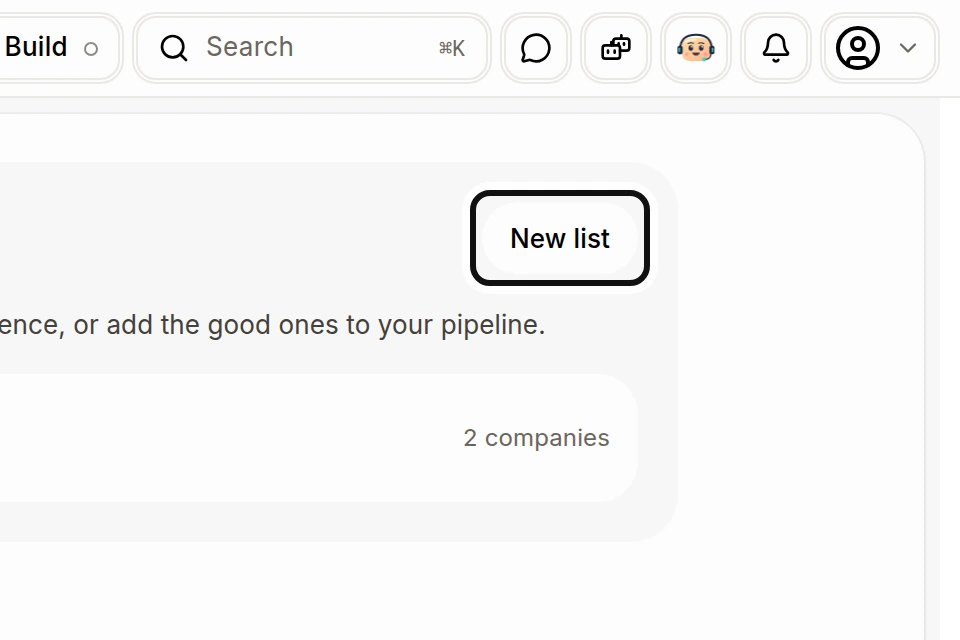
Click New list.
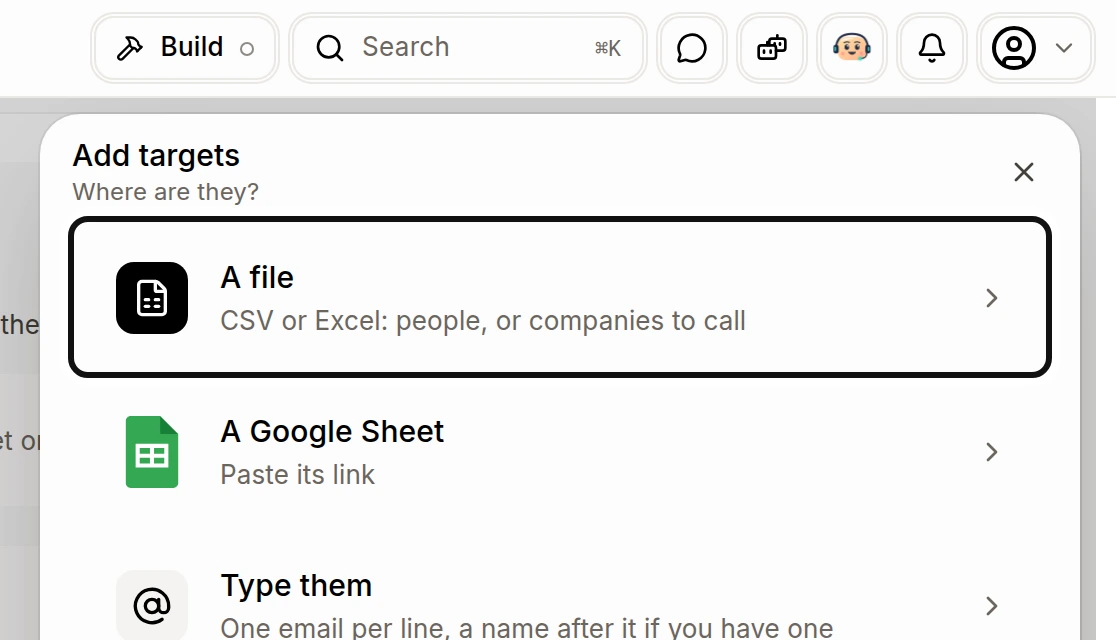
Choose A file and select your CSV or Excel file.
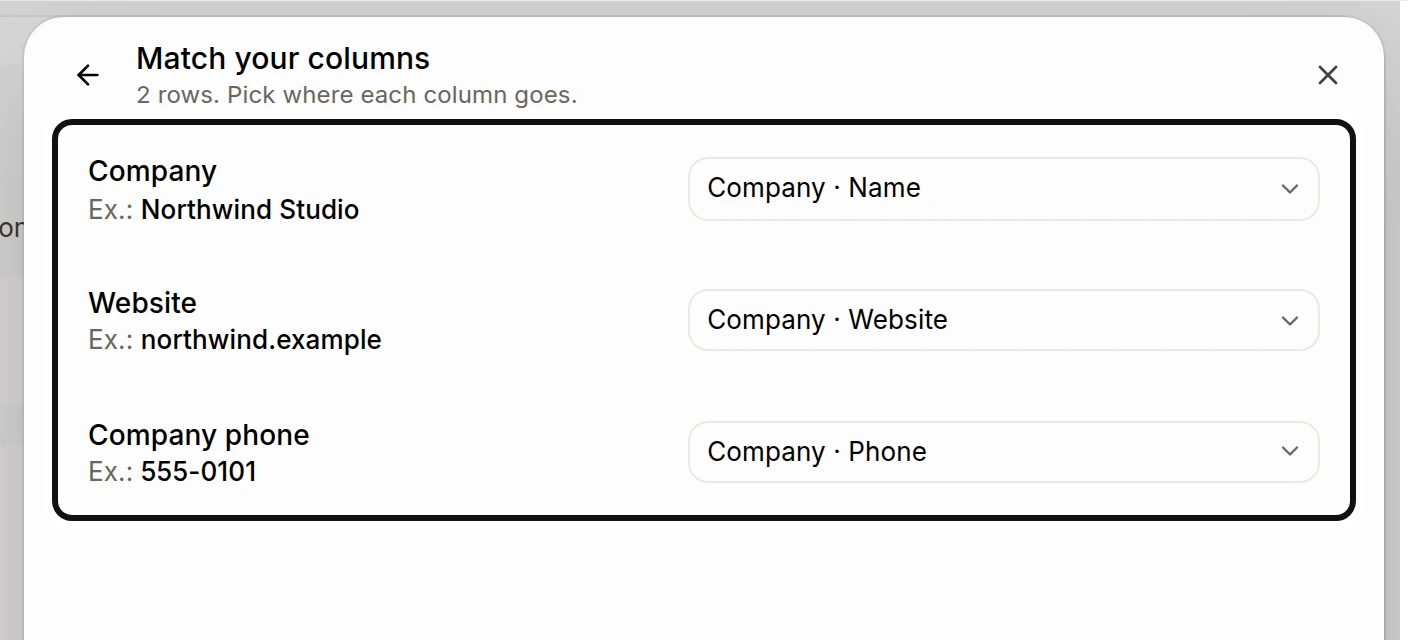
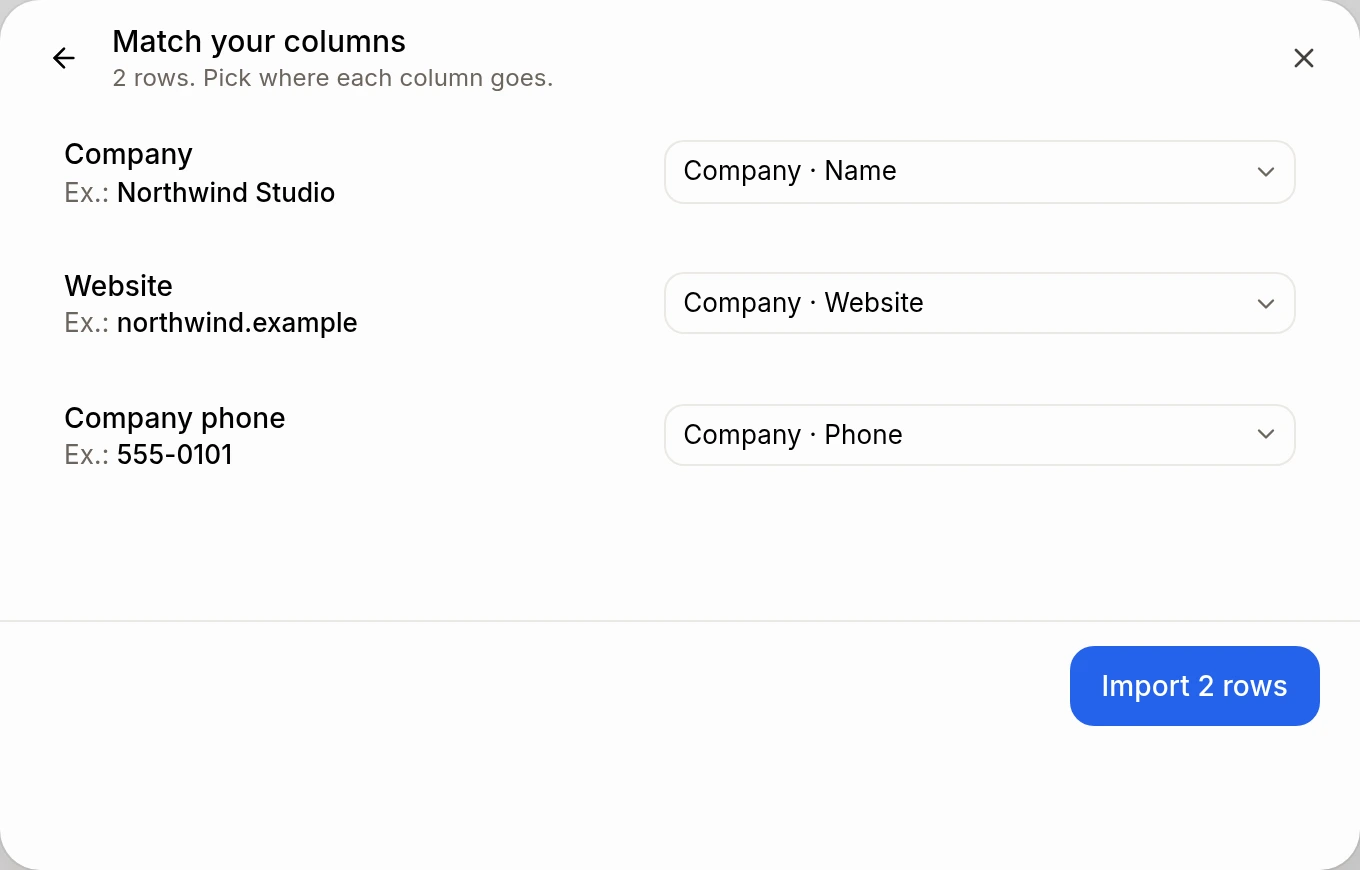
Under Match your columns, check where each column goes. Match the company name, website and company phone to their company fields. A company does not need an email.
Click Import with the row count. Alori can find a company again by its Google listing, website or name when you import it again.
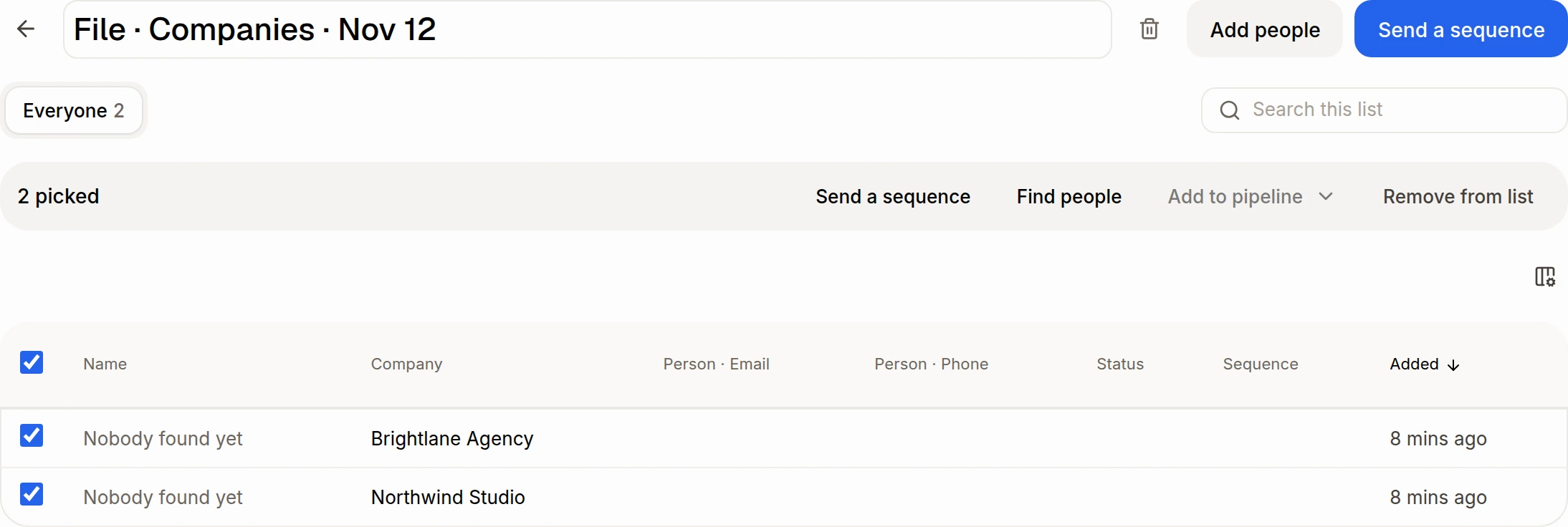
To find contacts, select company rows and click Find people.
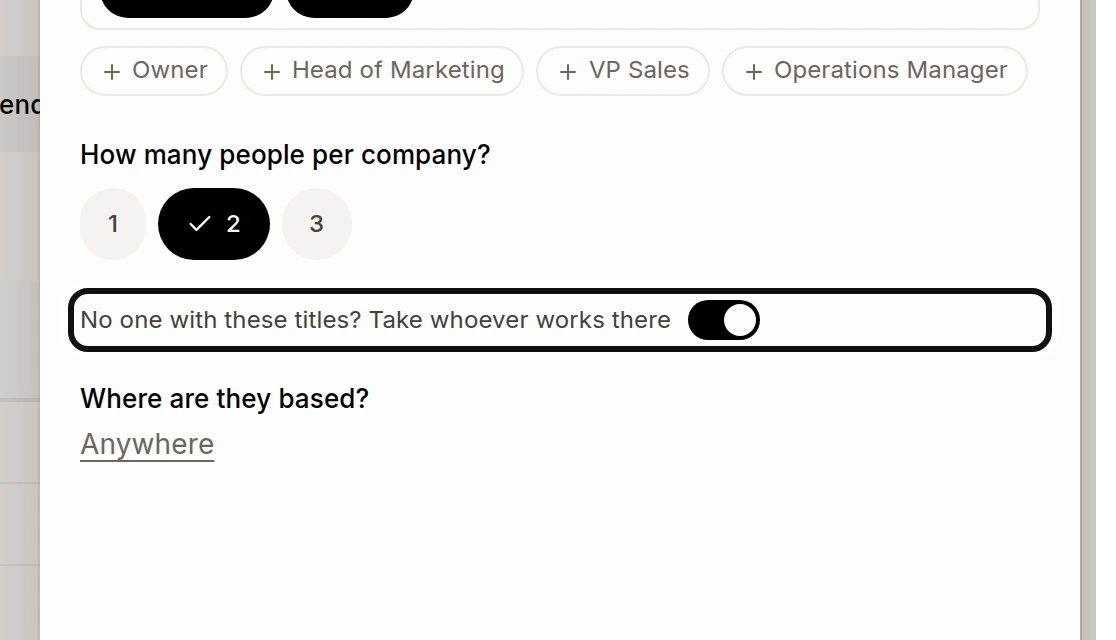
Choose job titles and the number of people per company. To include someone else when no one matches the titles, turn on No one with these titles? Take whoever works there. Click Find people.
Connect Apollo first. One search runs per list; people join as their work emails are found, and progress shows under the list's name. Companies without a website are left out. People found from a company list keep the company's website and their job title.
You can also ask Sam or Claude to find people at companies, review the results, then ask to add the people you choose to a target list. See How do I find emails and phone numbers with Apollo? and How do I add people from a target list to a pipeline?.