How do I import my Calendly bookings?
Bring your Calendly links, hours and appointments into Booking.
Bring your Calendly links, hours and appointments into Booking.
If you see Connect Calendly, click it and allow Alori in Calendly. The import starts after you connect.
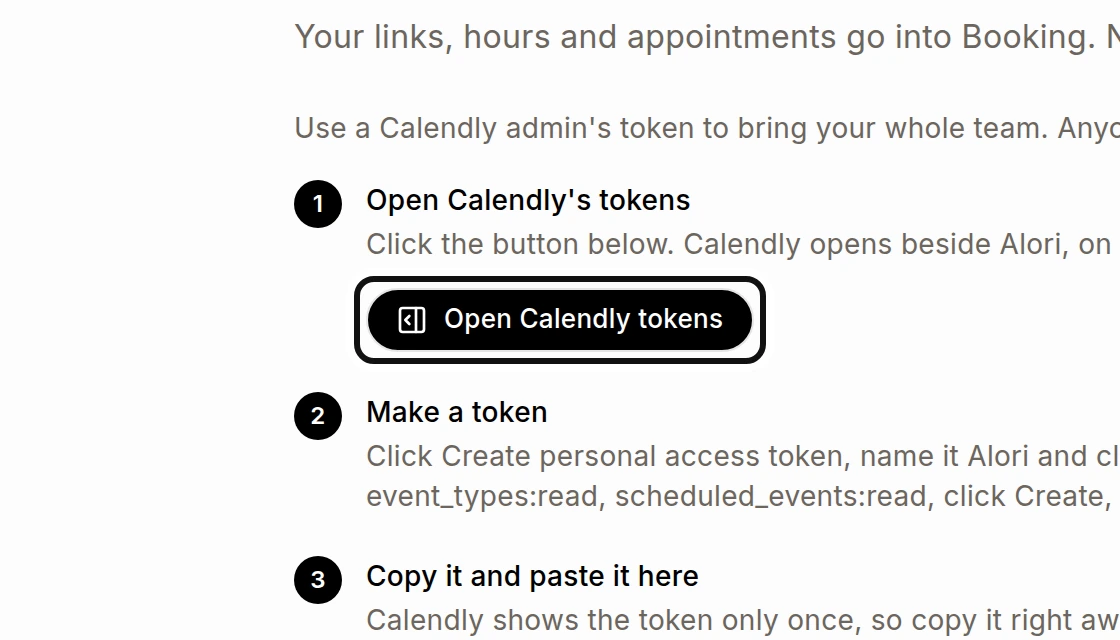
If you use a personal access token instead, click Open Calendly tokens and follow the steps shown to make a token.
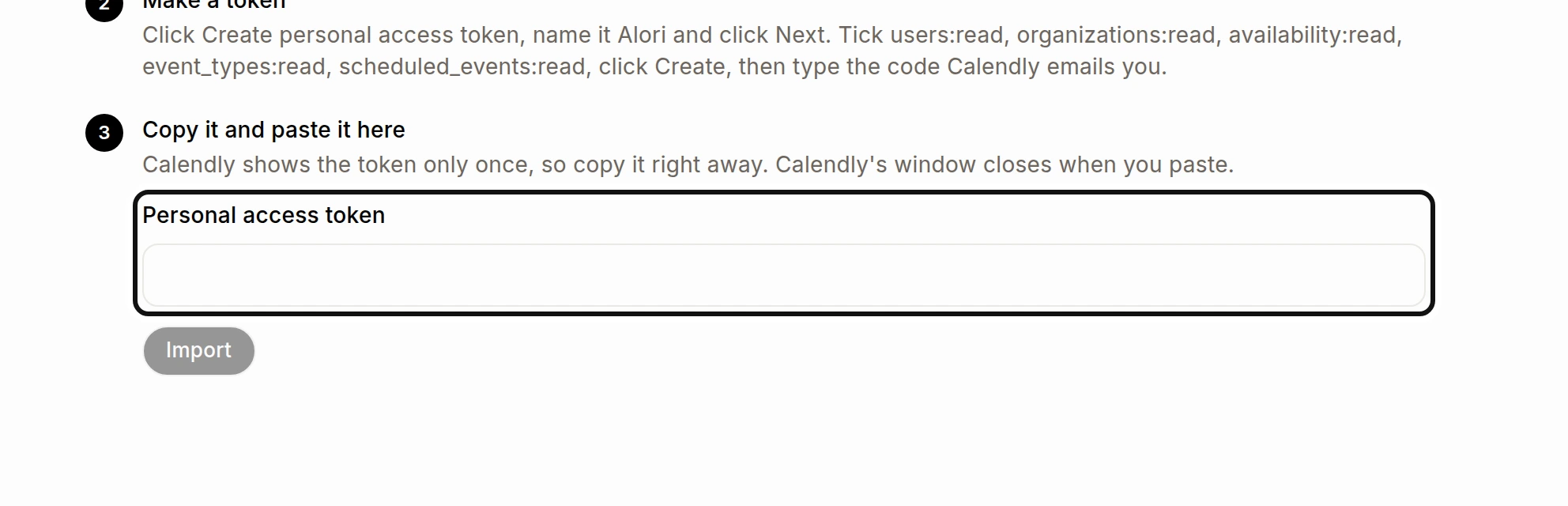
Paste the token in Personal access token.
Click Import. You can close the page; the import keeps going.
Use a Calendly admin's token to bring your whole team; another person's token brings only their own links and appointments. Nobody receives an email from the import. Your links appear in Booking, and past appointments appear on each customer.
Calendly does not share buffers, minimum notice, routing forms or workflows, so imported links use Alori's settings for those. Import again brings later changes, such as cancellations, without copies.