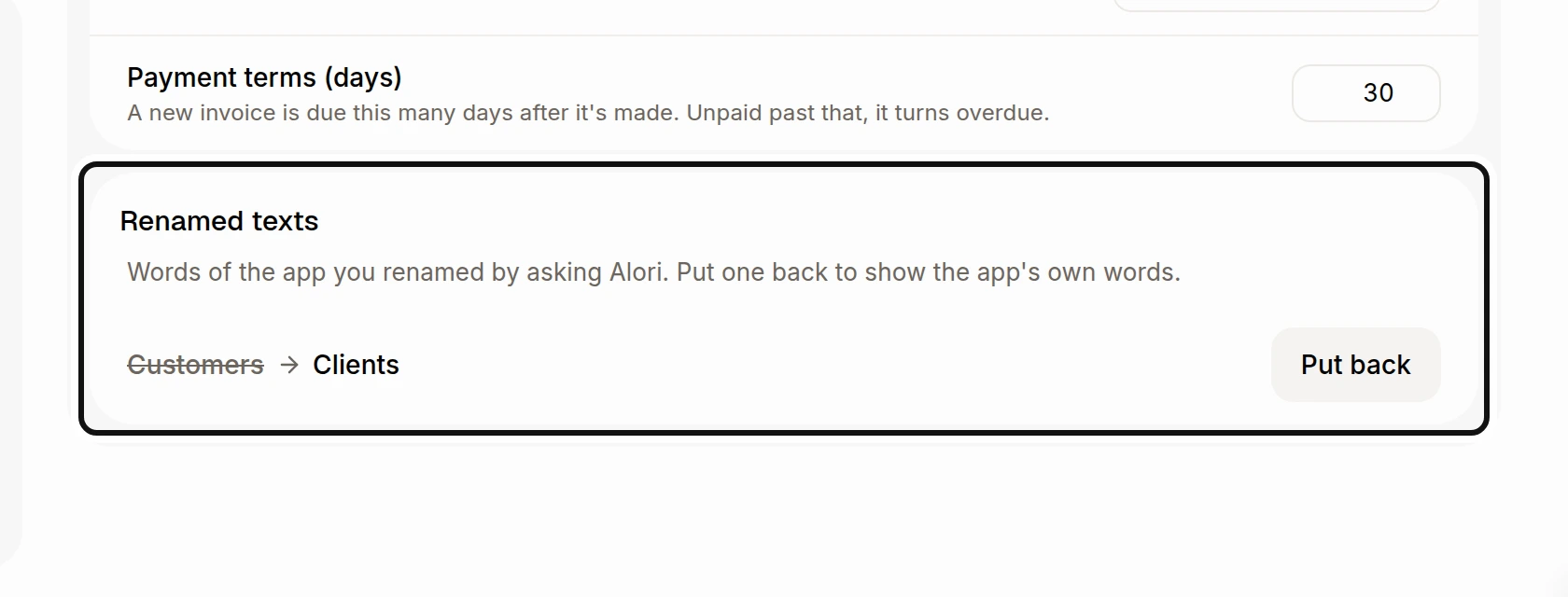
How do I rename a label in my app?
Ask Sam to use your words, and put Alori's words back whenever you want.
Ask Sam to use your team's words for a label. You can put Alori's words back later.
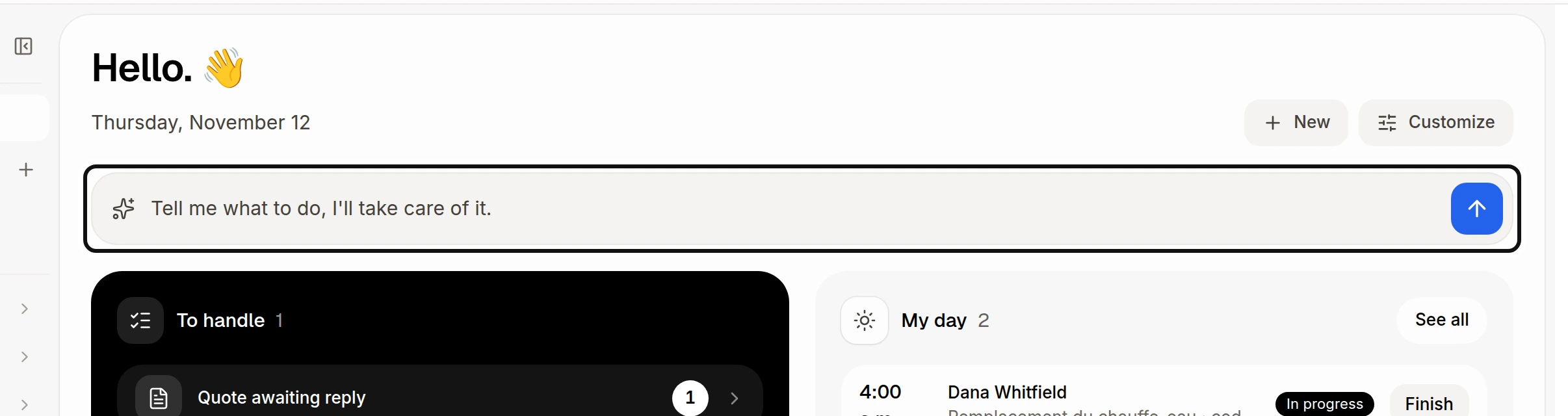
Click Tell me what to do, I'll take care of it. to open Ask Sam.
In the message box, say which words to change and what to call them, then send it. For example, ask: “Call Customers Clients in English.”
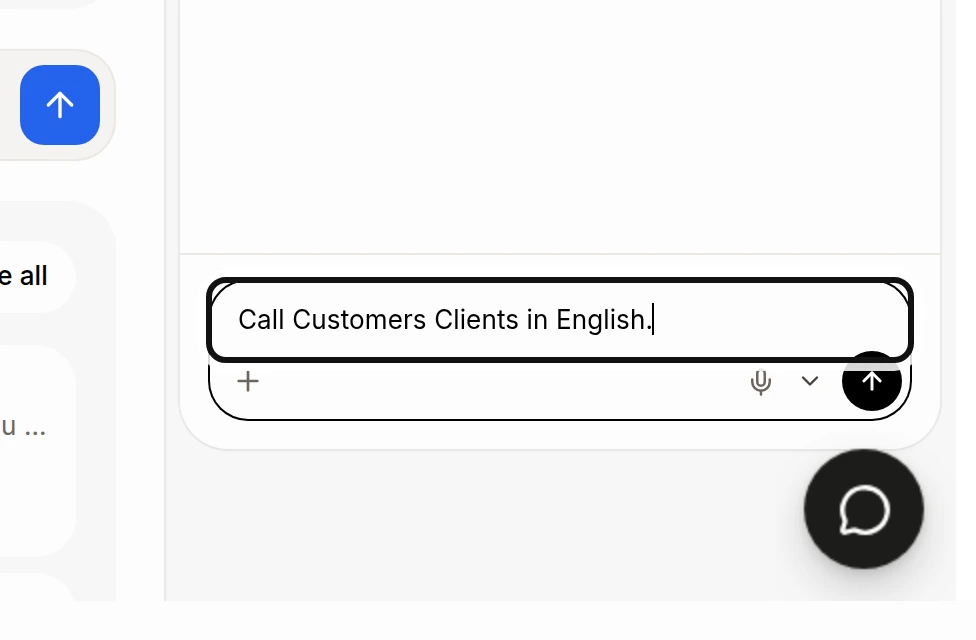
The picture shows the request ready to send. The change applies to your whole team wherever the same label appears. Ask separately for each language your team uses.
Under Renamed texts, find the label and click Put back to restore Alori's words.