How do I save a phone number with an extension?
Save a phone number and its extension together.
Save a phone number and its extension together on a customer record.
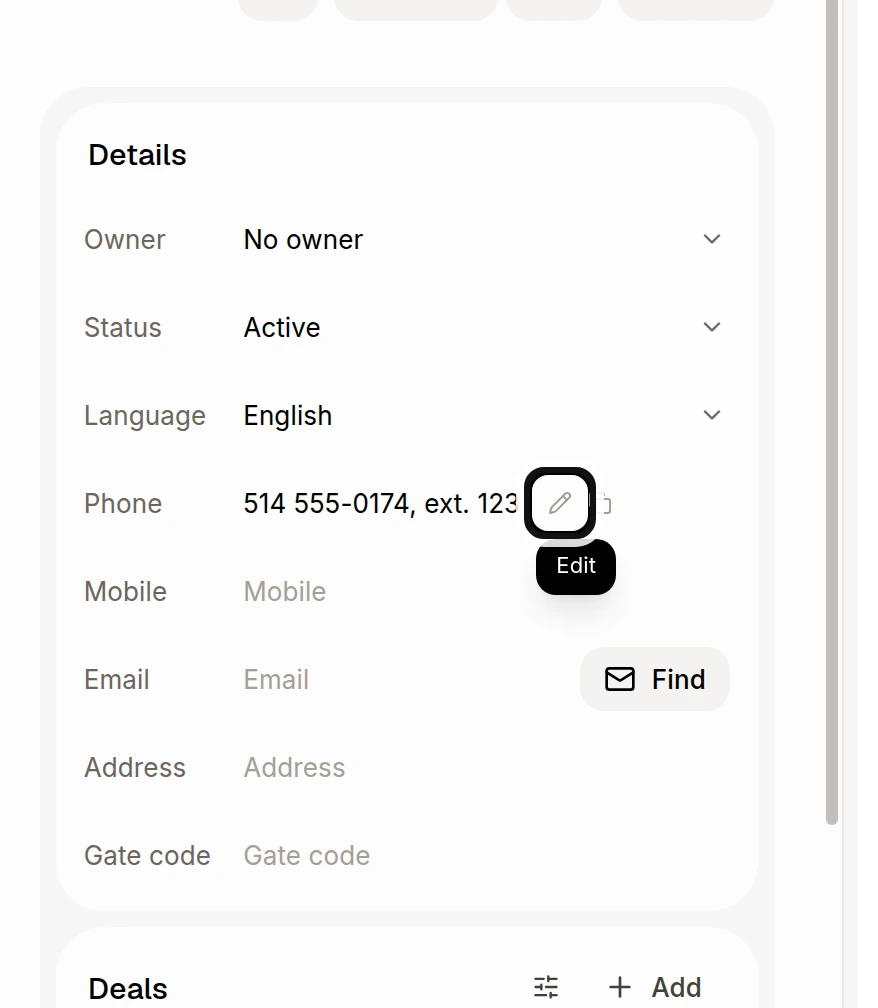
On the customer record, click Edit beside Phone under Details. If the field is empty, click Phone.
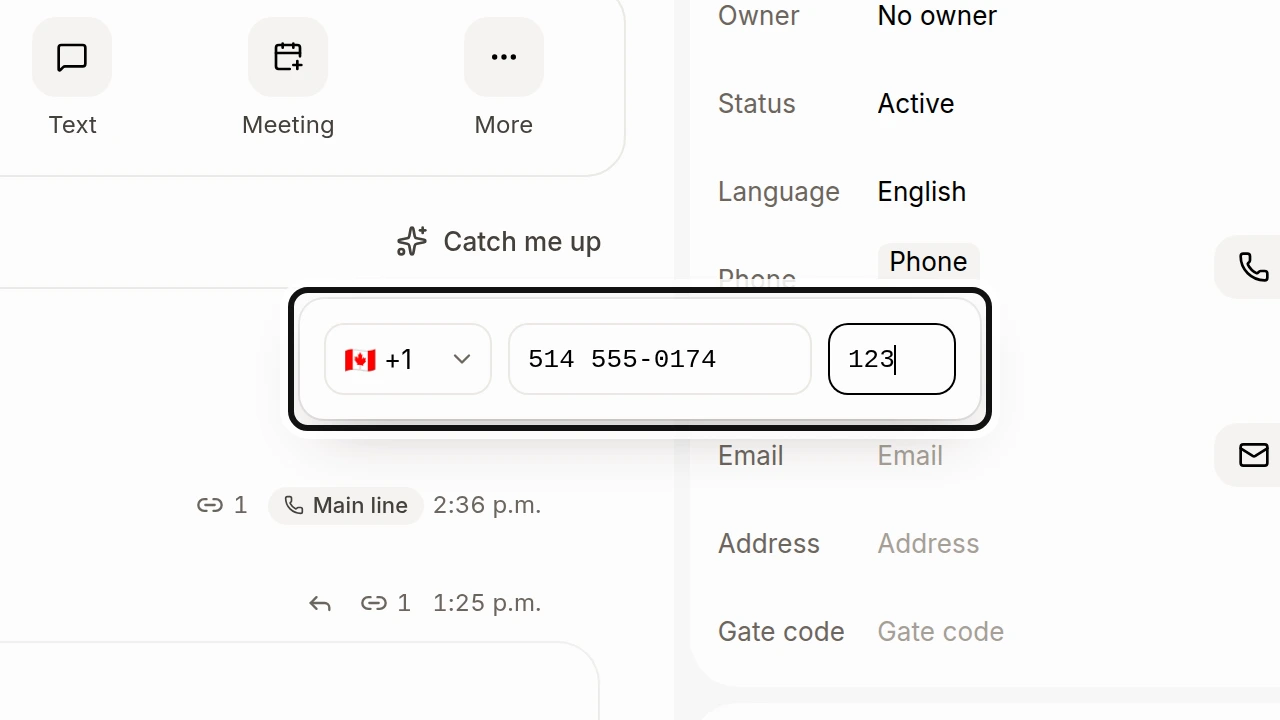
Choose the country, enter the phone number and type the extension in Ext..
Press Enter or click outside the box to save.
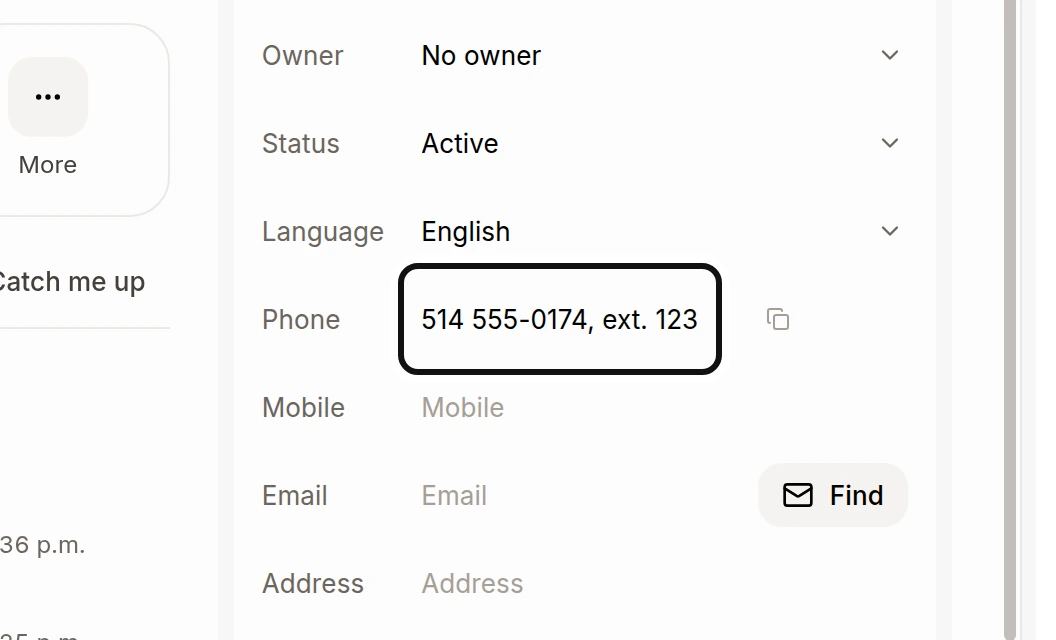
When you call, Alori dials the extension after a pause. If the phone menu needs more time, open the call keypad and choose Dial ext. followed by the extension. The live keypad requires a real call, so it is not shown here.
Did this answer your question?
NoPartlyYes