Why do my emails land in spam?
Check the settings that help prove your emails come from your domain.
Written by Philippe Genois
Missing email domain settings can make your messages more likely to land in spam. SPF says which senders may use your domain, DKIM signs your messages, and DMARC tells receiving mail services what to do when checks fail. Other things, like a new sender or many links, can also matter.
If your connected work mailbox uses a domain missing settings, look for Keep your emails out of spam. The tip shows what is missing.
Read the tip’s instructions for SPF, DKIM or DMARC. Select Copy the steps if someone else manages your email, so you can share the instructions with them.
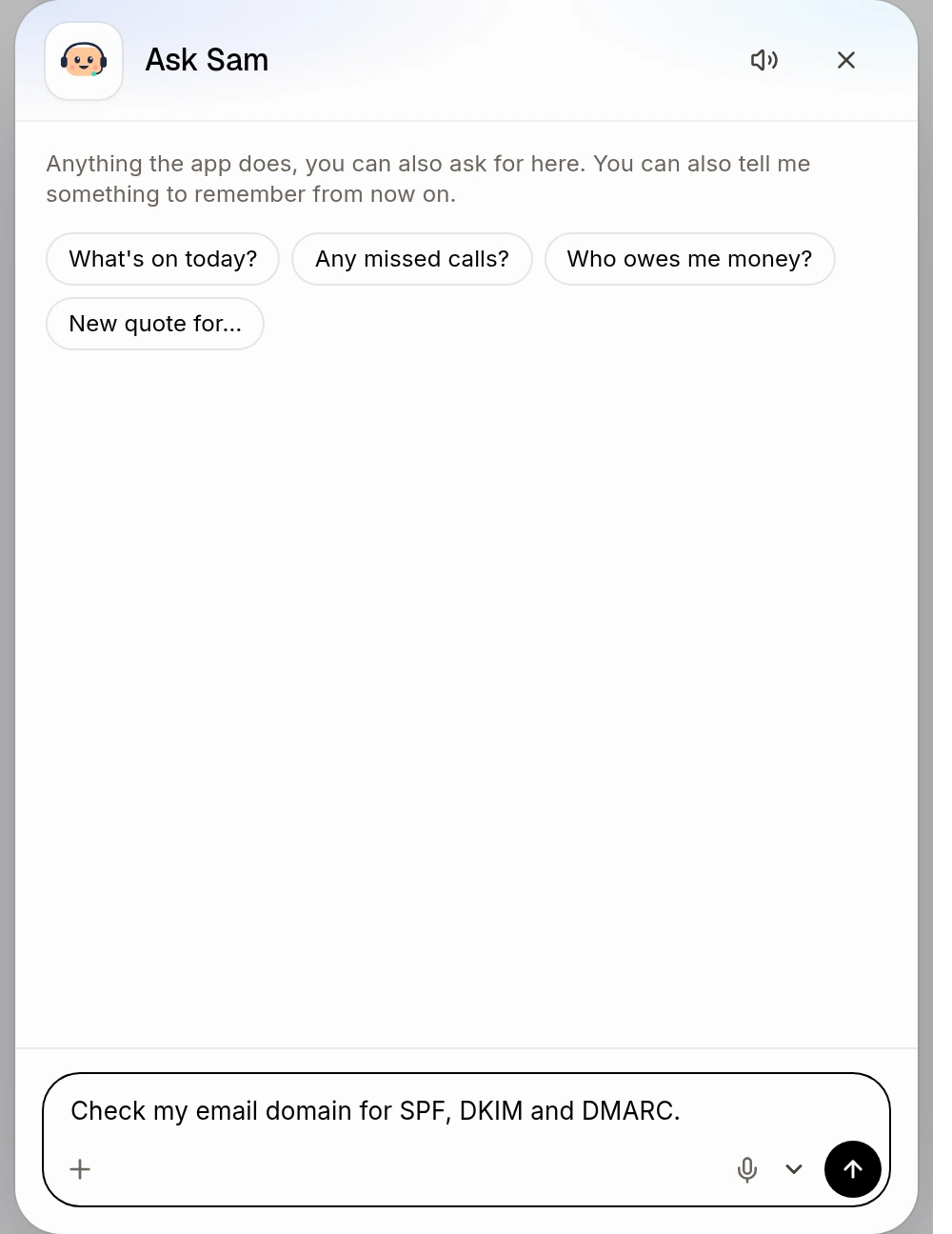
To check with Sam, open Ask Sam, ask “Check my email domain for SPF, DKIM and DMARC,” and send your question.
The tip appears only when a connected work email domain has settings to fix. Personal addresses such as Gmail.com and Outlook.com are handled by their provider. If you have no connected mailbox, connect one on the Email page first. If Sam cannot read the domain settings, try again later.
Did this answer your question?