How do I create my app?
Type your business name, say what takes your time, answer what Alori couldn't find, check your tools and click Build my app.
Type your business name, answer a few one-tap questions, and Alori builds your app in about a minute. There's one question per screen, Alori skips what it already found on Google or your website, and you don't need an account to build.
Also called: sign up, get started, onboarding, build my app, créer mon app, commencer, inscription
Step 1: Find your business
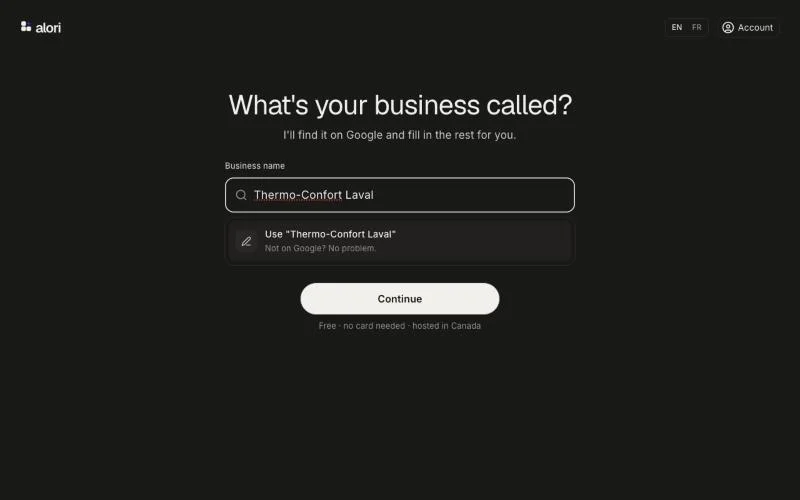
On the Alori home page, click Start free. Under What's your business called?, type your business name or your website. Alori looks it up on Google: pick your business in the list, or click Use "…" to keep what you typed.
Click: Start free › type your business › pick it
Step 2: Say what takes your time
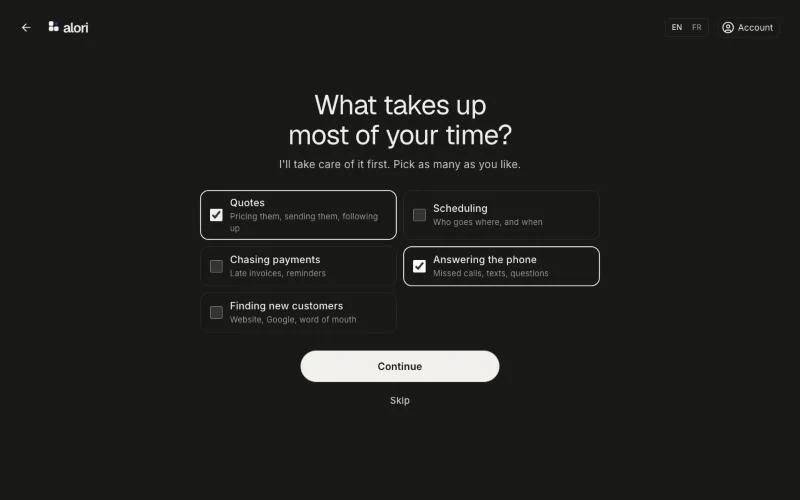
Under What takes up most of your time?, pick as many as you like, then click Continue. Alori takes care of those first. Click Skip if you'd rather not say. If you picked your business on Google, What I already know above shows what Google gave, so you can check it's yours.
Click: pick what takes your time › Continue
Step 3: Answer what Alori couldn't find
Alori only asks what Google and your website didn't already tell it, one screen each:
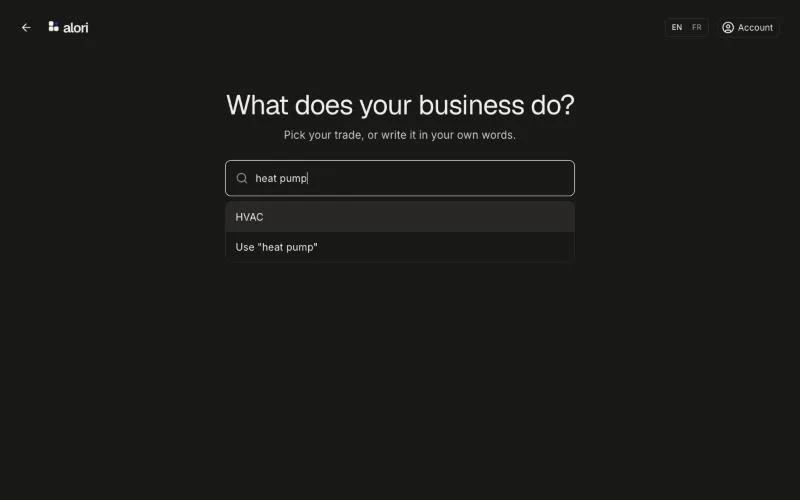
What does your business do? Type your trade and pick it in the list, or click Use "…" to keep your own words.
What's your website? Type it and click Continue, or click I don't have a website.
How many people work there, you included? Tap Just me, 2 to 5, 6 to 20 or Over 20.
Click: answer each question
Step 4: Check your tools and build
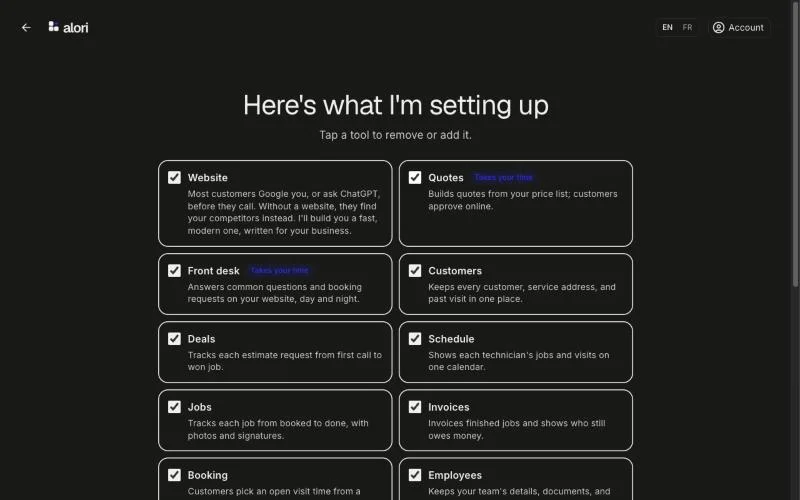
Under Here's what I'm setting up, Alori ticks every tool that fits your business. Website comes first: Alori builds you a new one, or rebuilds the one you have. Tap a tool to remove or add it, then click Build my app. It's free, and you can change everything later.
Click: Build my app
Step 5: Your app opens
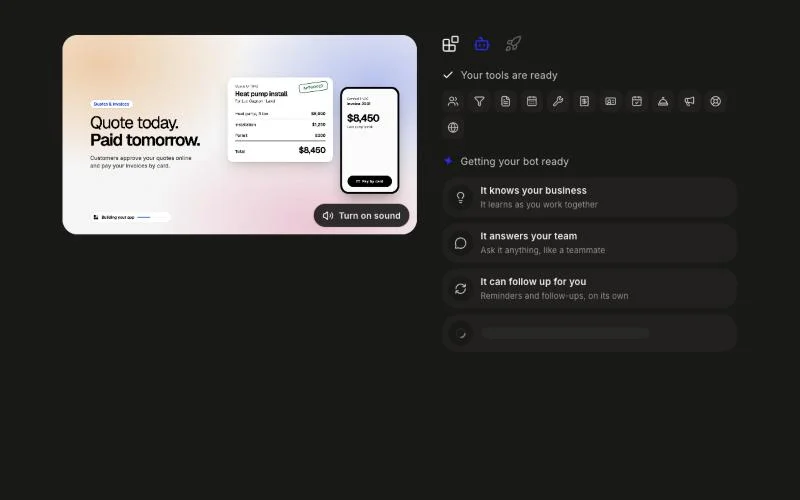
Alori builds your tools, then gets your bot ready. The screen says Your bot is ready only once your app really is, then your app opens by itself, with sample customers and jobs so you can try it. Click Open my app if you don't want to wait.
If it doesn't work
"We couldn't get things started. Check your connection, then try again." Alori couldn't start your guest session. Check your internet connection, then click Try again.
"We couldn't set up your app. Nothing was charged. Try again in a moment." Click Try again. If you see Hang on a minute, then try again., wait a minute first.
"Lots of new apps are being built right now." Click Save my account to keep going with Google, or try again in a few minutes.
"Putting your app online. It takes a minute or two." Nothing is wrong: wait, and your app opens by itself.