How do I call a list of numbers one after another with the Power Dialer?
Add numbers and call them one after another from Calls.
Call the numbers on your list in order from the Calls page.
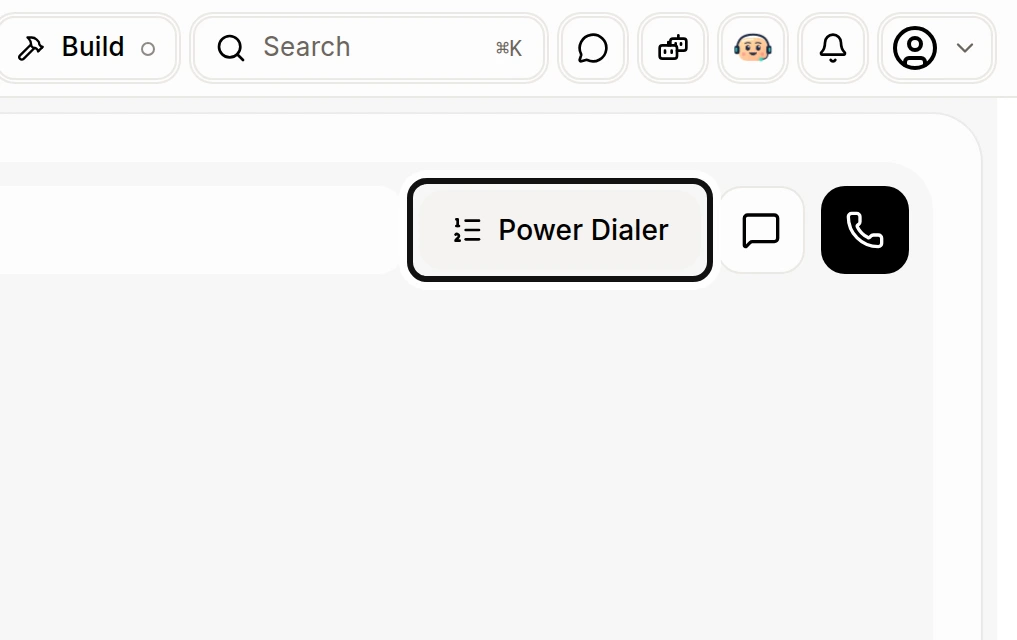
Open Calls and click Power Dialer.
Click Import a CSV and choose a file with numbers in the first column under a header row. Or paste numbers under Paste numbers, then click Add.
To add people from your CRM, select customers and choose Add to Power Dialer, or use that action on a person's record.
Back in Power Dialer, choose Call from and click Start session. Alori calls the list from the top, one number at a time.
During the session, use Skip, Pause, Resume or End session as needed. When it ends, the summary shows how many were called, reached, left a voicemail or skipped.
Calls must be set up first. The list holds up to 1,000 waiting numbers. You can download numbers that were not added to see why.