How do I make a Full access API key?
Make a Full access key for your own software.
A Full access key lets your own software read and change data, send messages, book meetings and manage webhooks. Only an admin can make one.
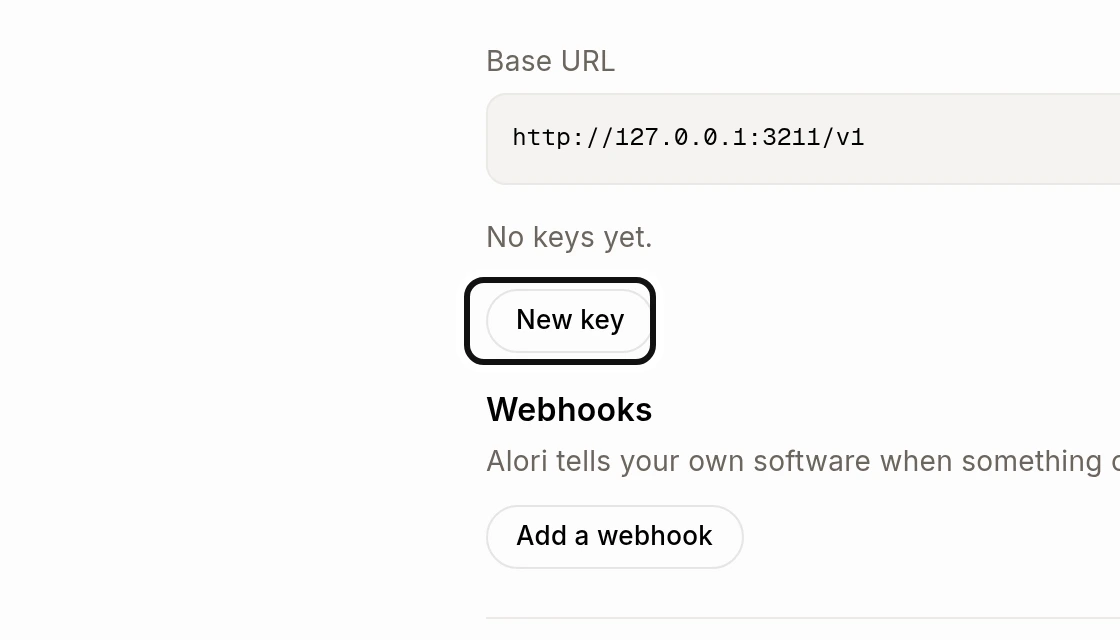
Open Connectors, choose API, then click New key.
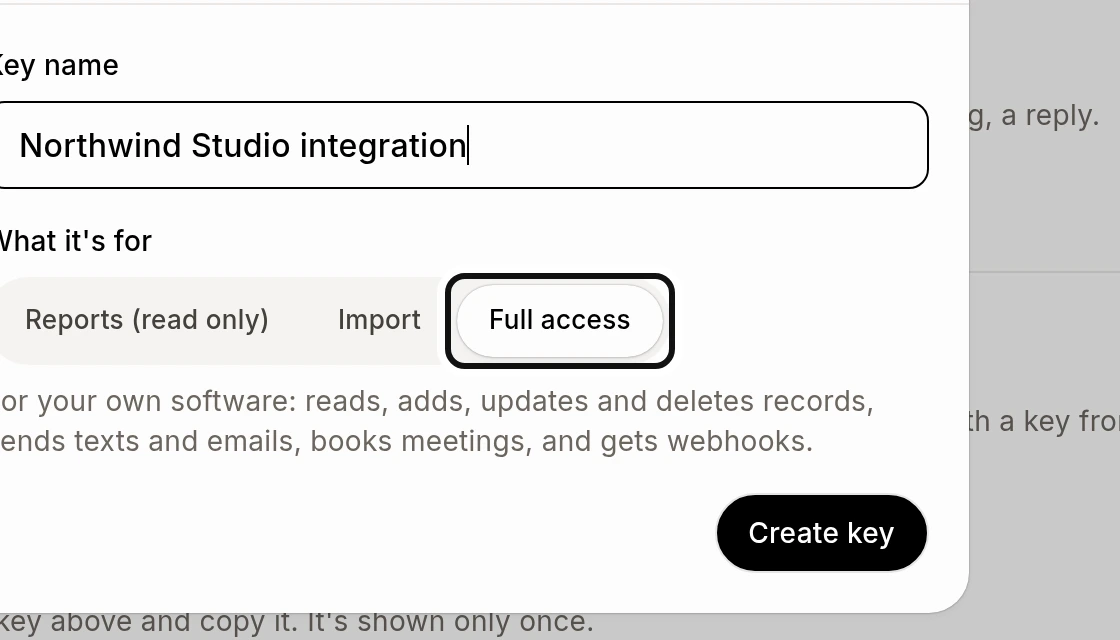
Enter a Key name, select Full access, and click Create key.
Copy the key into your software before clicking Done. It is shown only once. Keep it private. If it is exposed, use Revoke on the key list; software using it stops working.
To receive a signed notice when data changes, see How do I get a notice when my data changes with a webhook?.