How do I make Nora answer my business calls?
Choose when Nora answers and who she can put callers through to.
Let Nora answer your business calls and pass callers to your team.
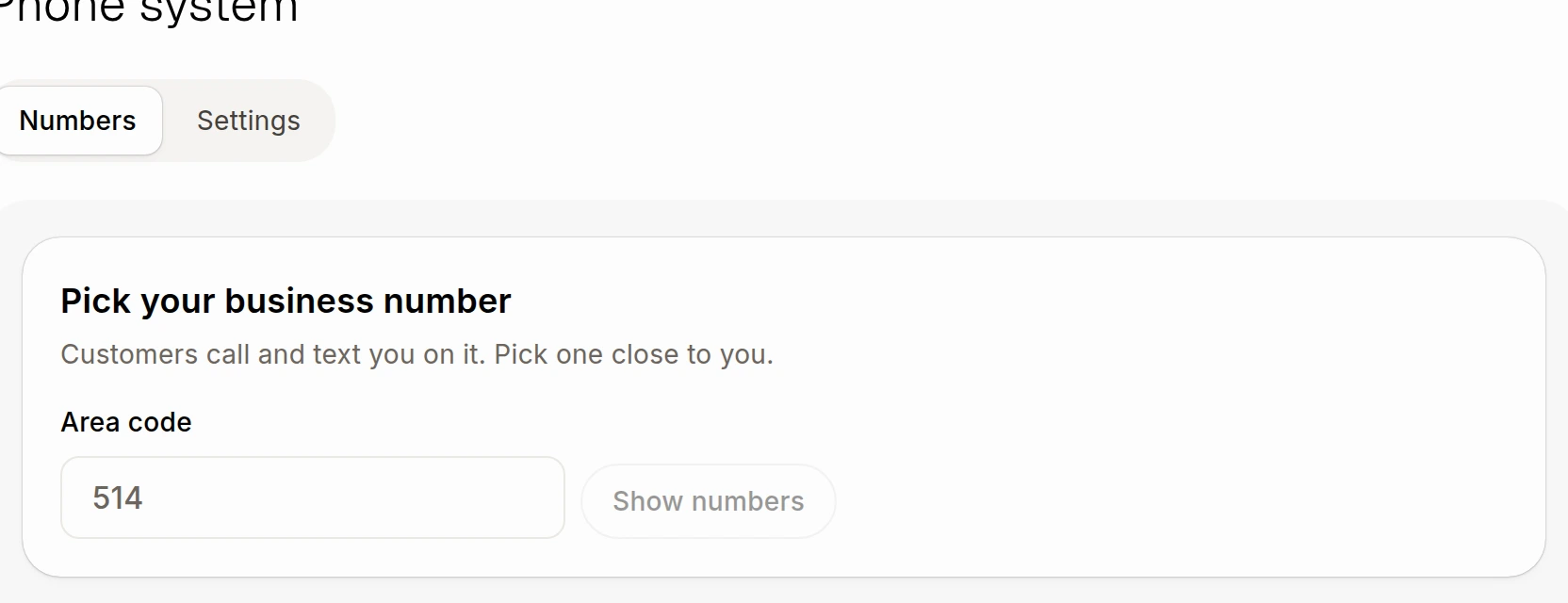
Under Numbers, open your business number. If you have not picked one yet, see How do I get my business phone number?.
Open More options, then find Nora answers your calls.
Choose When nobody answers, When you're closed or Every call. For When nobody answers, choose how long the phones ring under Pick up after.
Under Greets callers in, choose Automatic, French or English.
Under Puts callers through to, choose who should ring when a caller asks for a person.
If you have more than one number, use On these numbers to choose the numbers Nora answers. Each choice saves as you make it.
Nora answers from what she knows about your business and can take a message. A caller can ask for a person or press 0. Nora checks whether someone can answer and tells the teammate why the caller is calling. If nobody is available, she takes a message; if a transfer rings out, she says the team will call back.
Nora can handle calls in English or French. She listens in the call's language after the caller speaks. Calls she answers use credits by the minute. To stop her answering, return to Nora answers your calls and choose Off.