How do I move from Zoho CRM to Alori?
Bring your Zoho CRM records into Alori, starting with a sample.
Bring your Zoho CRM records into Alori, starting with a sample.
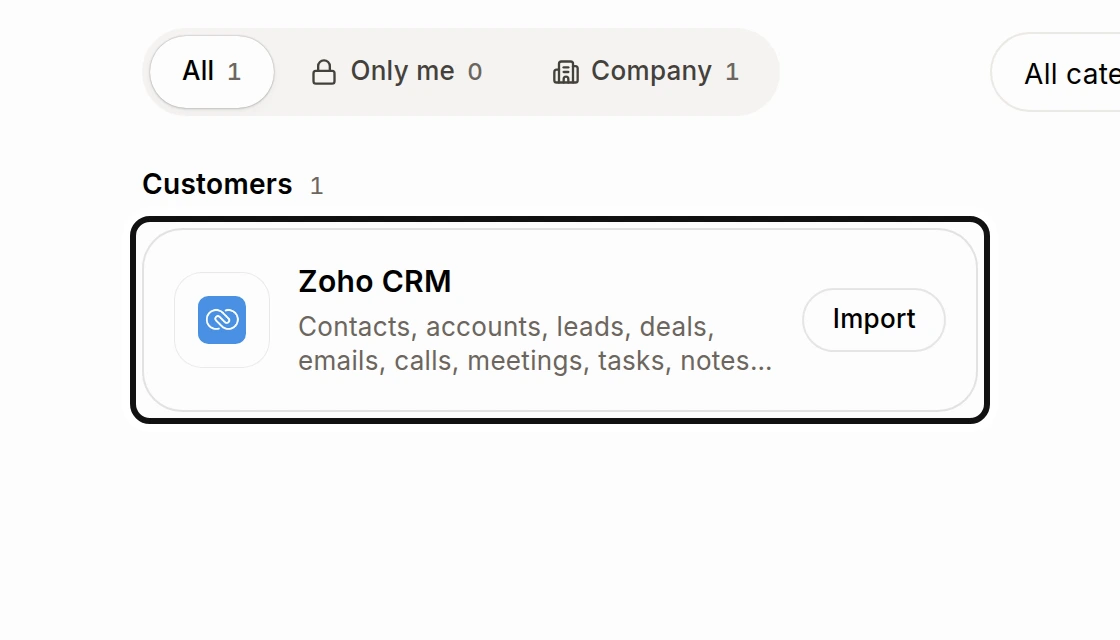
Find Zoho CRM and choose Import.
Click Connect Zoho CRM, sign in to Zoho and allow Alori to read your account.
Under Check what comes over, review the records and use Fields, owners and pipelines if you need to change where they go.
Choose Looks good, try a sample, then import and check the sample in your app.
Choose Looks good, import everything and confirm the import. You can close the page while it runs.
Contacts, accounts, leads, deals, emails, calls, meetings, tasks, notes, files, products, quotes and invoices can come over. Alori only reads Zoho CRM; it does not change it. Importing again brings changes without making copies. Imported customers, companies and deals show Imported from with their source and when each link was made. Review look-alike records after importing: records merged in Zoho CRM may still be separate in Alori. See How do I merge duplicate customers?.