How do I rename my bot?
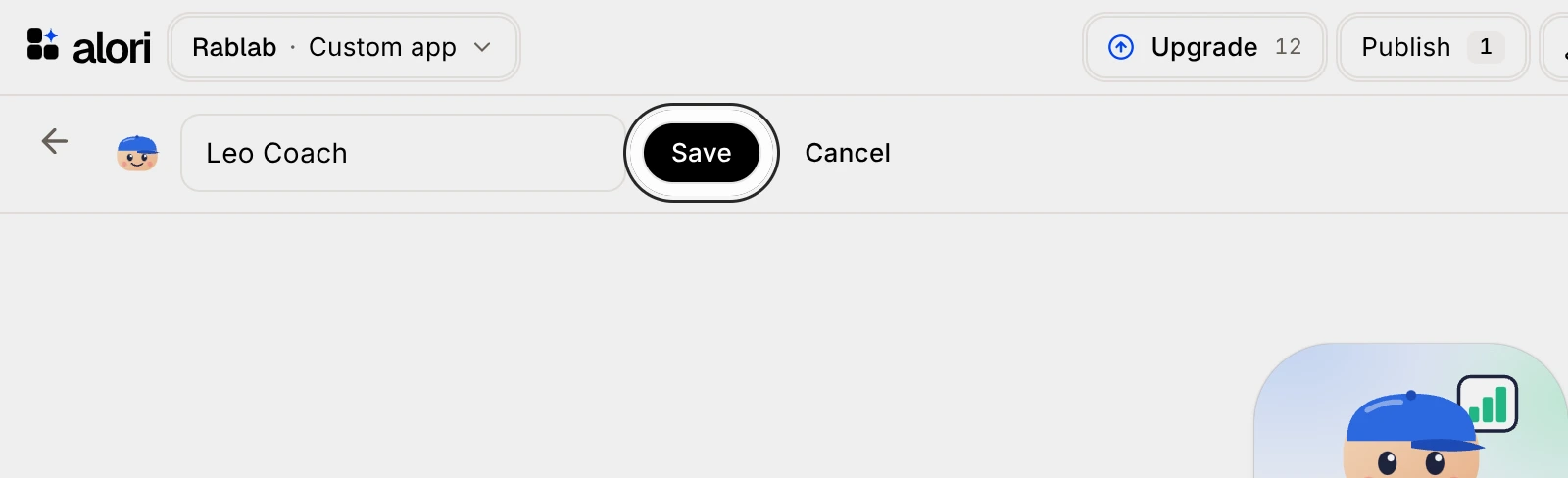
Open the bot, click the pencil next to its name, type the new name and click Save.
Open the bot, click the pencil next to its name, type the new name and click Save. Any bot can be renamed.
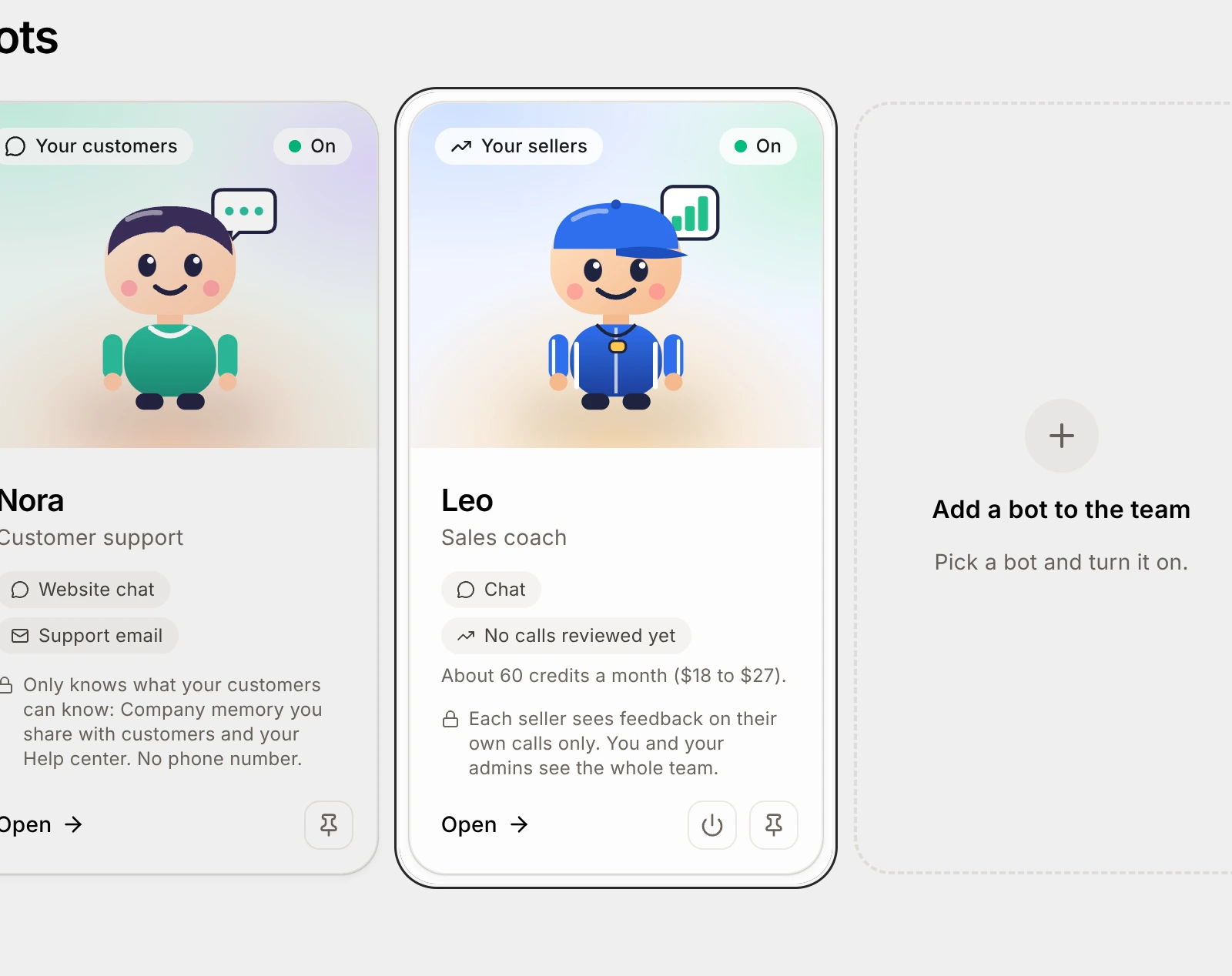
Click the card of the bot you want to rename, like Leo.
Click the pencil (Rename) next to the bot's name, at the top.
The name turns into a box you can type in.
Type the new name.
Click Save.
The bot shows its new name everywhere: on the Bots page, in its chat and at the top of the screen. To keep the old name, click Cancel instead.