How do I see when a customer last signed in and what they did on my site?
See sign-ins, pages and other activity on a customer's record.
See when a customer last signed in and what they did on your website or app.
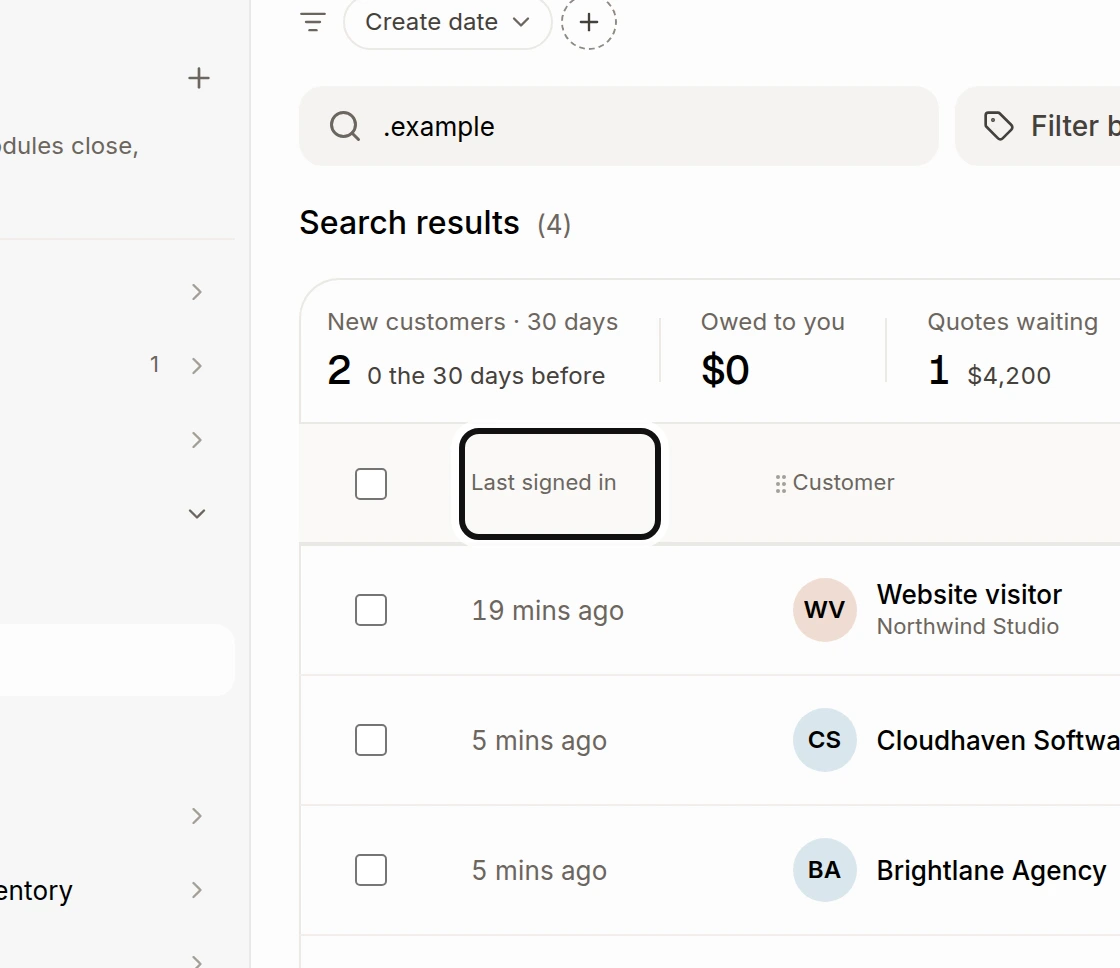
Look at Last signed in to see the latest known sign-in.
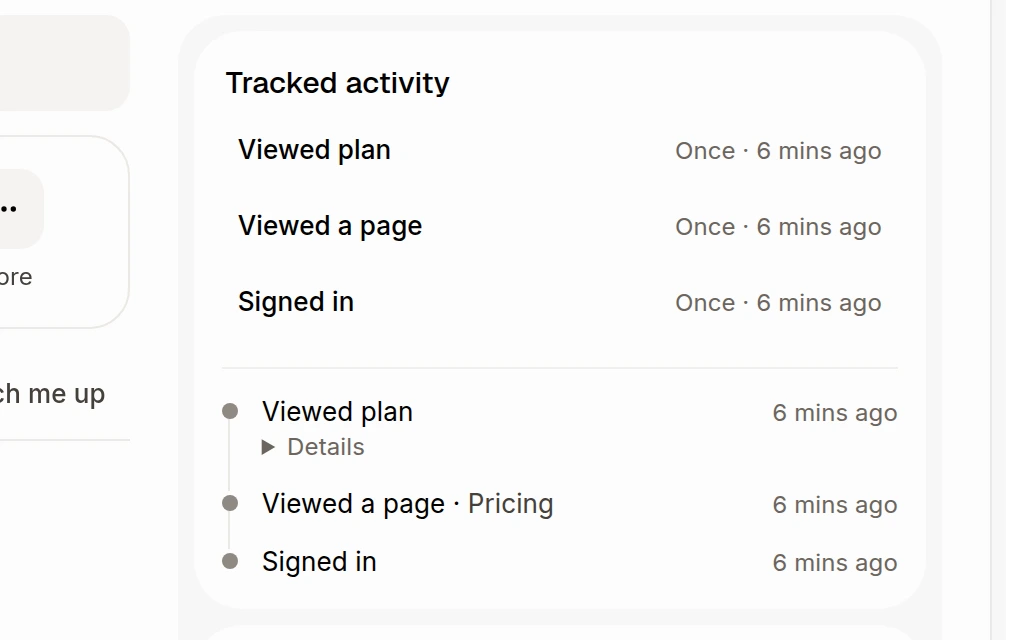
Open a customer's record. Tracked activity shows each kind of activity, how often it happened and when it last happened. The card also lists the events, newest first.
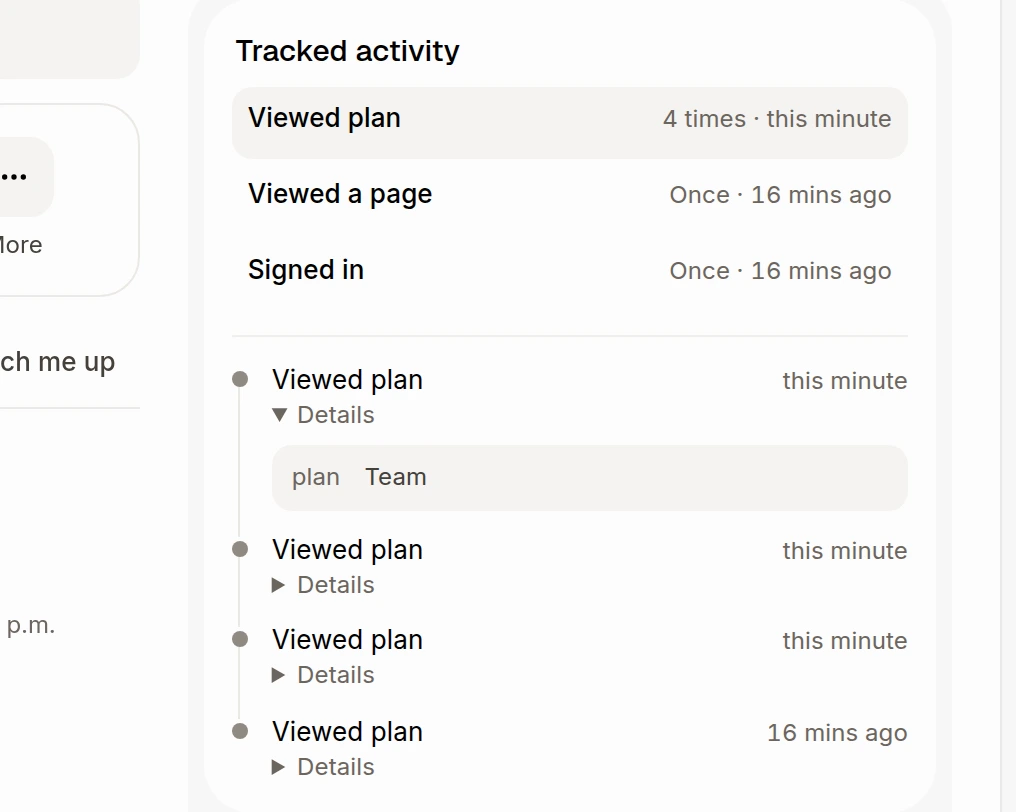
Choose an activity to show only that kind in the history. Open Details on an event to see any details sent with it.
Your developer must set up a signed identify call on your website or app. A signed-in person becomes a contact even if they never start a chat. Once the browser is linked to them, Alori keeps sign-ins, pages opened and custom events your site sends. The card and column appear when there is activity to show. Sign-ins close together count as one session, while the last sign-in time can still move forward. Page tracking respects Do Not Track and Global Privacy Control. See Know who's chatting: identify signed-in users.
You can filter a smart customer list by when an event last happened or how many times it happened. Ask Sam, the Chat or Claude can also read the activity.