How do I track who opens my cold emails?
Turn on open tracking in a sequence and see who opened.
Written by Philippe Genois
Turn on open tracking in a cold email sequence, then see which leads opened.
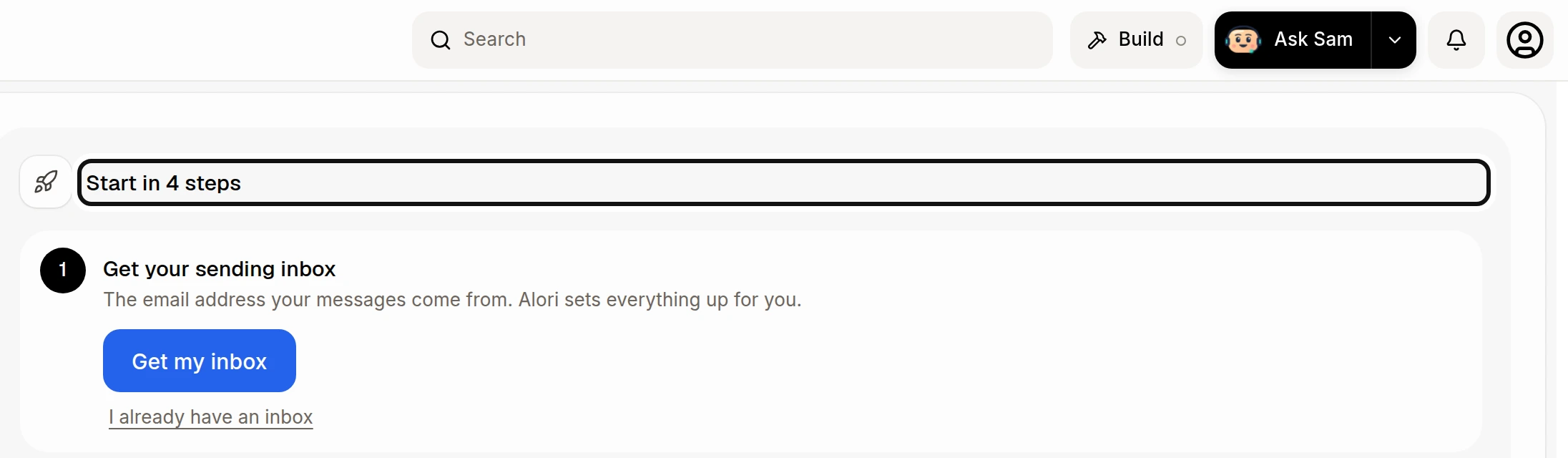
If you're setting it up for the first time, you'll see Start in 4 steps, as shown here. Set up an inbox before sending.
Open the sequence you want to track.
Under Opens and clicks, turn on Track who opens. Your website needs its own domain for the switch to work.
In the sequence's leads, look for Opened beside a lead.
Open tracking uses a small invisible image in the email. Some mail apps, including Apple Mail, can load it automatically, so an open doesn't always mean someone read the email. In Results, a click or a reply also counts as an open. New sequences start with open tracking on; check the switch for an existing sequence.
Did this answer your question?