How do I choose which number my calls go out from?
Choose which of your available numbers your calls use.
Choose which of your available numbers your calls use.
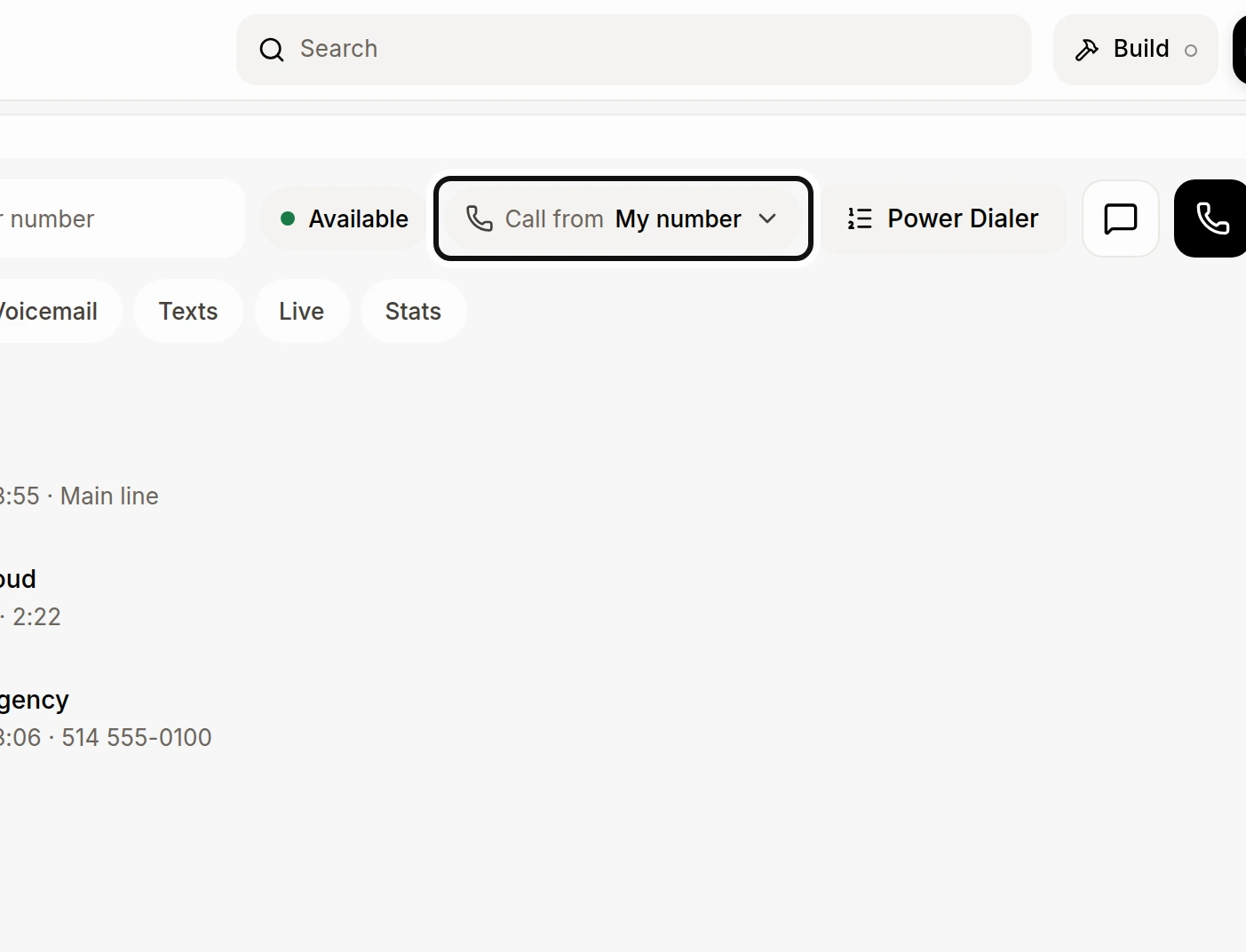
On Calls, click Call from.
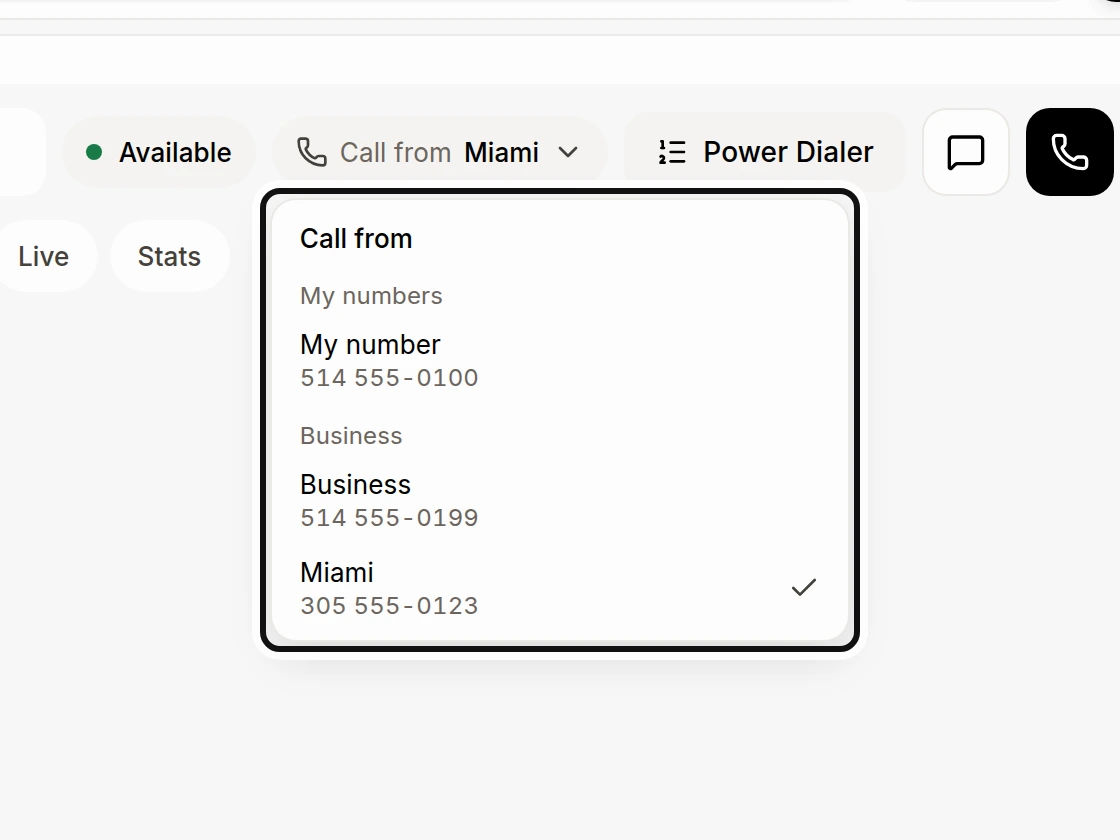
Choose a number. Alori saves your choice for your next calls.
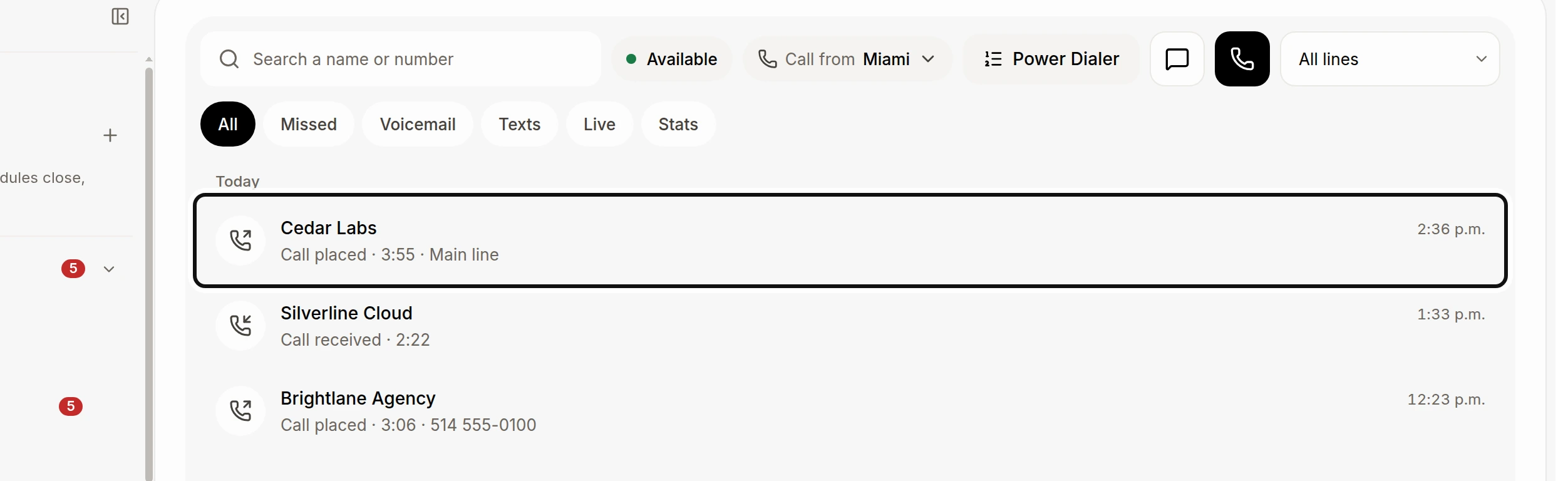
The line used for a call appears under it in the call list when it is known. Older or imported calls may not show a line.
If you have only one available number, there is no Call from menu. On a phone, choose the number in From when you start a new call.
Did this answer your question?
NoPartlyYes