How do I connect OneDrive so Sam can find my files?
Connect your Microsoft account so Sam can find your files.
Written by Philippe Genois
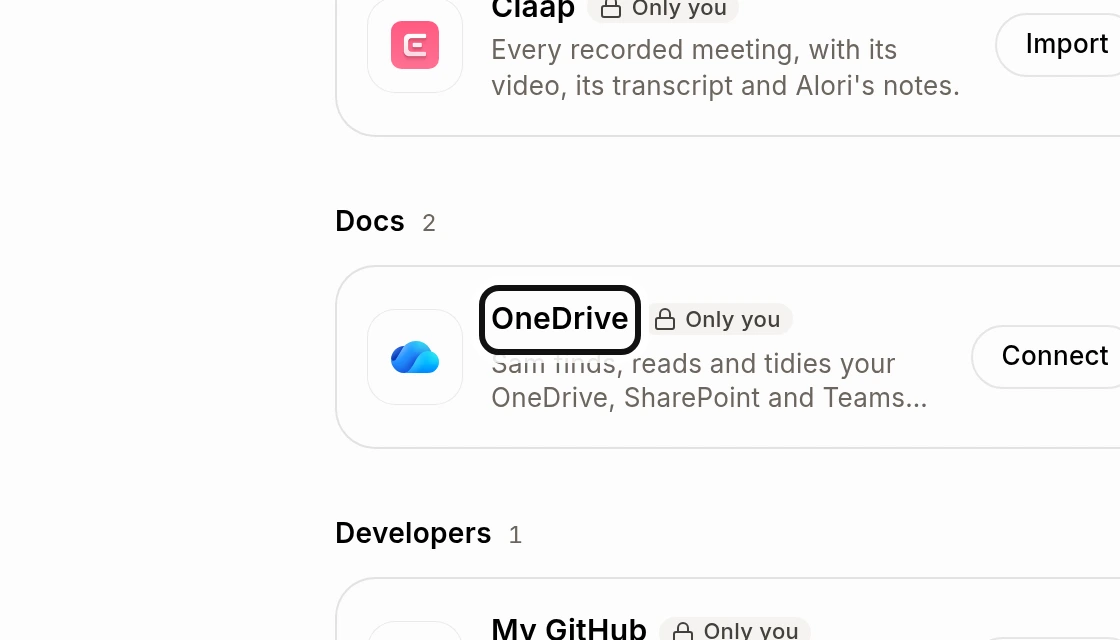
Choose Only me, then open OneDrive.
Select Connect.
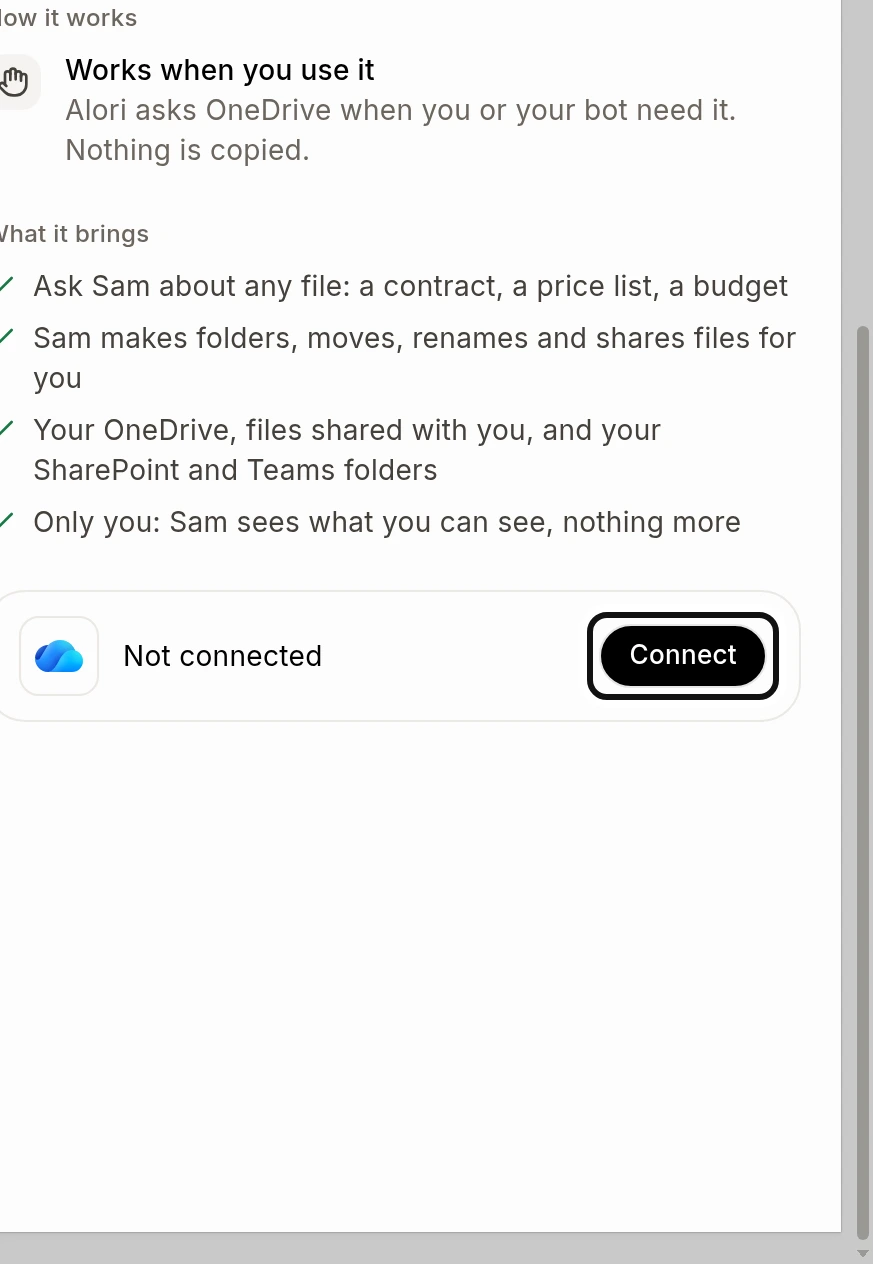
Sign in with your Microsoft work account and select Accept. This Microsoft screen needs a connected account, so it is not pictured here.
You can now ask Sam to find or read your files, including files shared with you and libraries in SharePoint and Teams. Sam can only access what you can access. Each teammate connects their own account.
If Microsoft says your company must approve Alori first, use Copy link on the OneDrive panel and give the link to your IT person. Once they approve it, connect again.
Did this answer your question?
NoPartlyYes