How do I find conversations that need an answer?
Find the conversations waiting for your team and narrow the list.
Find the conversations waiting for your team and narrow the list.
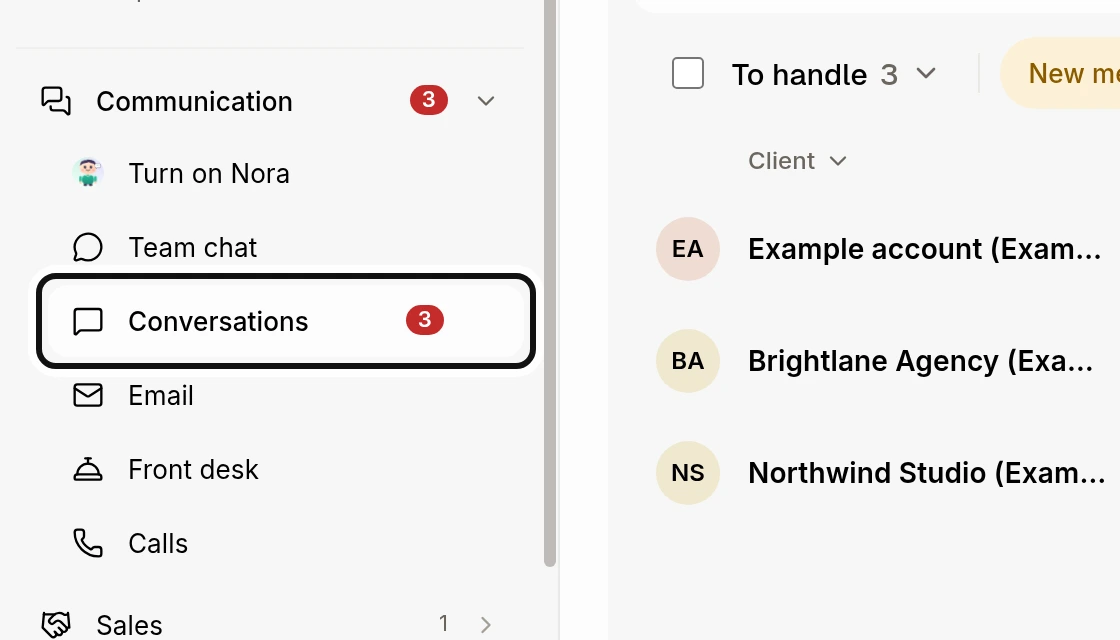
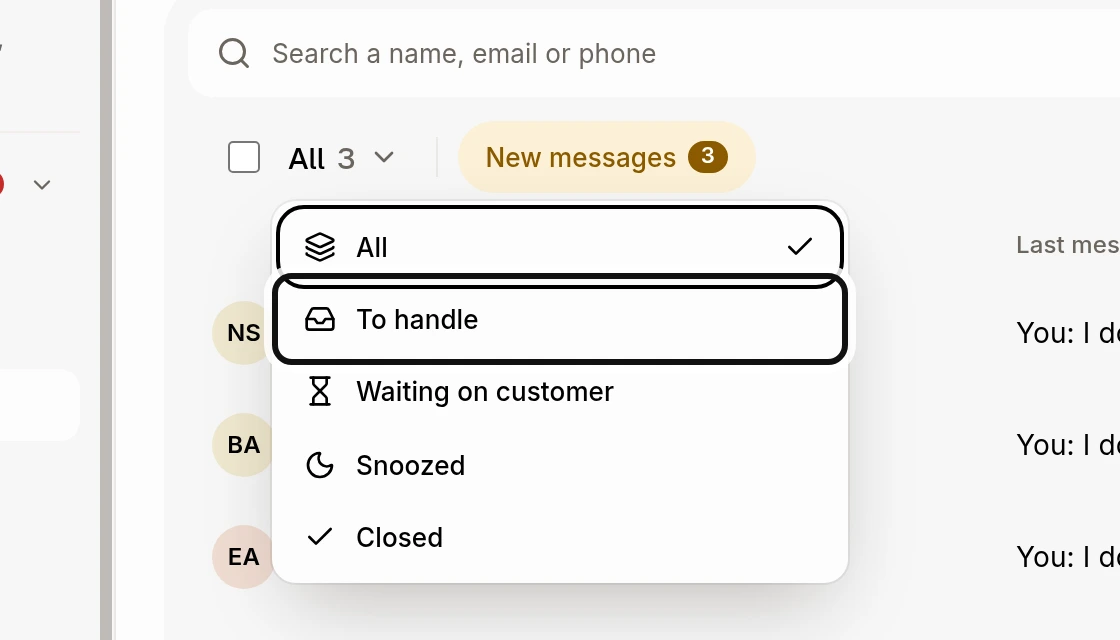
Click the status above the list and choose To handle. These are conversations where your team owes an answer. Choose Waiting on customer for those awaiting the customer's reply.
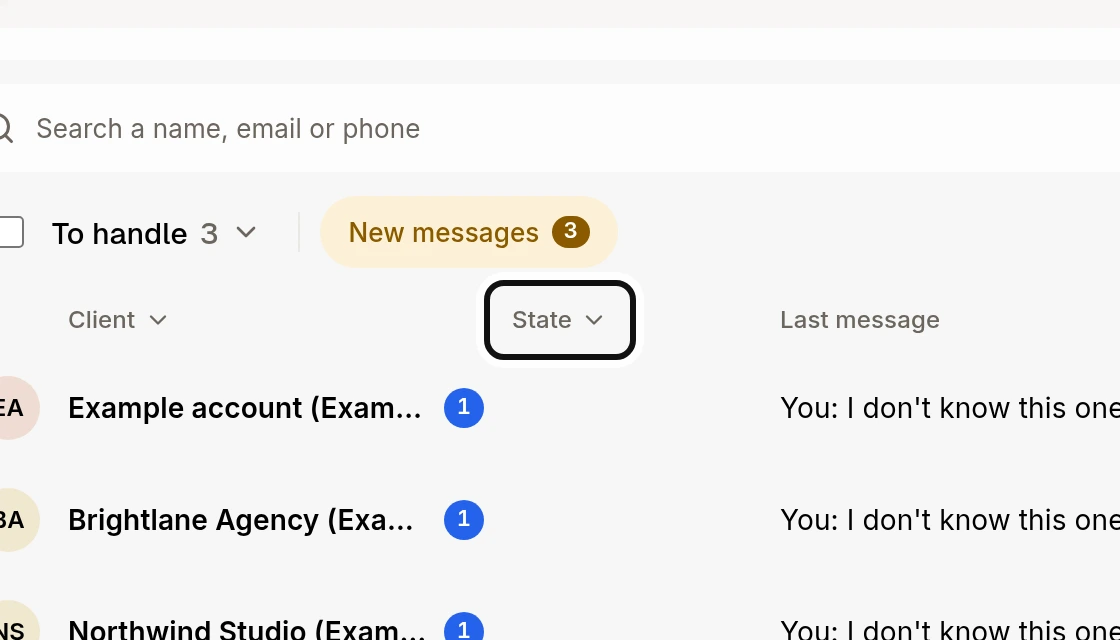
Click State to filter by Urgent or Needs you.
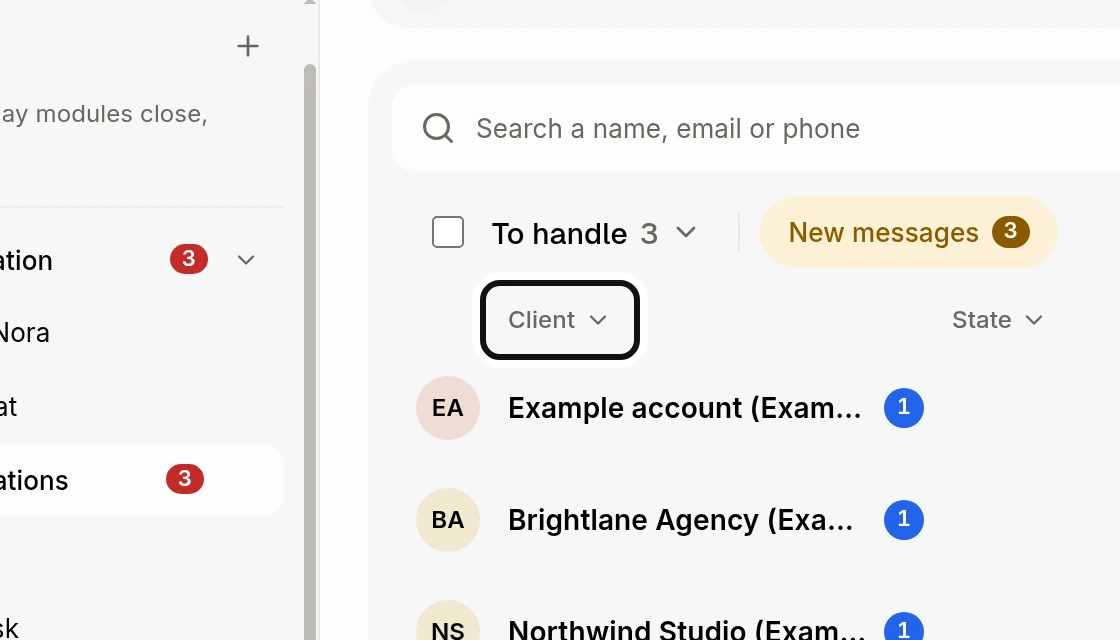
Click Client, Channel or Owner to choose another filter. In the narrower list beside an open conversation, use Filters.
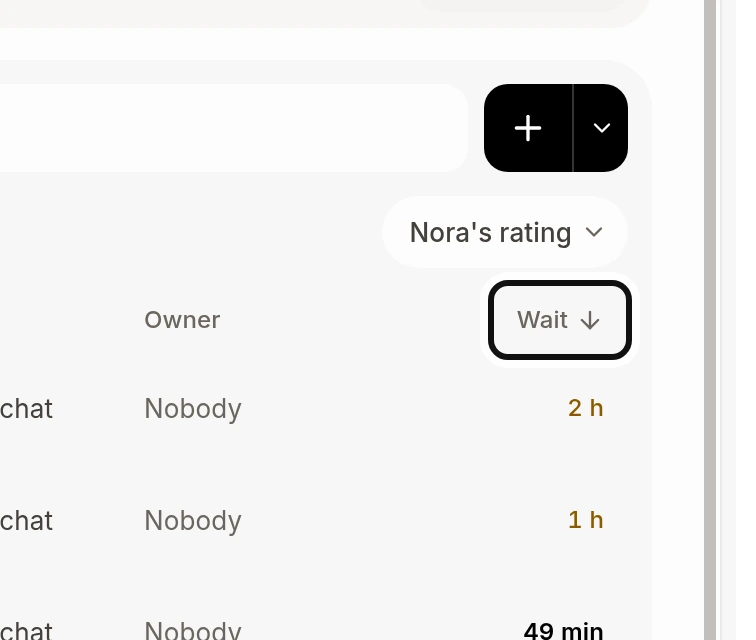
Click Wait to switch between the longest and shortest waits.
Did this answer your question?
NoPartlyYes