How do I find parts with John?
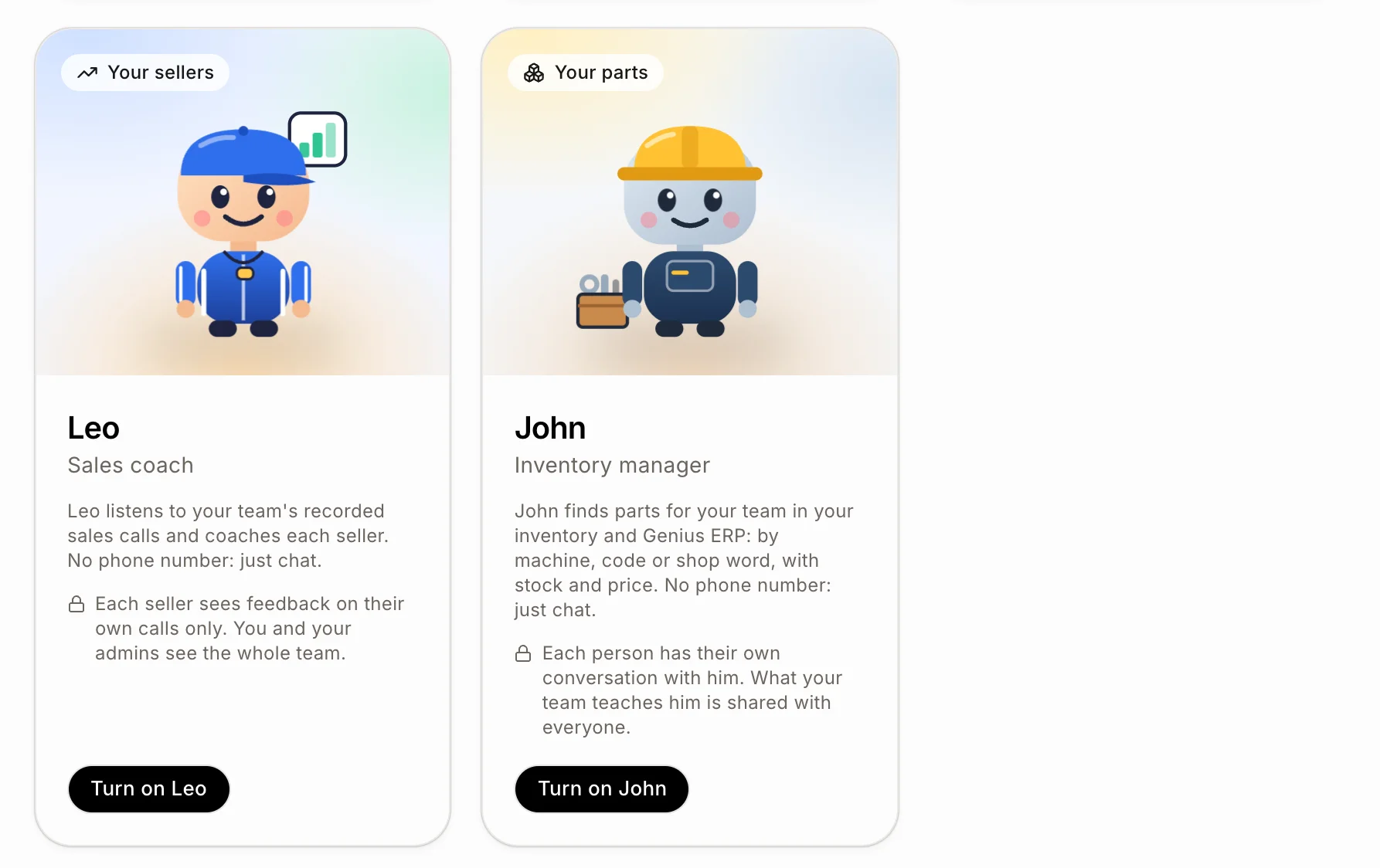
Turn on John in Bots, then ask him for a part by machine, code or your shop's words. He reads Genius ERP live and remembers what you teach him.
Turn on John, your inventory manager, in Bots. Then anyone on your team can ask him for a part: by machine ("the tilt cylinder pin on unit 214"), by code, or with the words your shop uses ("crapaud", "packing"). He reads your Genius ERP live, says how sure he is and how he found each part, and remembers what your team tells him.
Also called: inventory manager, gestionnaire d'inventaire, parts, pièces, parts search, recherche de pièces, Genius ERP, stock, inventaire
John reads your app's inventory. To find parts in Genius ERP too, connect it first: How do I connect Genius ERP?
Step 1: Turn John on
John is off until someone turns him on. Turning him on opens his chat: there is nothing to set first.
Click: Bots › Turn on John
Step 2: Ask him for a part
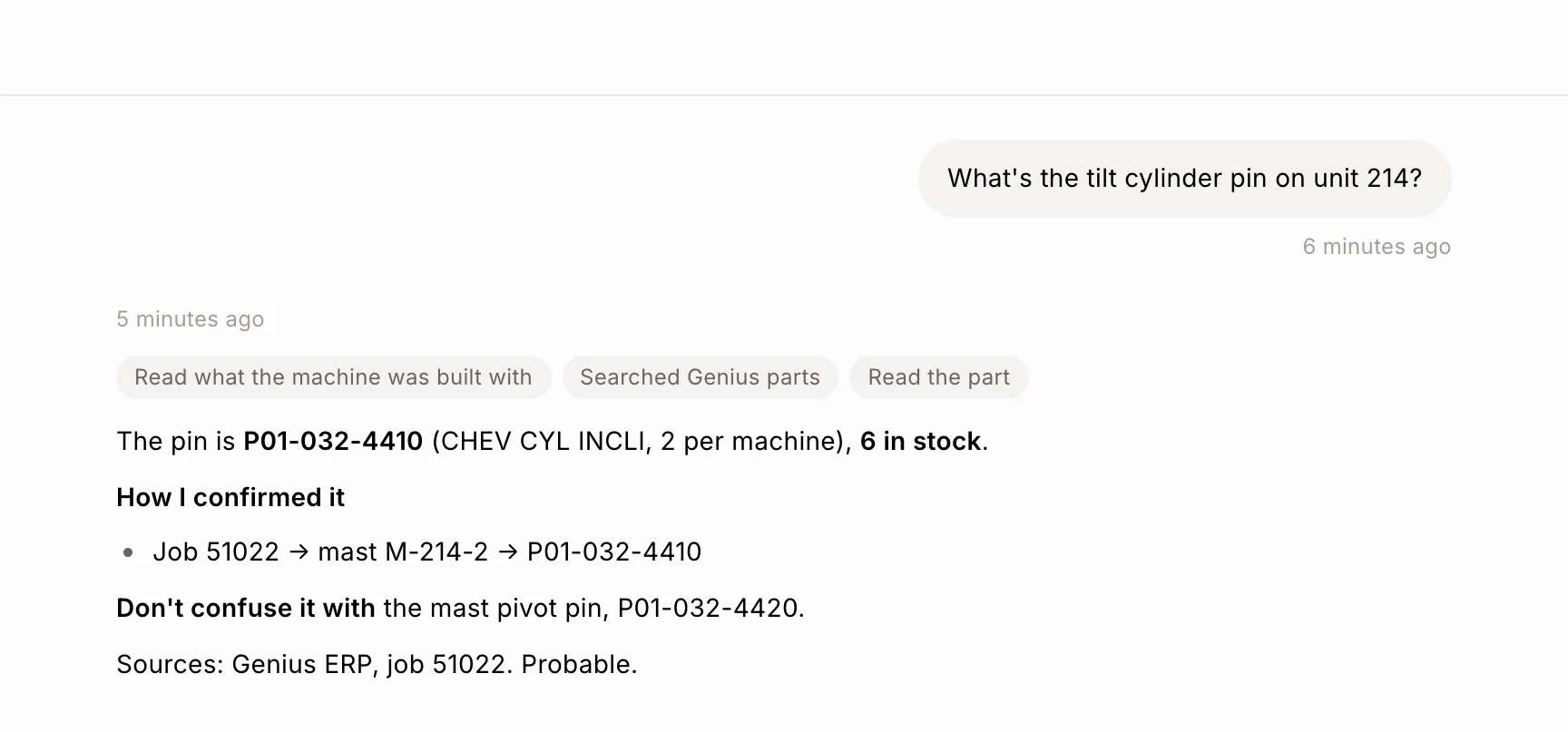
Ask the way you'd ask the parts counter. Name the machine when it's for one: he starts from what that machine was built with.
He answers with the part first, then its code, quantity per machine, stock and price.
How I confirmed it shows the path he followed in Genius (job → assembly → part).
He says when a part is only probable and asks one question when one answer settles it (which end of the cylinder, how many sections on the valve).
Click: Bots › John, then type your question
Step 3: Teach him your words
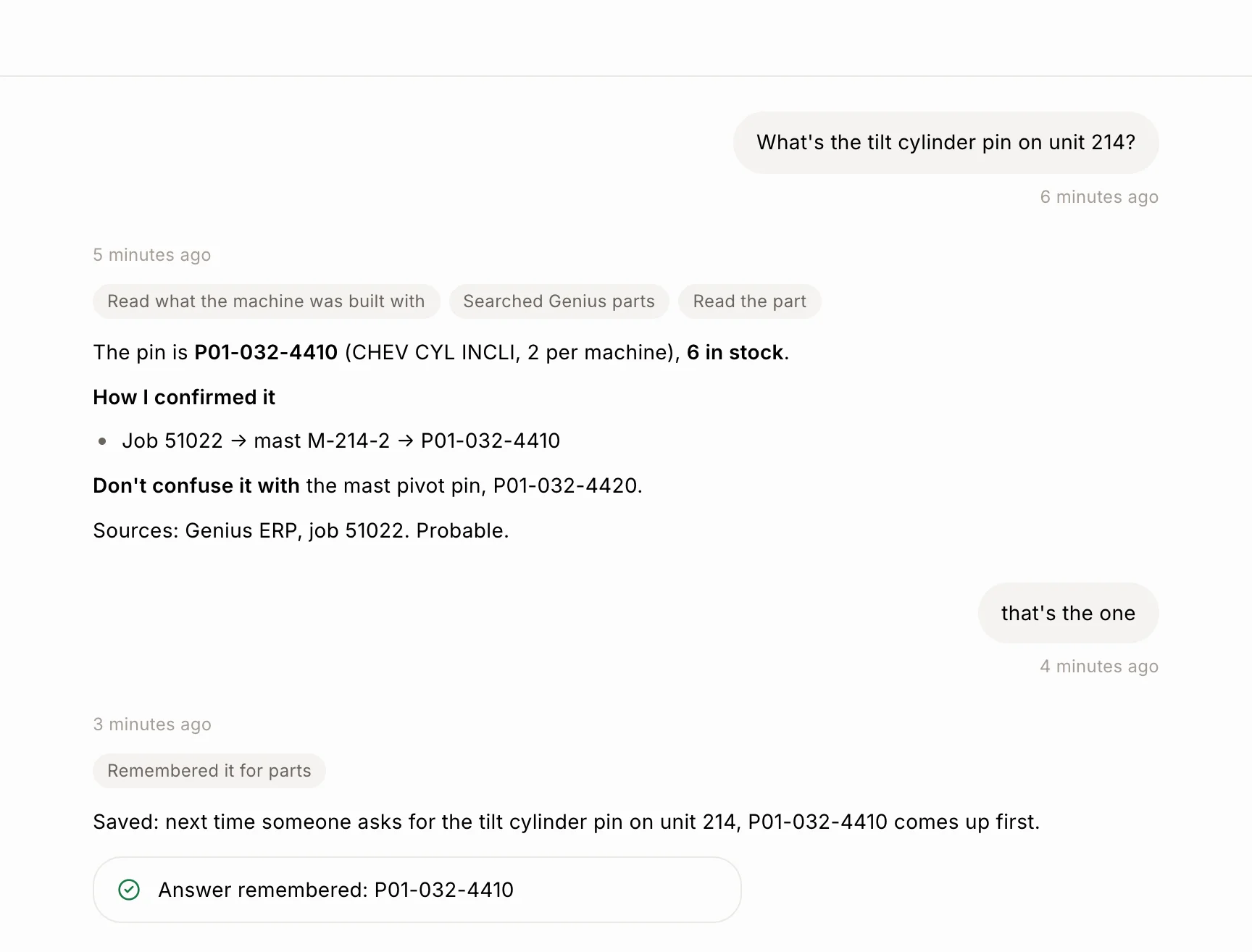
When John finds the right part, say "c'est la bonne" or "that's the one": he saves it, and the next person who asks gets it first, marked confirmed. When he's wrong, tell him the right code. To teach him a shop word, write it plainly: "le crapaud, c'est le taquet de roue". You see Answer remembered with the code. If he saved something wrong, tell him: he forgets it.
What you teach John is shared with everyone who asks about parts in your app, in Ask Sam and in Claude too.
Click: Bots › John, then write that's the one
Good to know
Your team can also ask John in Team chat: in their own message with him, or by writing @John in a channel. He answers in the message's thread.
Each person only sees what their role allows: parts and stock need Inventory, Genius quotes need Quotes, and prices need See prices and amounts.
John only reads Genius. He can't change anything there.
If it doesn't work
"John is off. Turn him on so your team can ask him for parts here and in Team chat." Click Turn on John in Bots.
"Connect Genius ERP in Connectors so he can read your parts." Connect Genius first, then ask again.
"Your app needs an update first." Publish your app once, then ask again.