How do I connect Genius ERP?
In Connectors, click Connect on Genius ERP and type your server's address and an API client. Alori reads Genius live, read only, and copies nothing.
Click Connect on Genius ERP in Connectors, then type your Genius server's address and an API client's ID and secret. Then your team can find parts, stock and quotes by asking Alori. Alori reads Genius live, only reads, and keeps no copy of your data.
Also called: Genius, Genius ERP, Genius Solutions, ERP, parts, pièces, inventaire, connecter Genius
Before you start
In Genius, add an API client for Alori, on a Genius user who can only read. Keep its client ID and secret: you type them in Alori. Your Genius server must accept calls from the internet.
Step 1: Open Genius ERP in Connectors
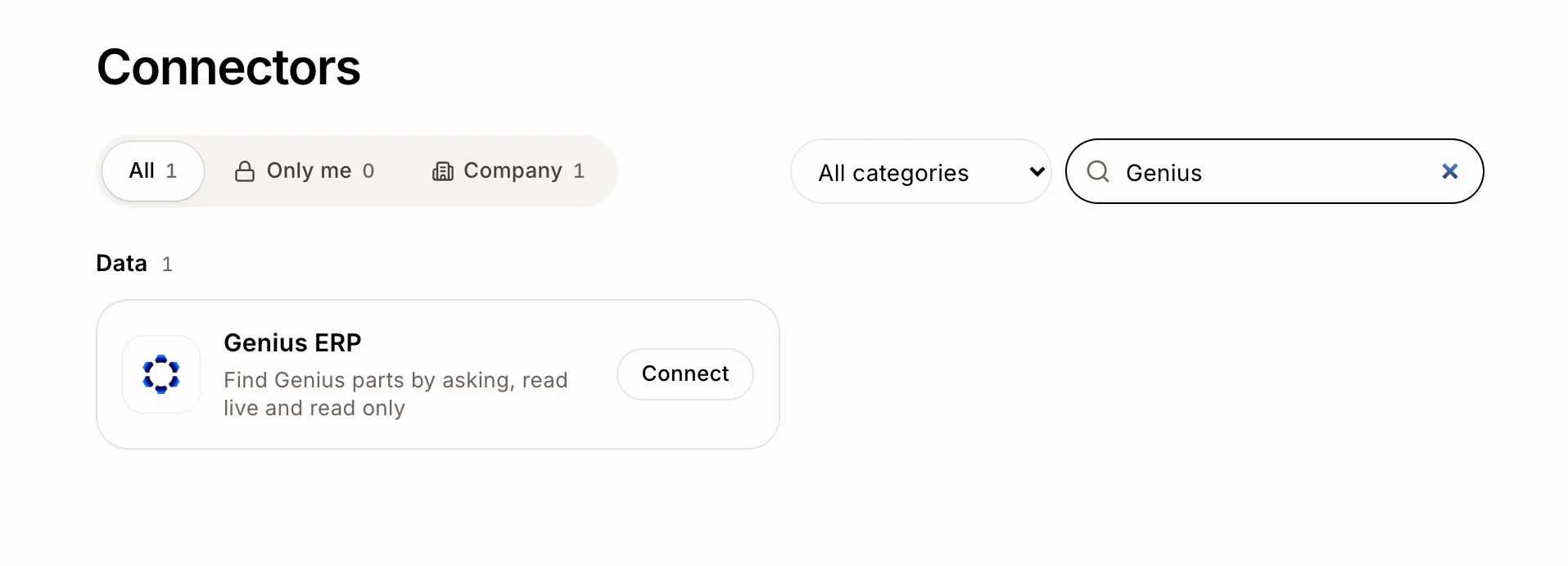
In the menu on the left, click Connectors. Type Genius in Search (it's in the Data group), then click Connect on Genius ERP.
Click: Connectors › Search › Genius ERP › Connect
Step 2: Type your server and API client
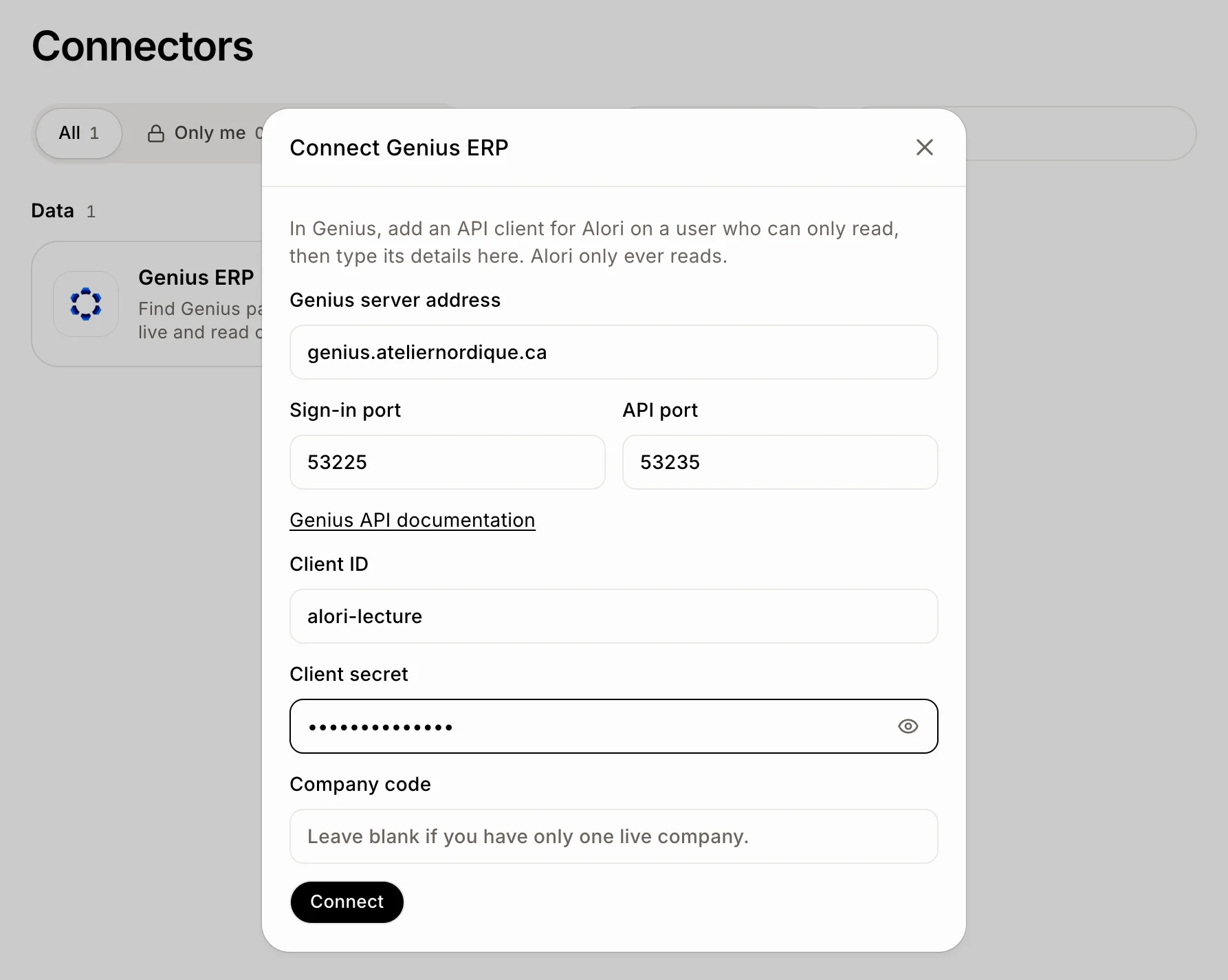
Fill in the form:
Genius server address: your server's name, like genius.yourcompany.com.
Sign-in port and API port: already filled with Genius' usual ports (53225 and 53235). Change them only if your server uses others.
Client ID and Client secret: from the API client you added in Genius.
Company code: leave it blank if you have only one live company in Genius.
Click Connect. Alori signs in to Genius to check everything before saving it.
Click: Genius server address › Client ID › Client secret › Connect
Step 3: Ask for a part
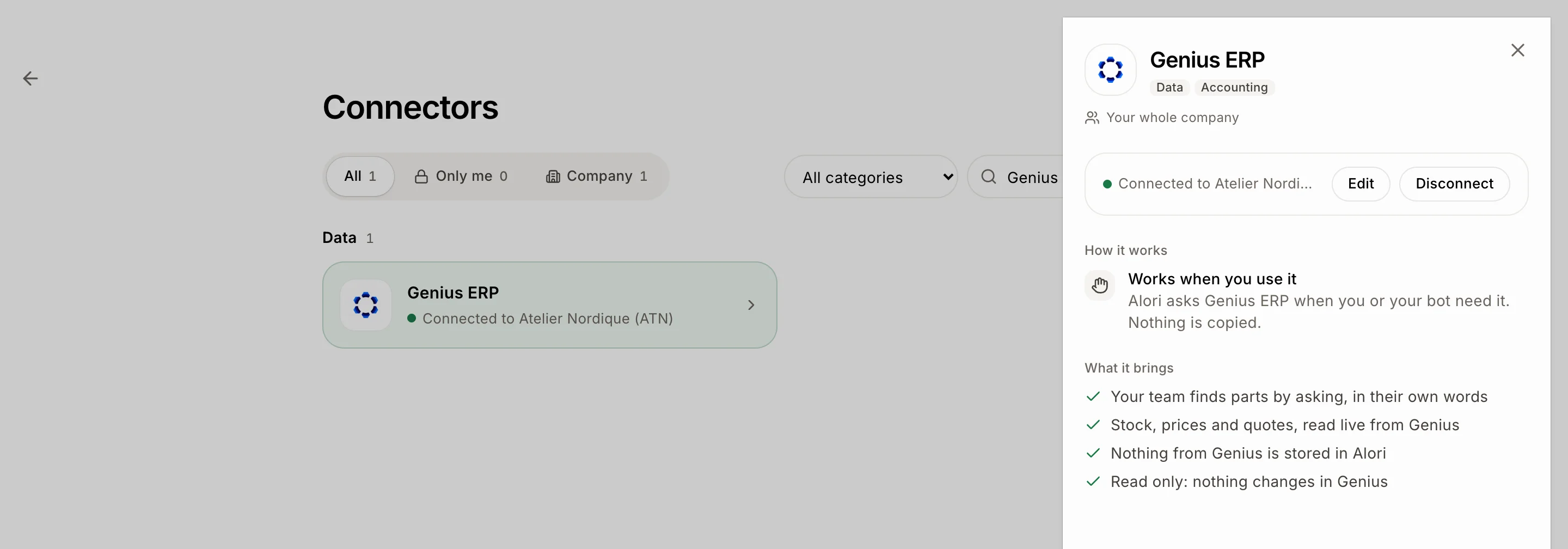
Genius ERP now shows Connected to your Genius company. Ask about any part in Ask Sam, or turn on John, your inventory manager, in Bots. Each person only sees what their role allows: parts and stock need Inventory, Genius quotes need Quotes, and prices need See prices and amounts on their role.
To change the address, the ports, the client or the company later, click Genius ERP, then Edit. Leave Client secret blank to keep the one saved.
Click: Connectors › Genius ERP › Edit
Good to know
Alori only reads from Genius. It can't add, change or delete anything there.
Nothing from Genius is copied into Alori. Each question reads Genius when it's asked. Alori keeps only what your team teaches it: confirmed answers and your shop's words.
If it doesn't work
"Genius refused the client ID or secret (invalid_client)." Copy them again from Genius.
"We couldn't reach your Genius server." Check the address and ports, and that your server accepts calls from the internet.
"This API client isn't allowed to read (invalid_scope)." In Genius, give the API client the public scope.
"This user reaches several live companies." Type the company code to read.
"This user can't reach that company." Check the company code.
"Genius answered with an error." Try again in a minute.