How do I let website visitors start a video call with my team?
Let signed-in customers reach your team by video from your website.
Written by Philippe Genois
Let customers signed in on your website ask your team for a video call during your working hours.
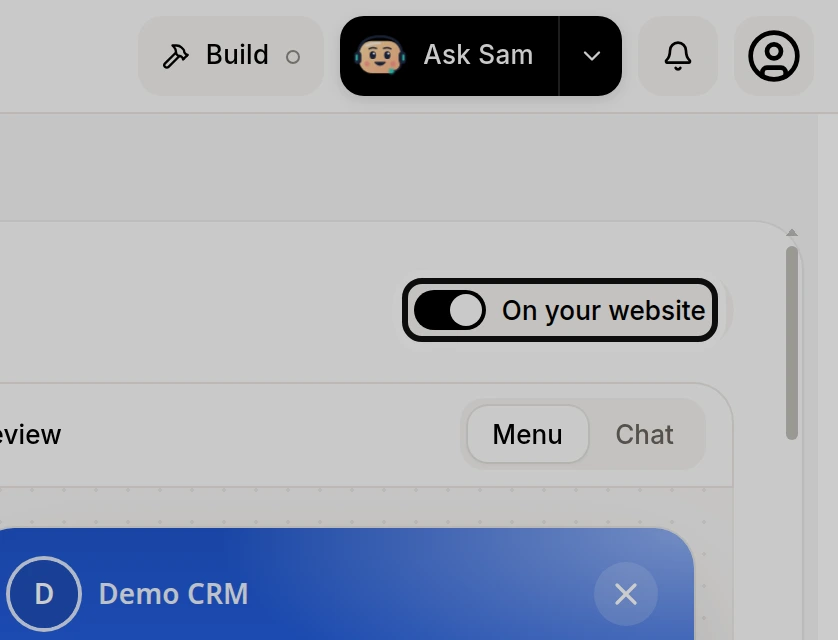
Turn on On your website so the chat appears on your site.
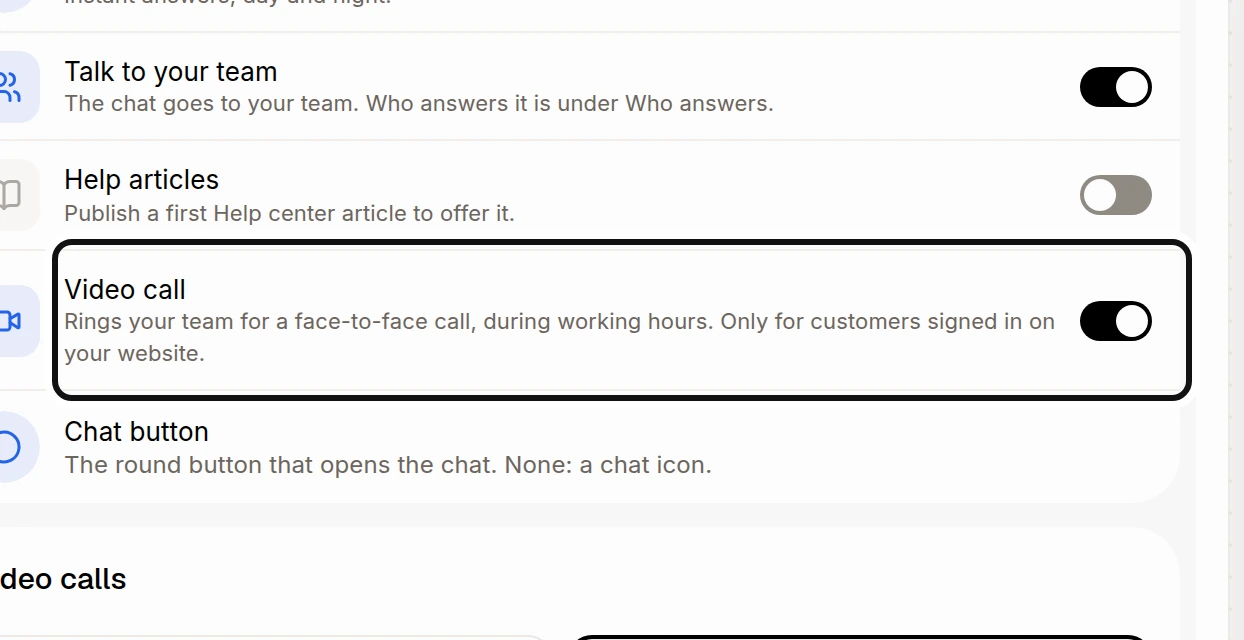
Under What visitors see, turn on Video call.
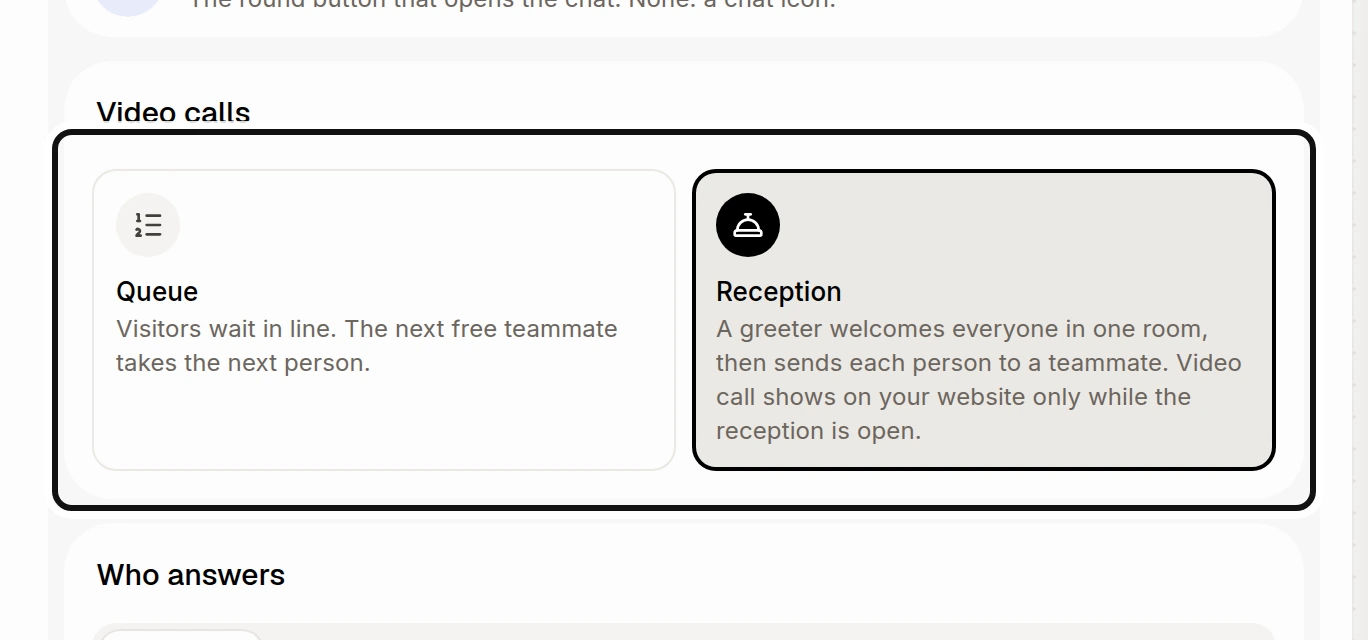
Under Video calls, choose Queue or Reception. In a queue, the next free teammate takes the next person. In reception, a greeter welcomes visitors in one room and sends each person to a teammate.
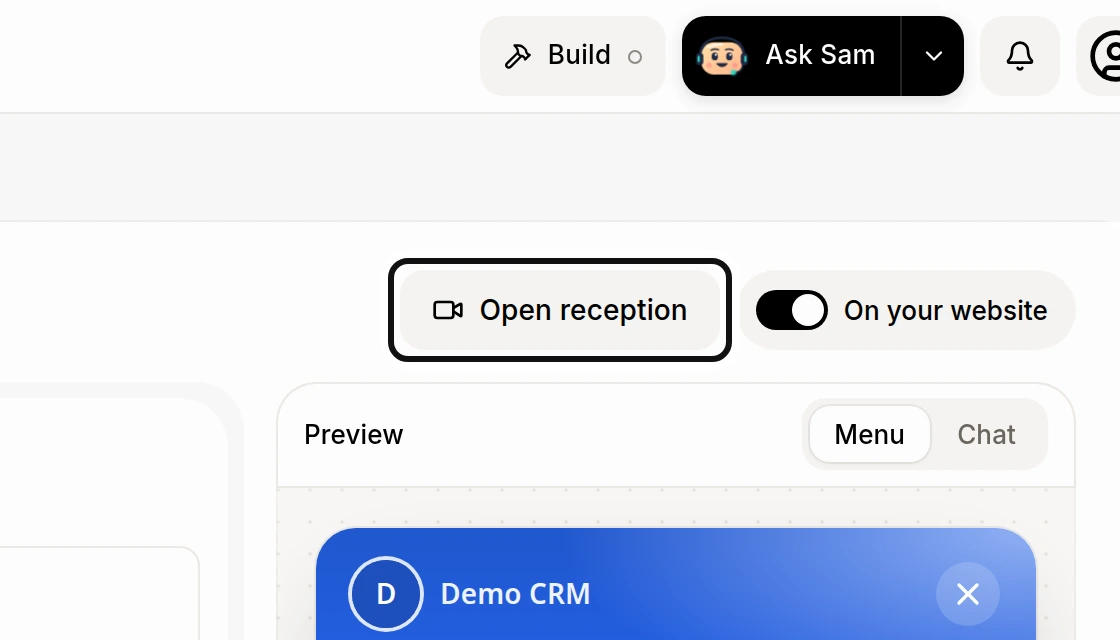
If you chose Reception, select Open reception when a greeter is ready. The video call choice appears on your website only while the reception is open.
The call is recorded. When its summary and transcript are ready, they are added to the visitor's conversation as a team note that the visitor cannot see.
Did this answer your question?