How do I mark a conversation urgent?
Mark a conversation urgent so your team can spot it.
Mark a conversation urgent so your team can spot it.
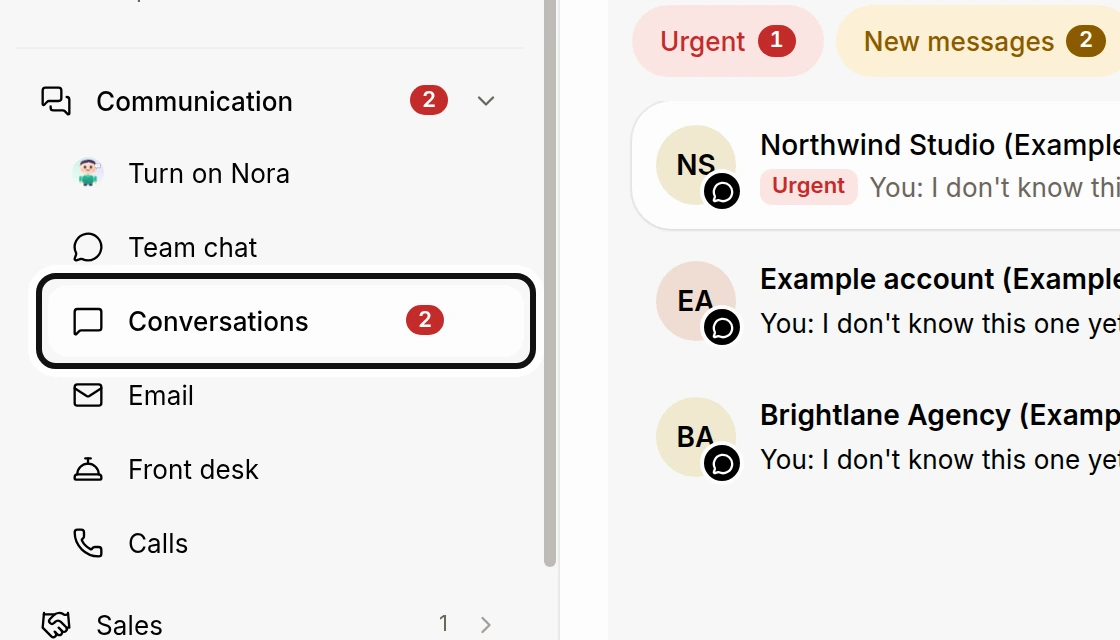
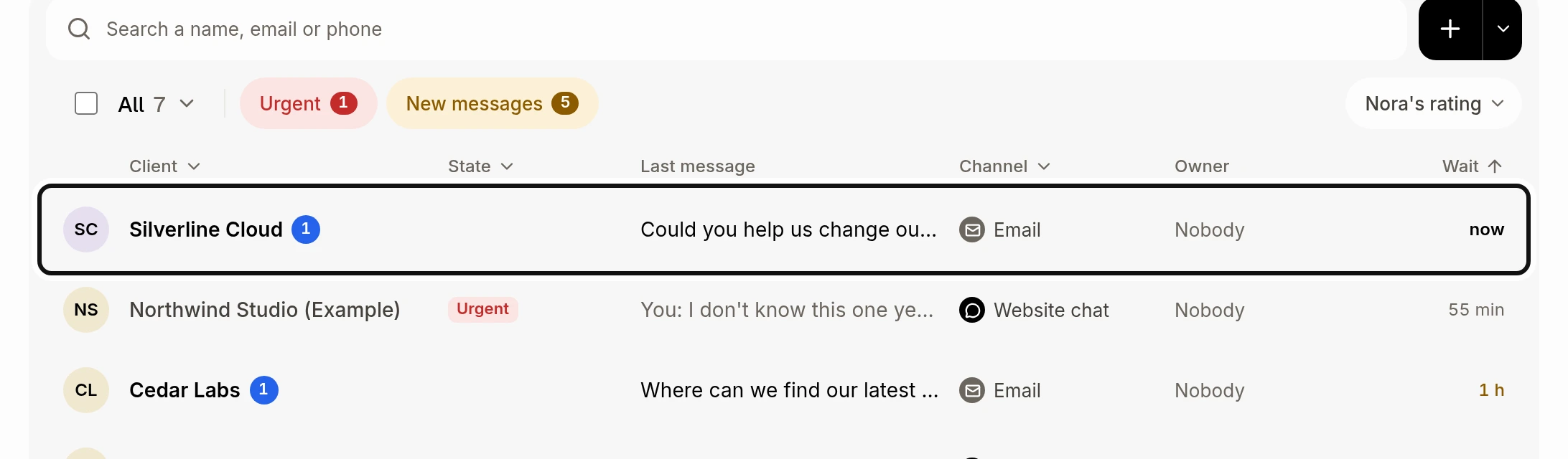
Open the conversation you want to mark.
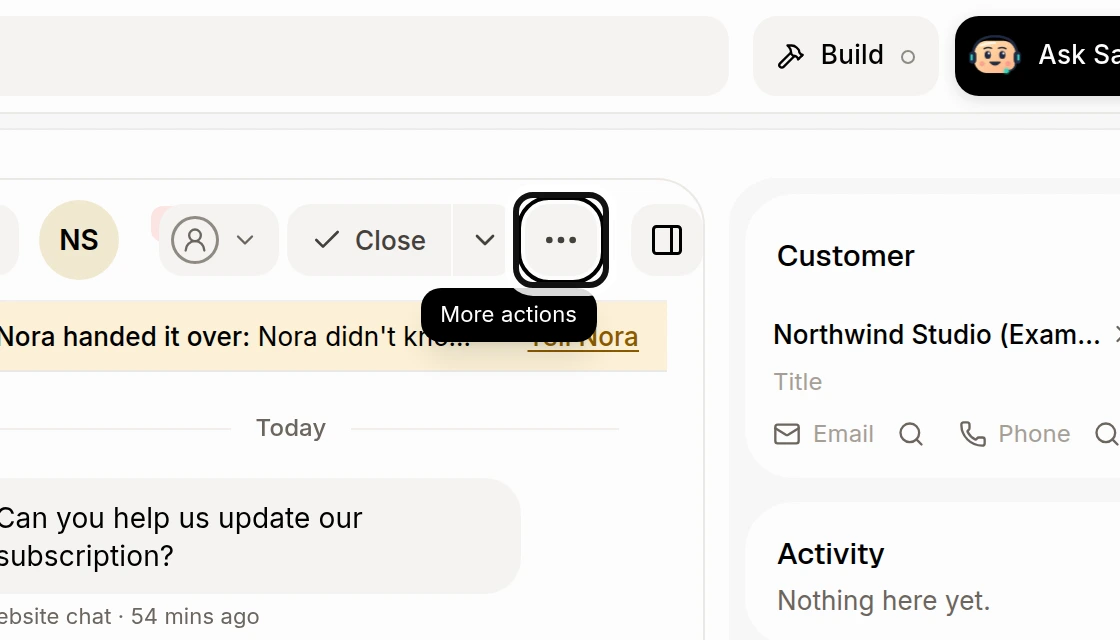
Click More actions at the top of the conversation.
Click Mark urgent.
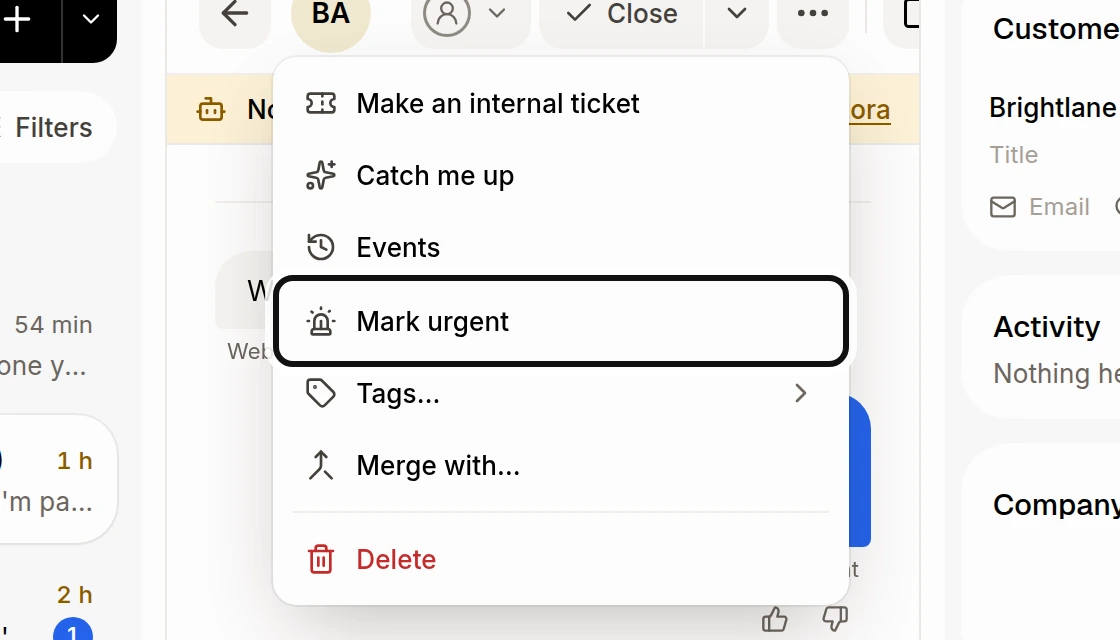
Alori's AI can also flag a conversation as Urgent and give a reason. To remove the flag, open More actions and choose Not urgent anymore. Use State › Urgent on the full list to find urgent conversations.
Did this answer your question?
NoPartlyYes