How do I remind a customer who hasn't answered my ticket?
Set a reminder and automatically solve a ticket if the customer doesn't reply.
Written by Philippe Genois
Alori can send one reminder for a pending ticket, then solve it if the customer still doesn't answer. This works in the Tickets view.
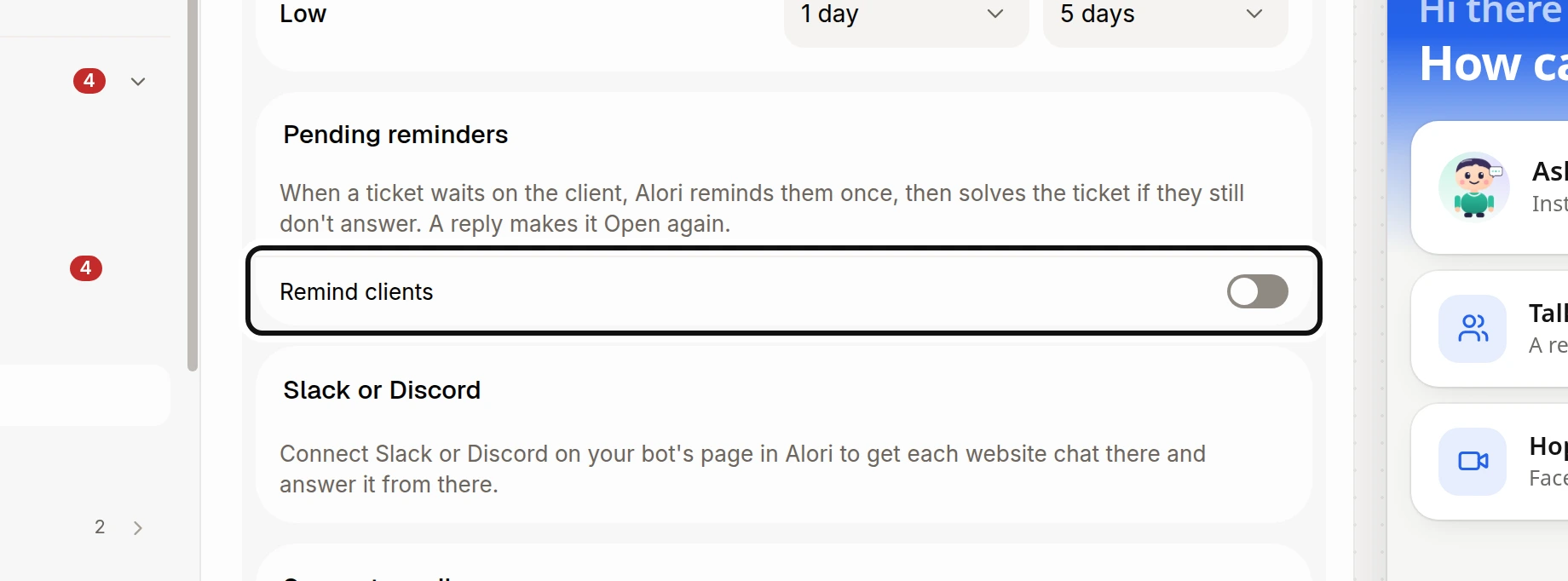
Under Pending reminders, turn on Remind clients.
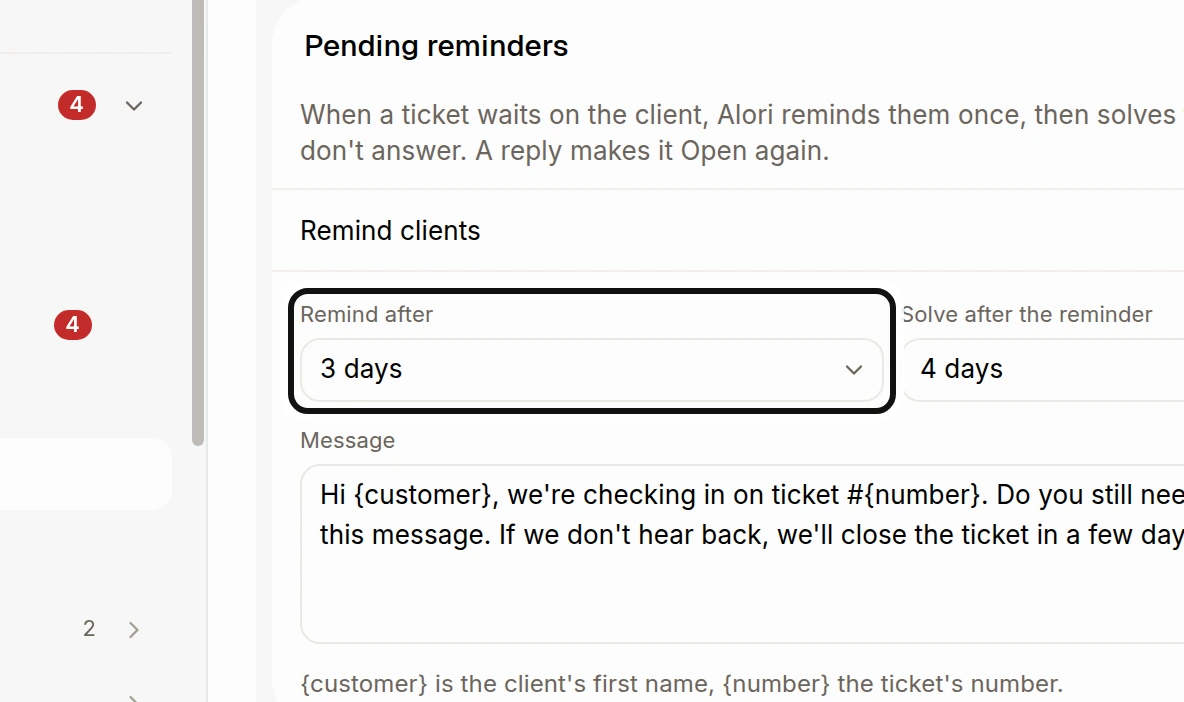
Choose how long to wait under Remind after.
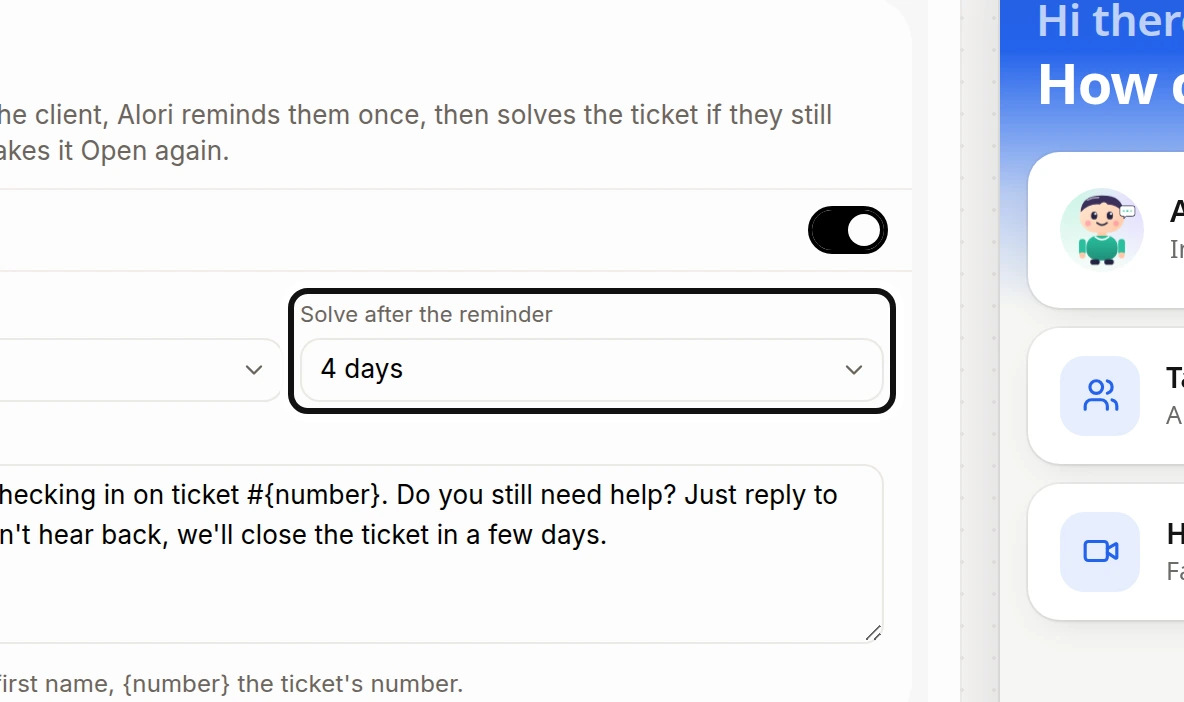
Choose how long to wait after the reminder under Solve after the reminder.
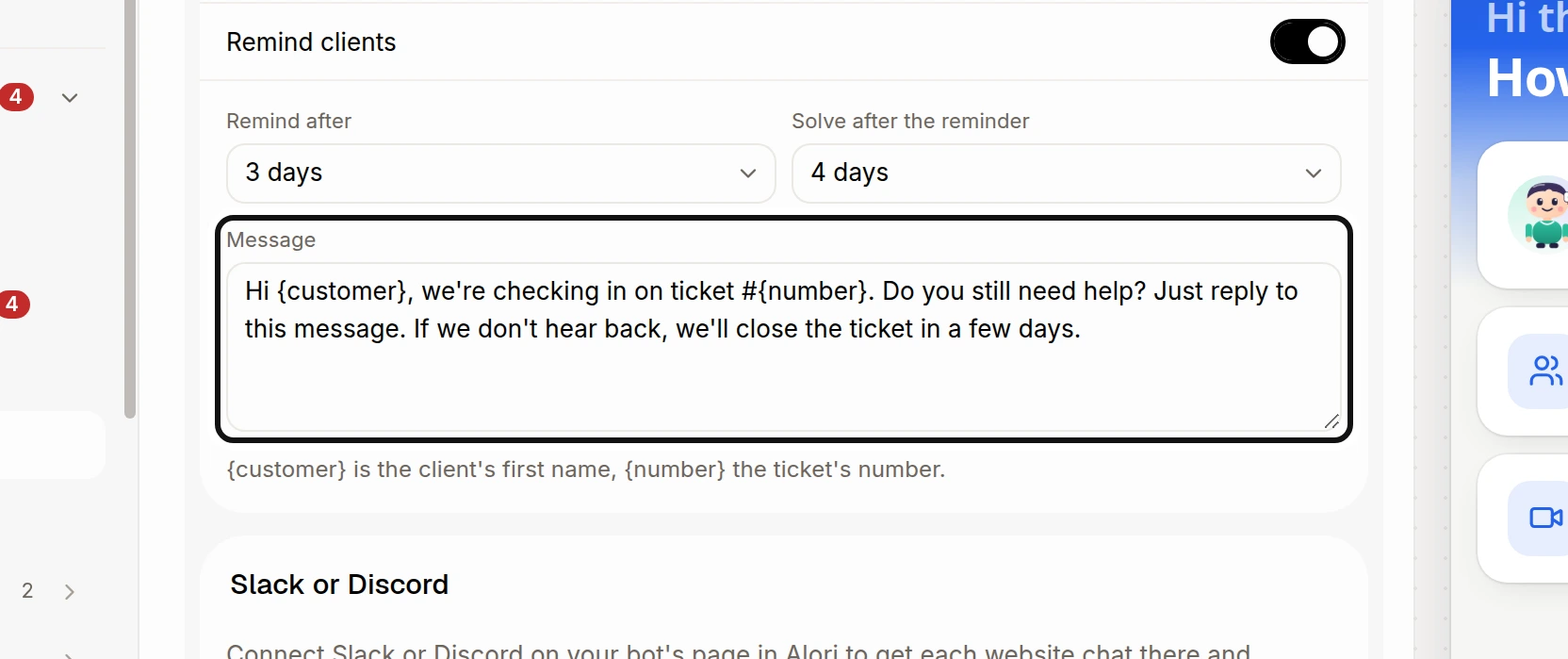
Edit the Message if you want to change what the reminder says. It saves when you leave the box.
A customer reply makes the ticket Open again. See how to set a ticket's status.
Did this answer your question?
NoPartlyYes