How do I see a customer's recent quotes, jobs and invoices in a conversation?
See recent quotes, jobs and invoices without leaving the conversation.
See recent quotes, jobs and invoices without leaving the conversation.
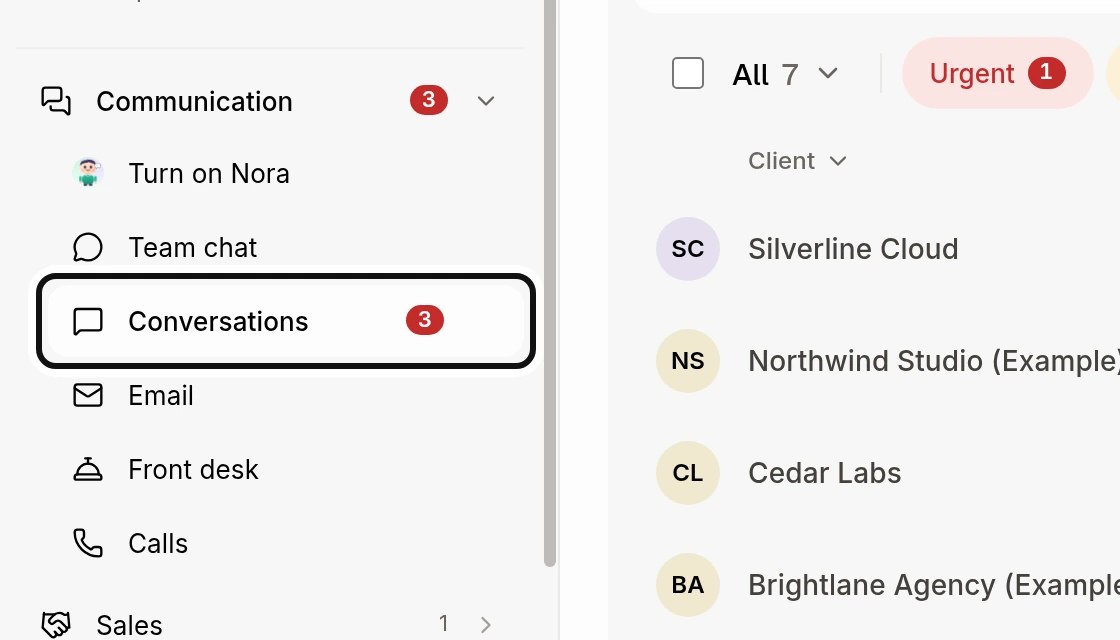
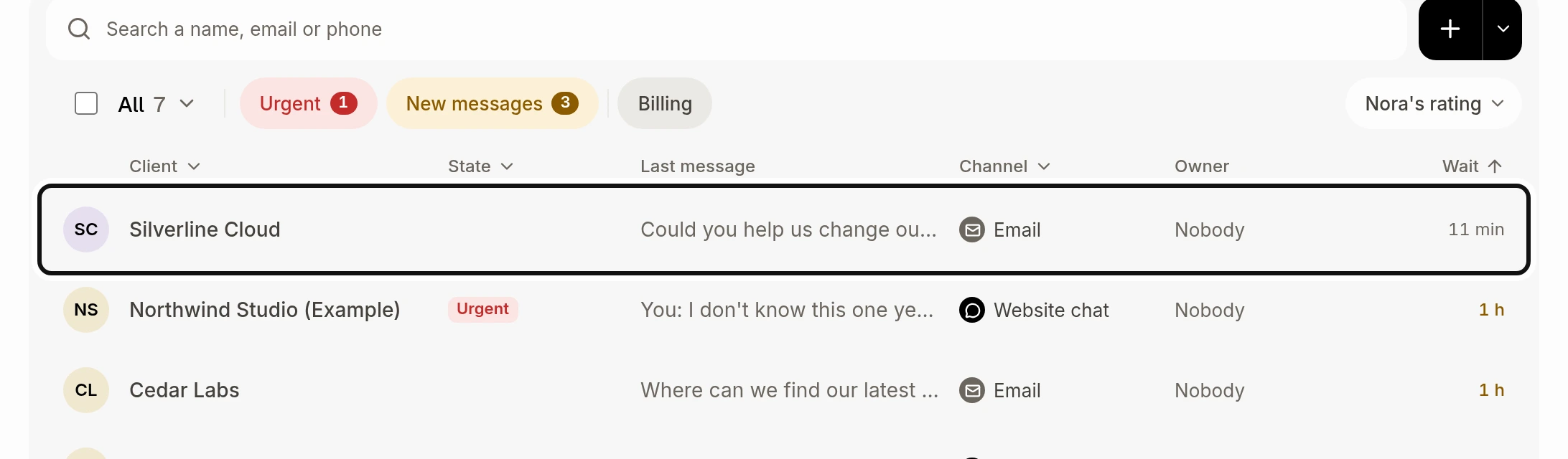
Open the conversation.
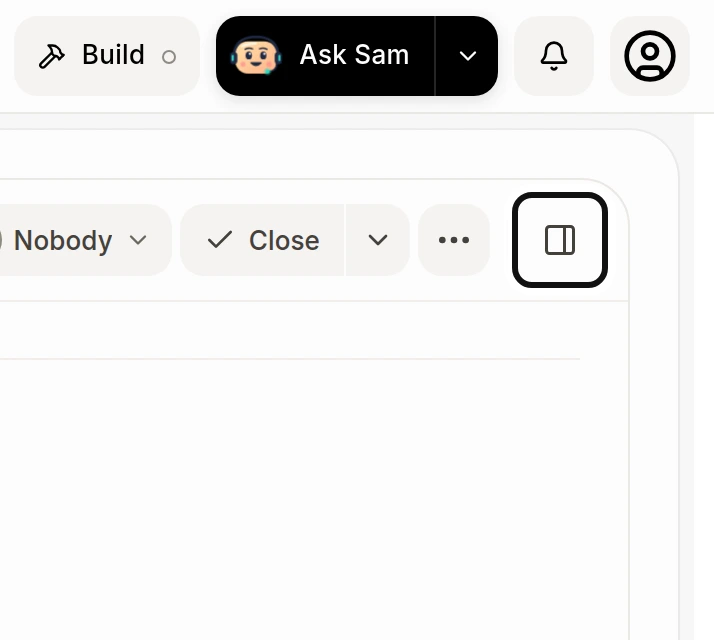
If the customer details are hidden, click Show customer details.
Look in Activity for the latest quotes, jobs and invoices.
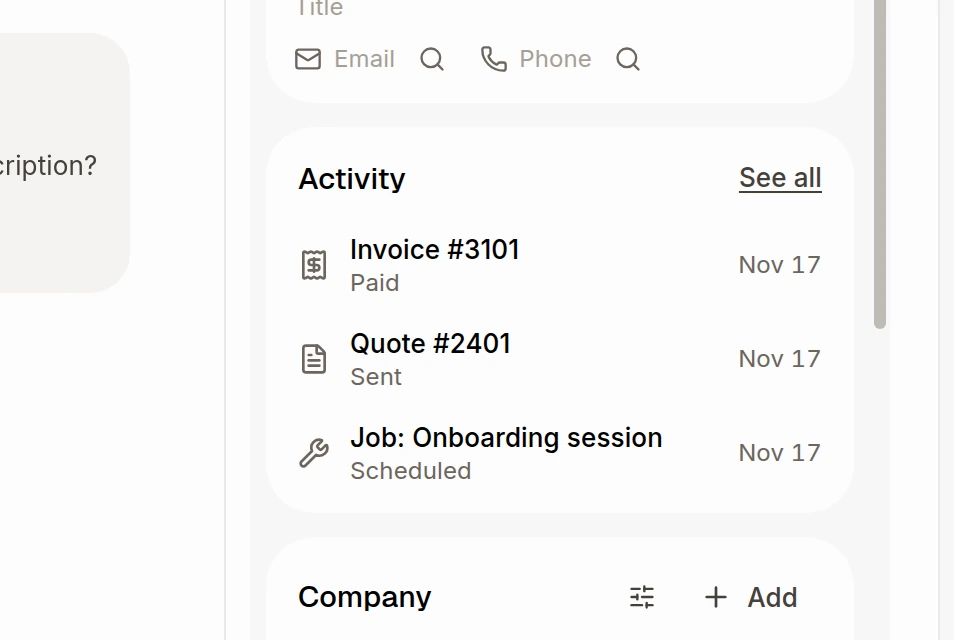
Click an item to open it, or See all to open the customer's full activity. The card shows up to five recent items.
Did this answer your question?
NoPartlyYes