How do I see where a customer came from?
The Website visits card shows if they're on your site now, how they found it and which pages they read. Record created shows it in their history.
Open a conversation, a customer or a deal: a card shows whether the person is on your website right now, how they first found it (an ad, LinkedIn, Google, an email) and which pages they read. There is nothing to set up.
Also called: source, lead source, where did they come from, UTM, campaign, live visitor, who's on my website, provenance, d'où vient ce client, visites du site, en direct
Click a conversation with someone who visited your website. On the right, under the customer, you see the Website visits card.
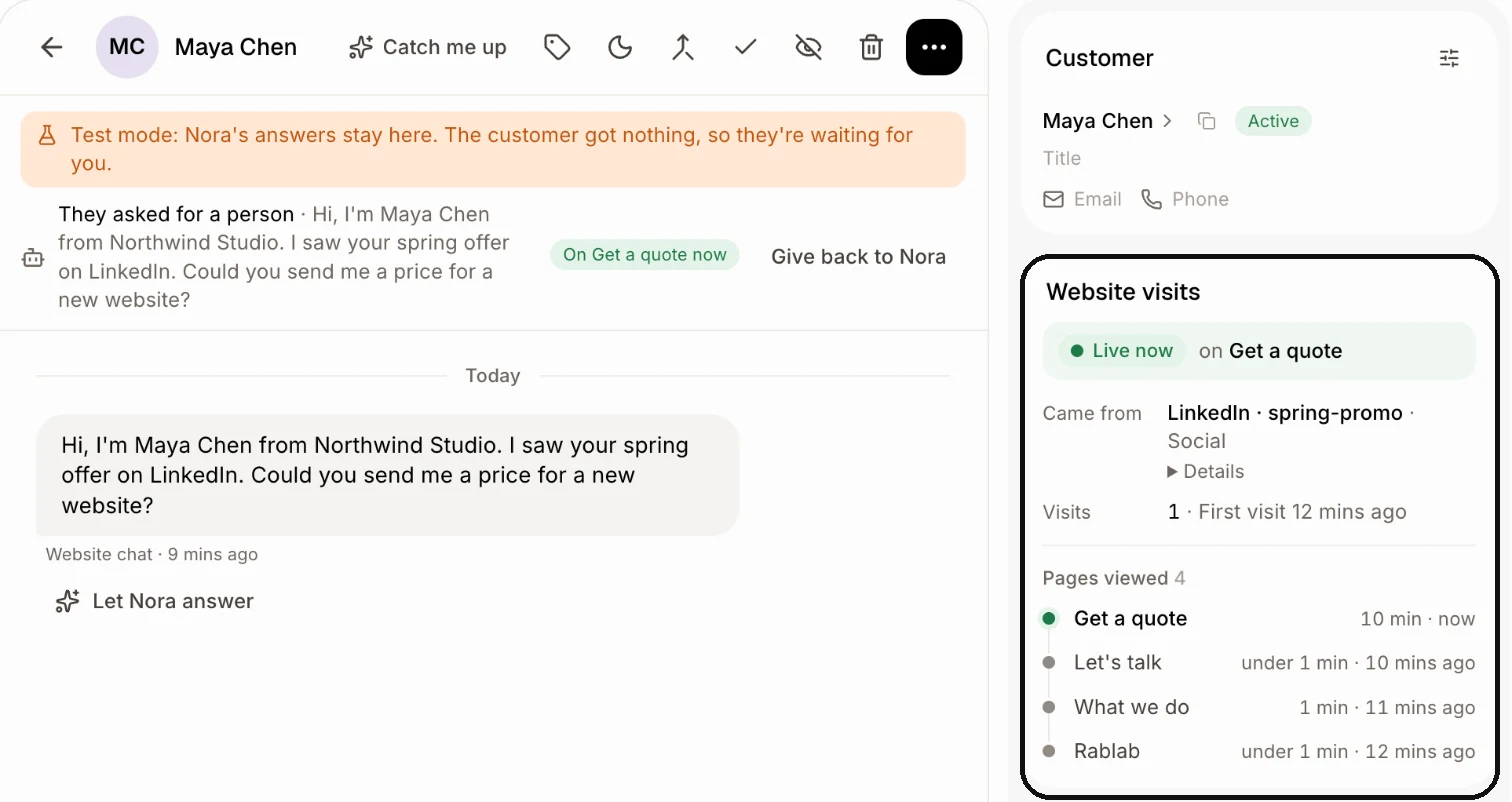
Read the card from the top:
A green Live now pill means the person is on your website right now, followed by the page they have open. Click the page's name to open it. It updates by itself as they move from page to page. When they're gone, you see Last on the website instead, with when they were last there.
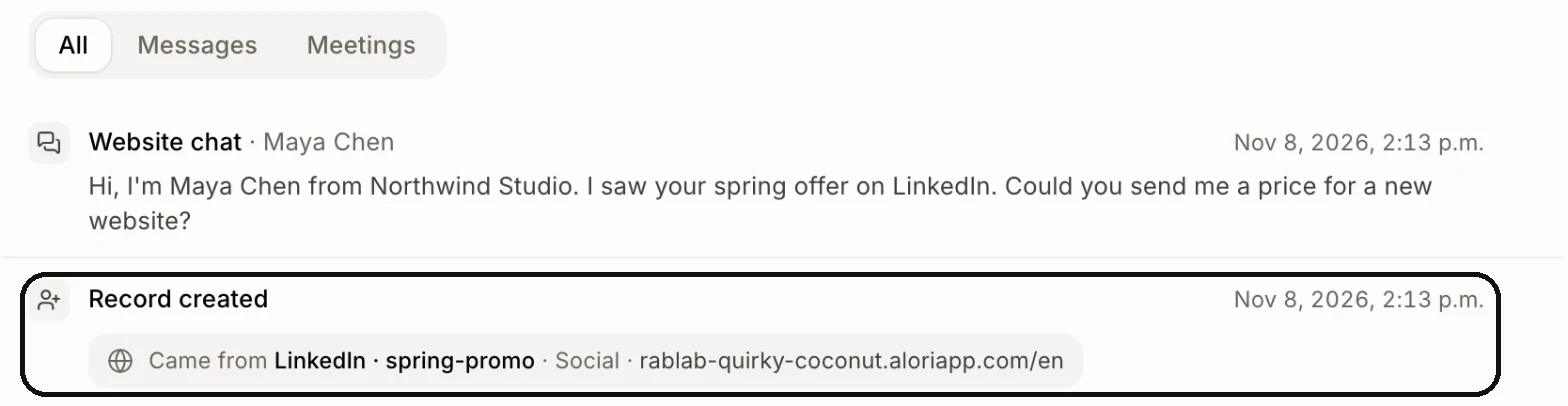
Came from is how they first found your website, like LinkedIn · spring-promo · Social: the name, the campaign, then the kind of source.
Latest visit from shows up only when their last visit came from somewhere else.
Visits counts their visits and says when the first one was. Pages viewed lists the pages they read and how long they stayed on each. Click Show all to see the whole list.
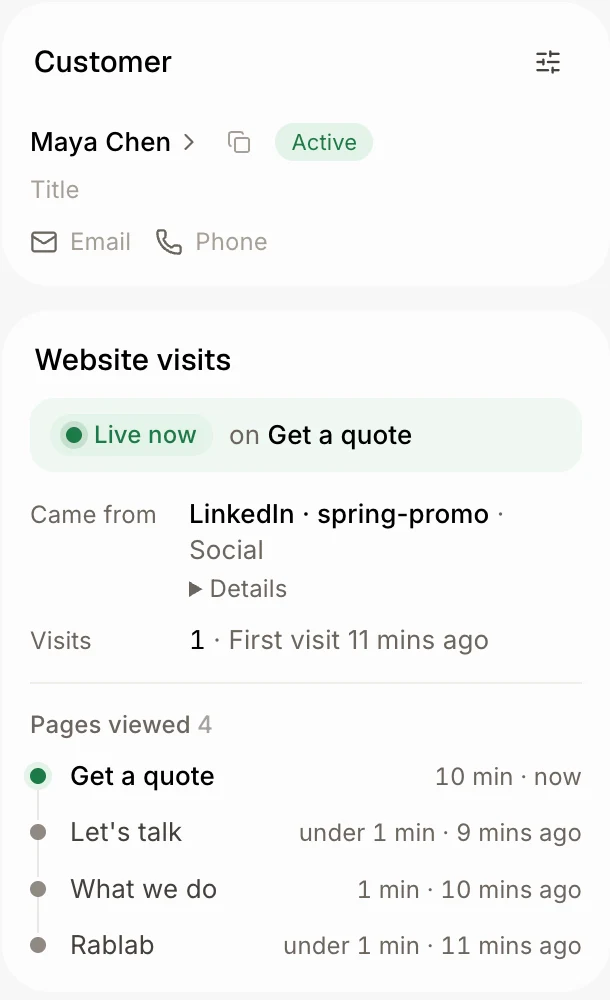
Click Details under the source. You see the page they landed on and when, and only the lines Alori knows: Source, Medium, Campaign, Keyword, Ad, Ad click and Came from page.
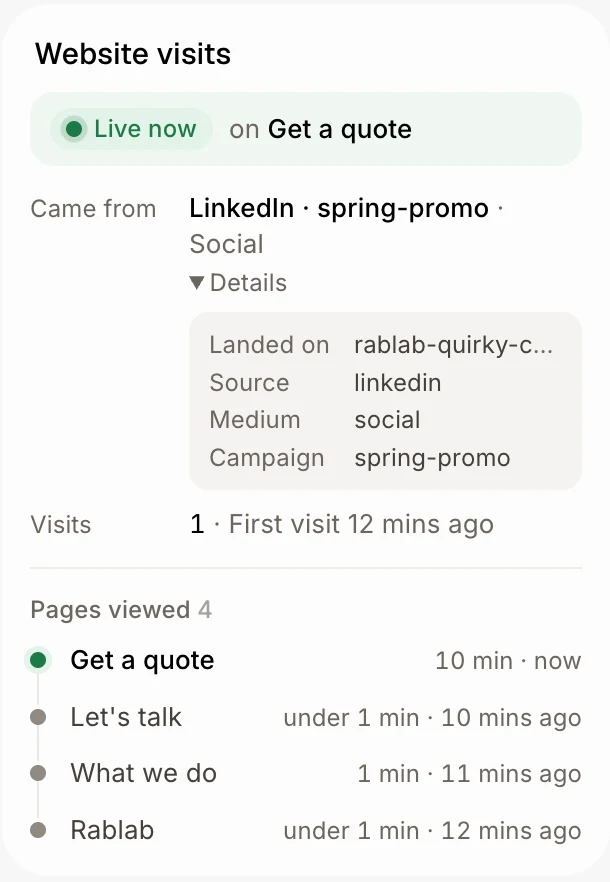
Click the customer. The same card is on their page, called Source. A deal's page has it too.
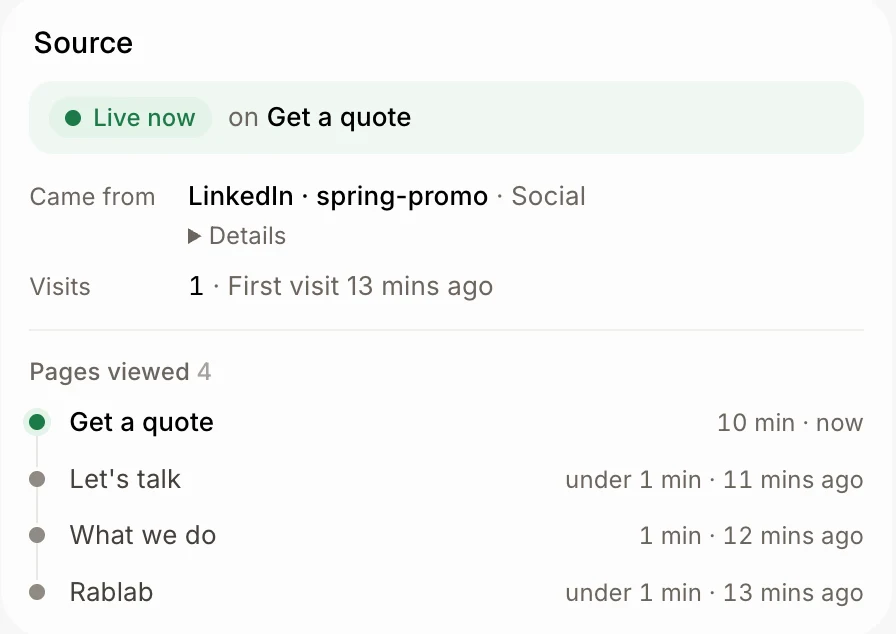
Scroll to the bottom of the customer's history. Record created is always the last line: when the customer was made and, when Alori knows it, how they found your website. Deals and companies have the same line at the bottom of their history.
Good to know
The card shows only for people who visited your website. Someone who only called or emailed has none.
The kinds of source are Paid search, Search, Paid social, Social, Email, AI assistant, Another website and Direct.
To get the campaign's name, add it to your links (for example
?utm_source=linkedin&utm_campaign=spring-promo).