How do I send customer emails from my support@ address?
Choose a confirmed Gmail Send mail as address in Conversations.
In Gmail, add your support address under Send mail as and complete Gmail's confirmation for that address.
Open Gmail
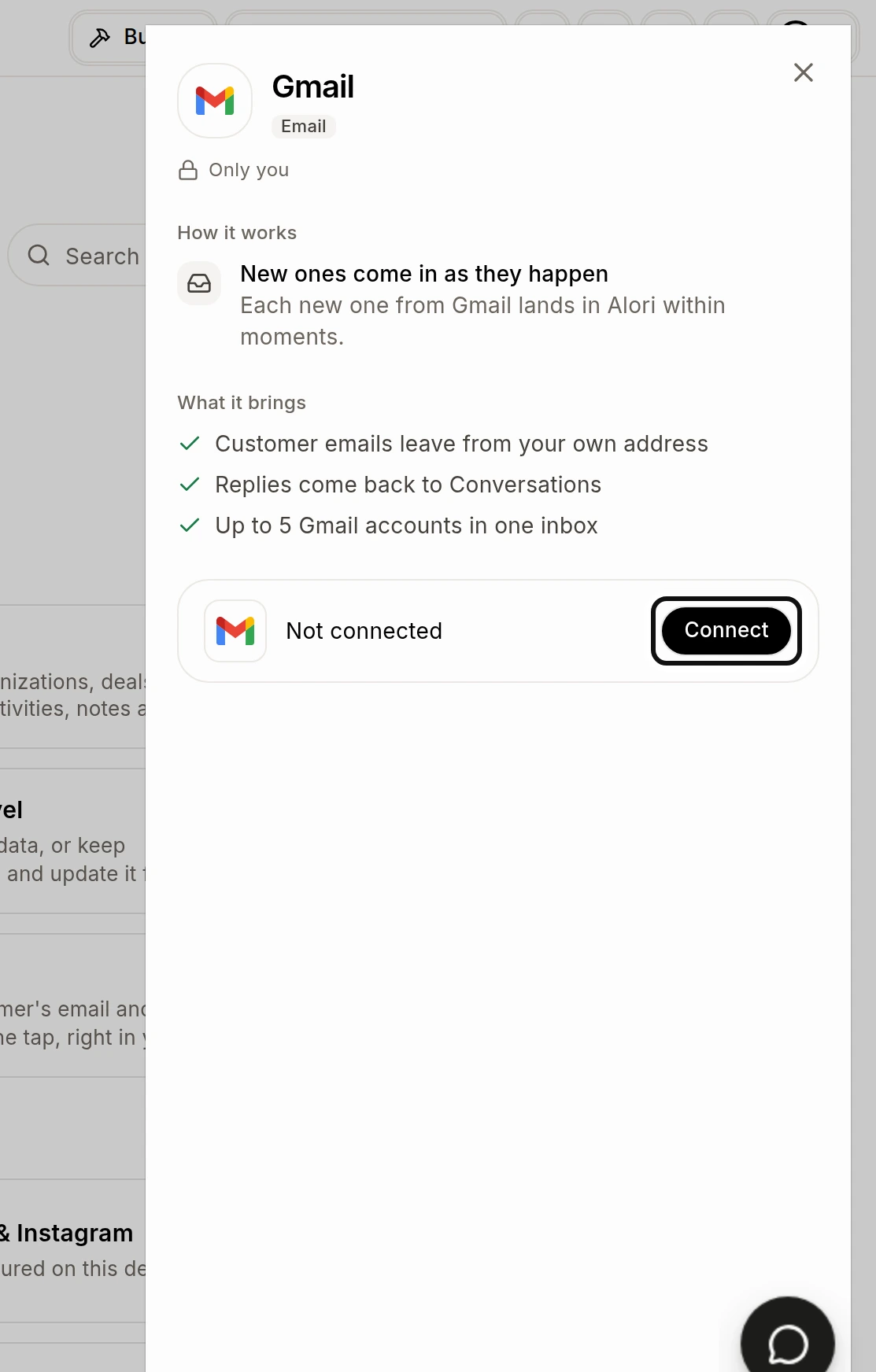
Click Connect and connect the Gmail account that has that address. You can also find Gmail under Settings > Integrations. See How do I connect my Gmail?.
On the Gmail connection, turn on Send customer emails from my Gmail.
Open Conversations
Open the customer's conversation and start an email.
In From, choose your confirmed support address.
Write your email and click Send.
If your address is missing, check that Gmail confirmed it and that the connected Gmail is active. If Gmail needs reconnecting, reconnect it before sending.