How do I size my market with Audiences?
Choose who you want to reach, see the size of the market, and compare your channels.
Written by Philippe Genois
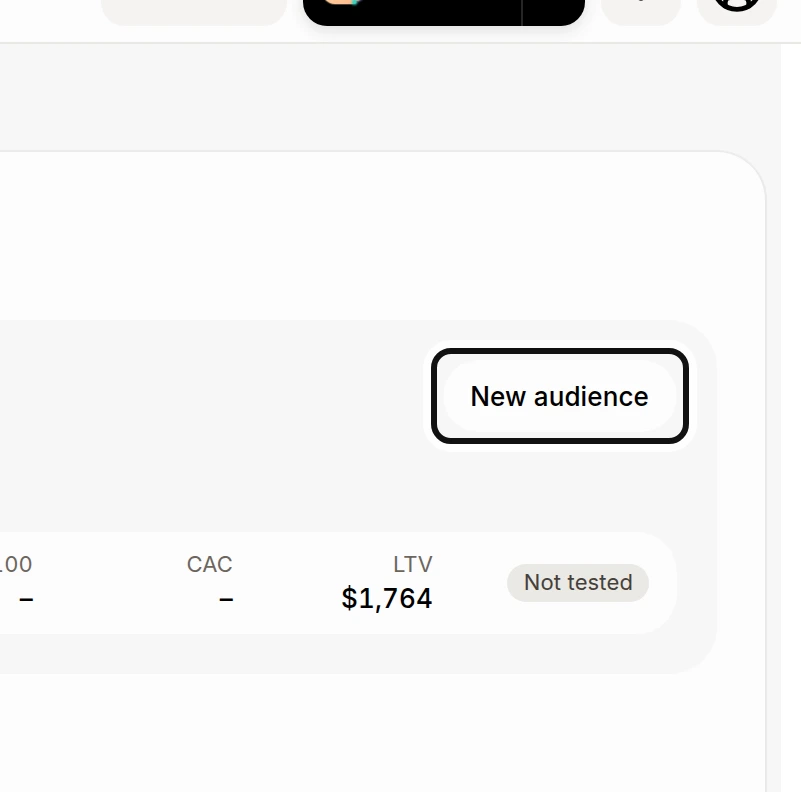
Choose New audience.
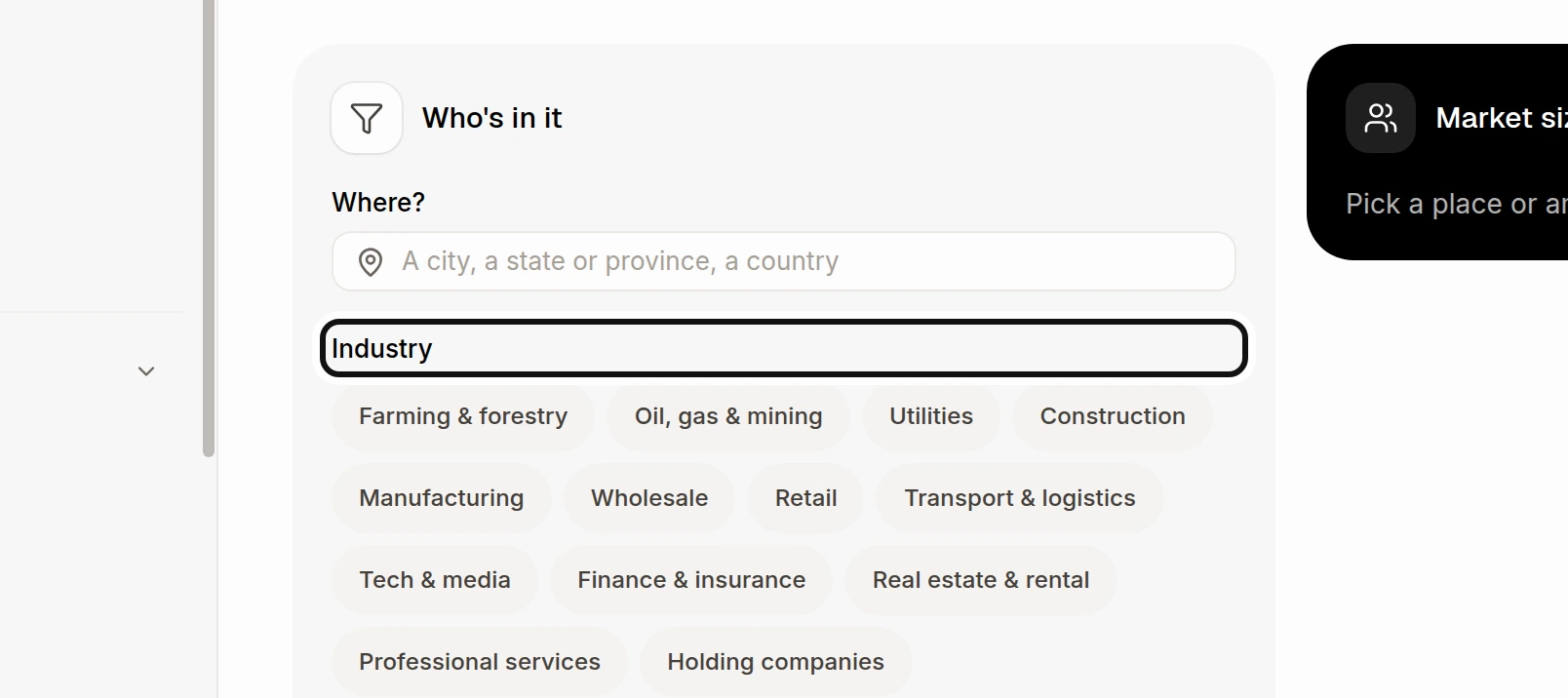
Give the audience a name. Under Who's in it, choose a place and an Industry sector, or enter a more specific industry.
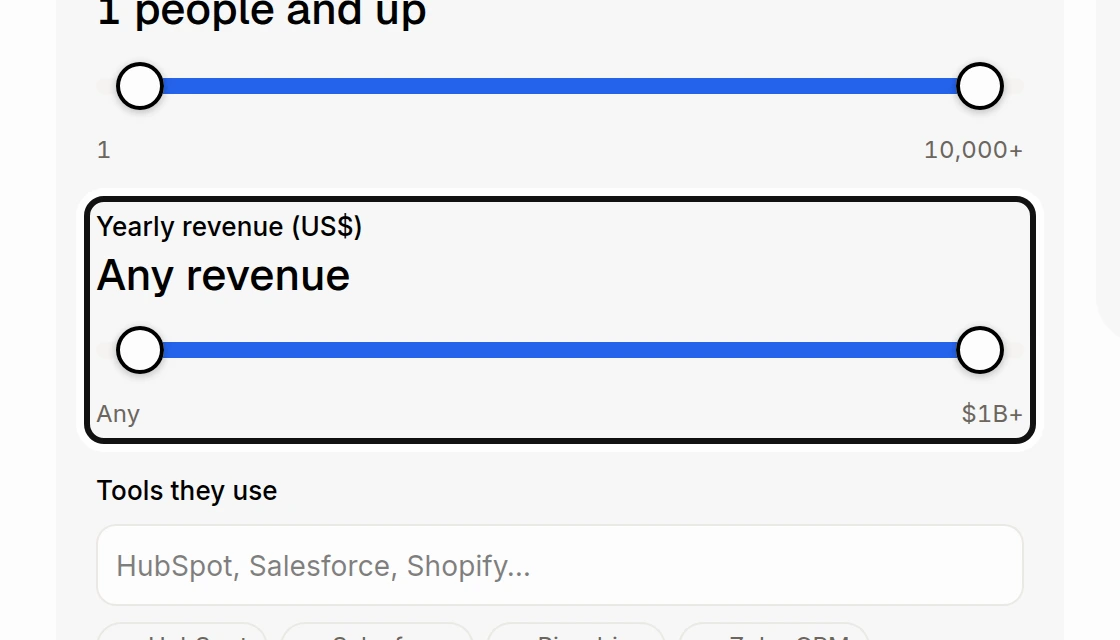
Set Company size and drag the ends of Yearly revenue (US$) to narrow the range. You can also choose Tools they use and Who to reach, including job titles and seniority. Filtering by tools needs your own Apollo connection.
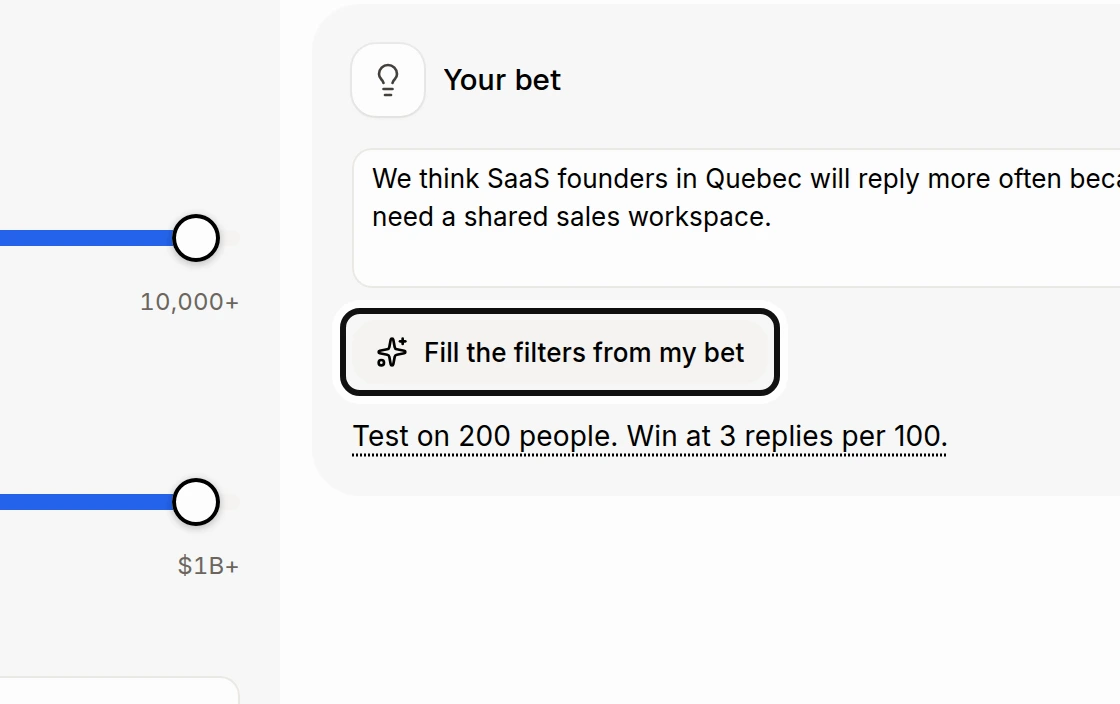
Under Your bet, write who you think will respond and why. Choose Fill the filters from my bet to let AI fill the filters; you can change them afterward.
Read Market size after choosing a place or industry. TAM is matching companies, SAM is buyers who work there, and SOM is an estimate of buyers with a sure work email. The circles also show yearly value when you set a price.
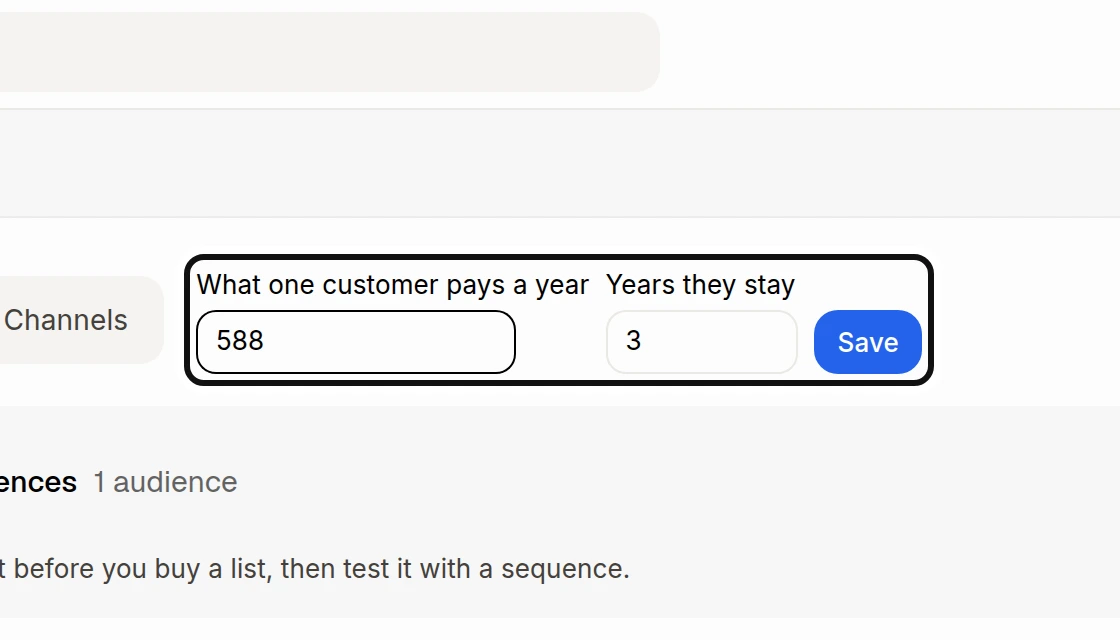
Back on Markets, choose Set what one customer pays a year, enter the price and Years they stay, then choose Save. Alori uses them to show yearly value and customer lifetime value (LTV).
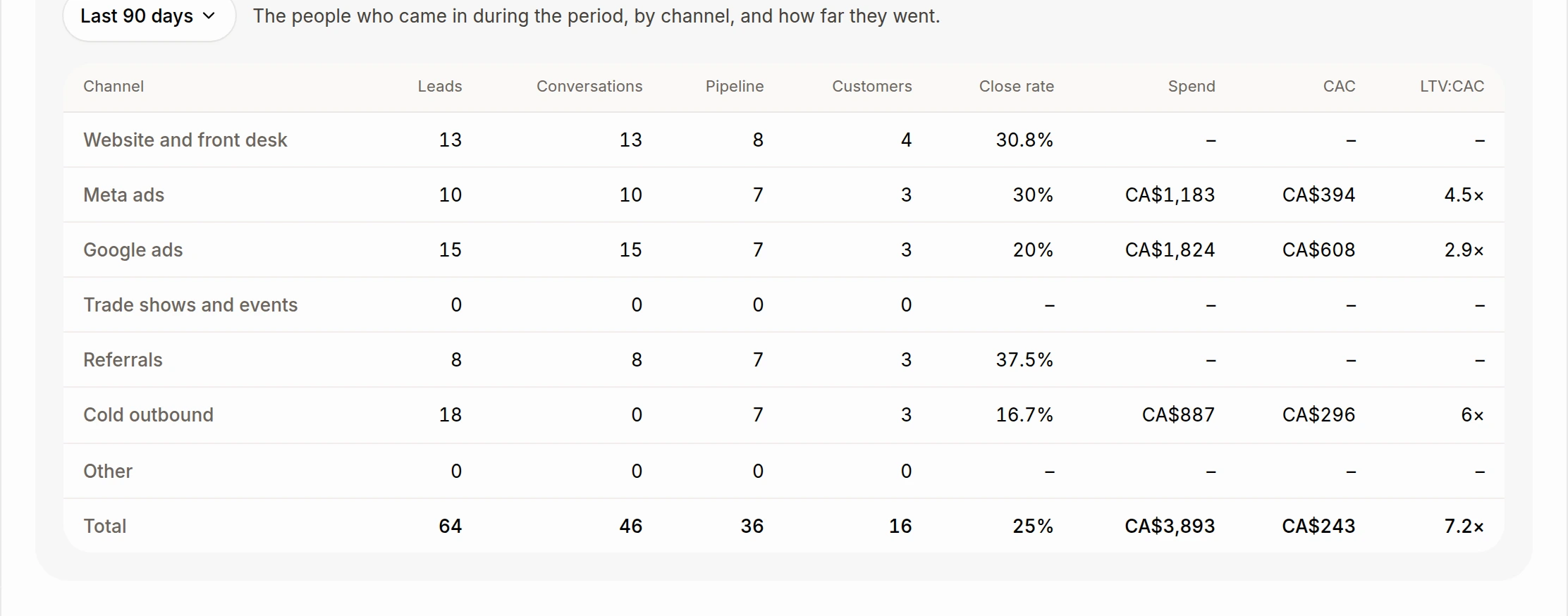
Compare leads, conversations, pipeline, customers, spend, customer acquisition cost (CAC) and LTV:CAC by channel for the selected period.
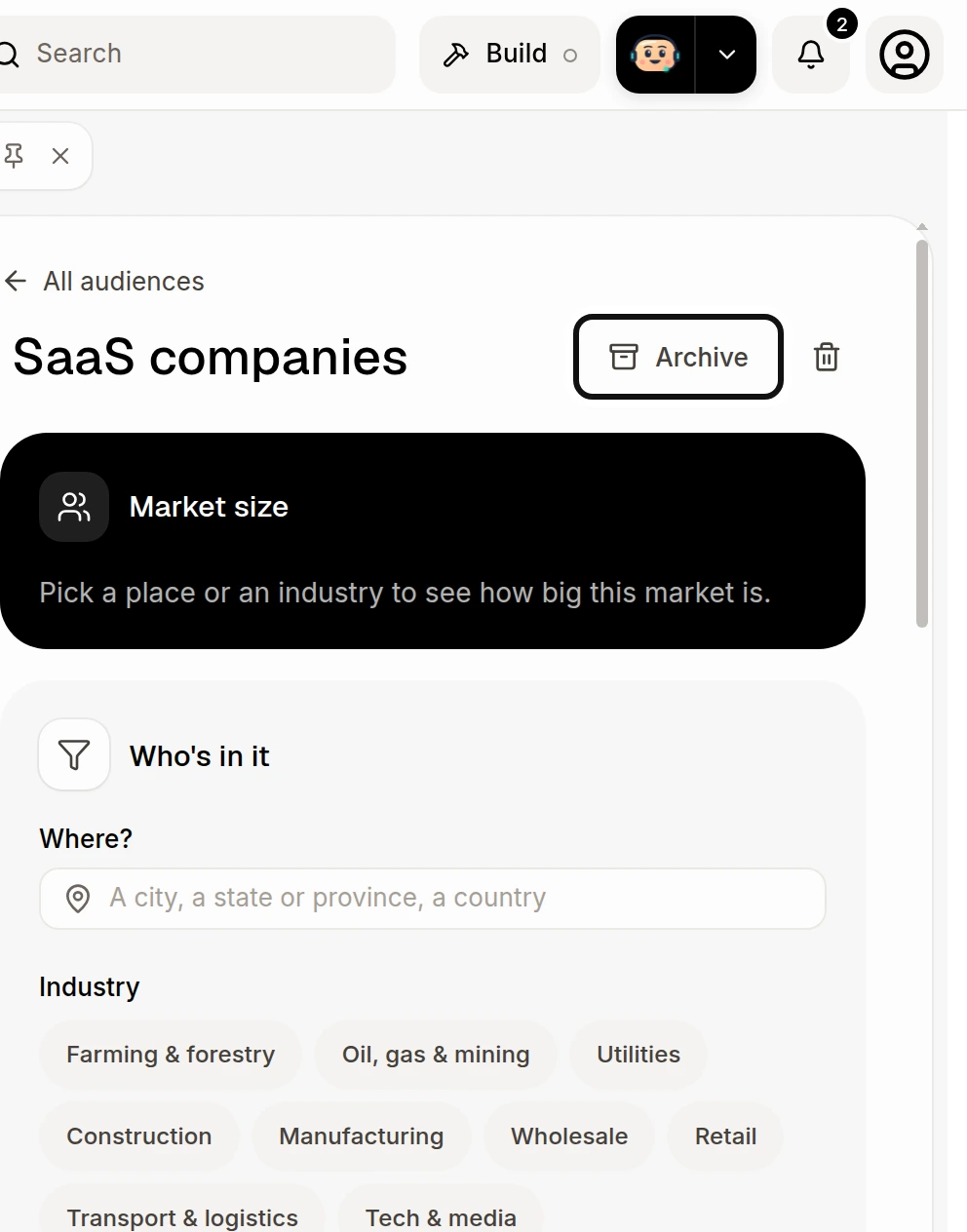
To take an audience out of the totals, open it and choose Archive. You can find it under Archived on Markets and choose Bring back later.
Did this answer your question?