How do I track my website in several cities or countries?
Check your website's Google rankings in each place your customers search.
Written by Philippe Genois
You can check the same website's Google rankings in more than one place. Each place has its own price.
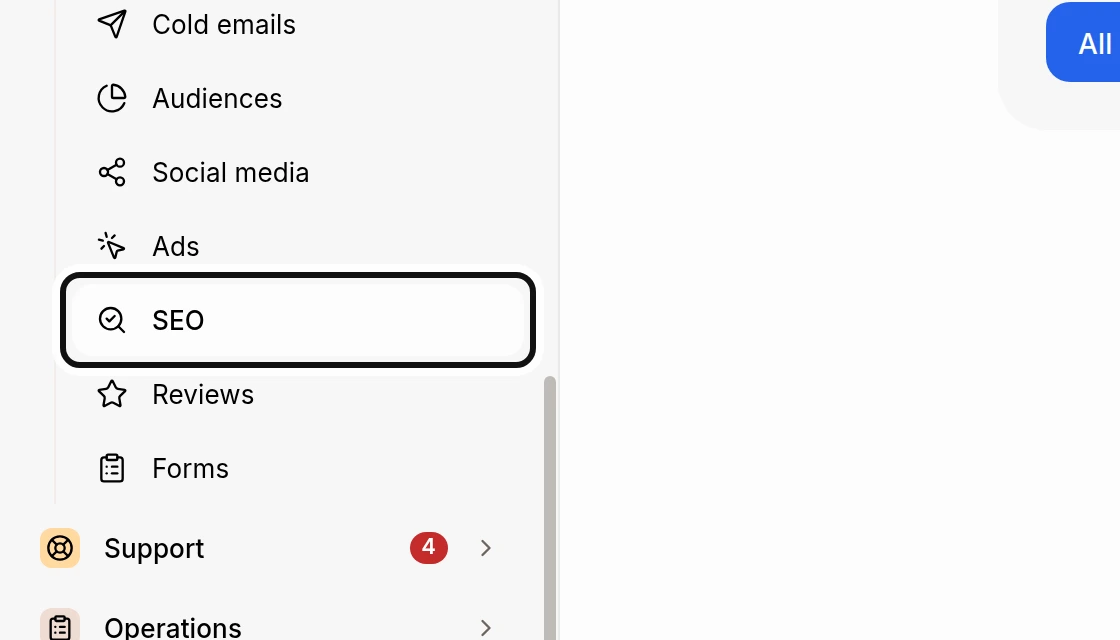
Turn on SEO and finish its setup if you haven't yet.
Select your website at the top of the page.
Select the + beside its places to open Add a place.
In Where, enter a city, state, province or country and choose it from the suggestions.
Check the monthly price shown, then select Add place.
Select a place beside the website to see its own Google rankings. Its first positions appear in a few minutes.
The places share the website's searches, competitors and AI questions. To change or remove the selected place, select its name beside the website. Removing an extra place removes its positions there, while the website's searches and competitors stay.
Did this answer your question?