How do I add freight and other costs to a purchase order?
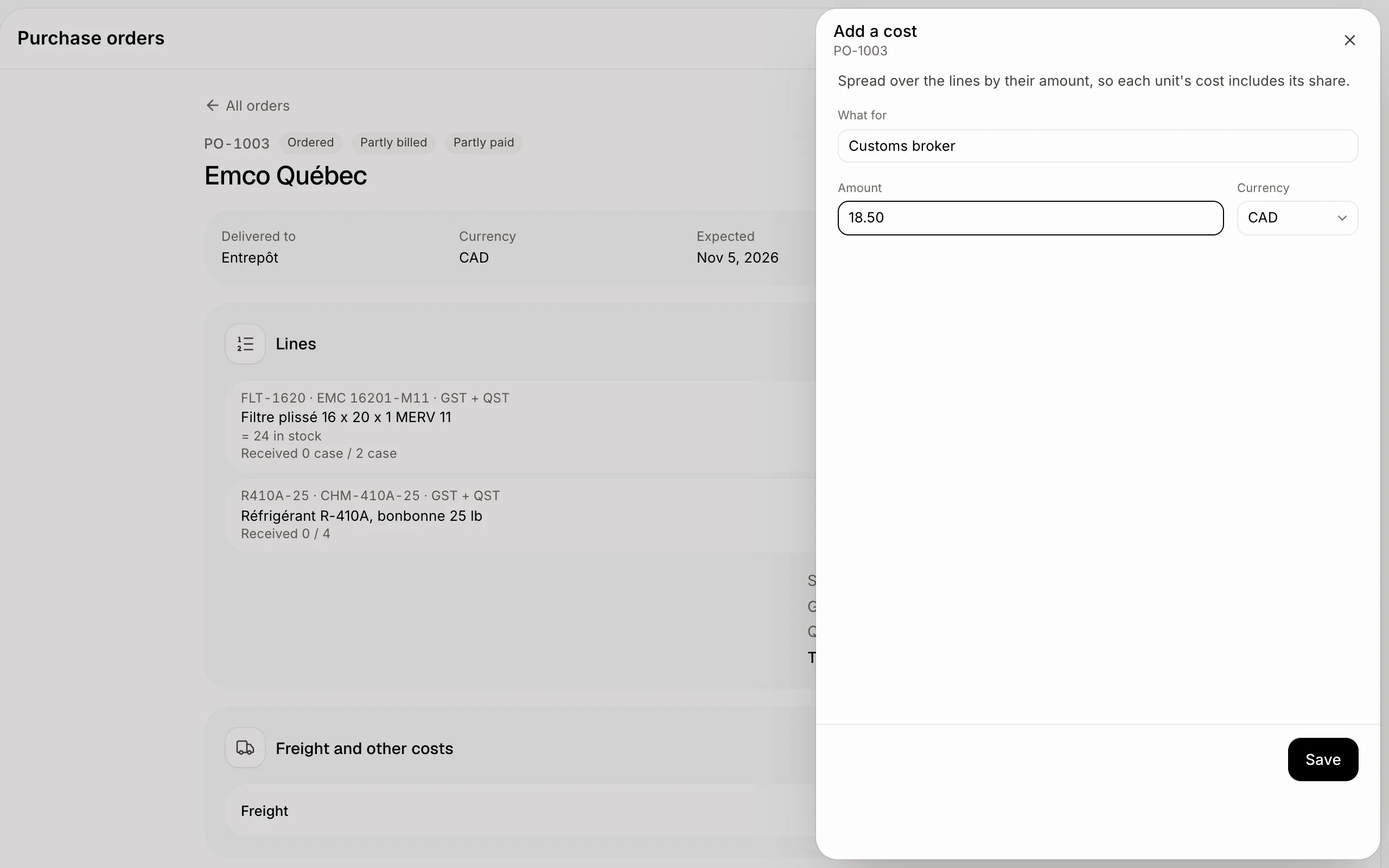
On the purchase order, click Add a cost under Freight and other costs. It's spread over the lines, so each unit's cost includes its share.
Open the purchase order and, under Freight and other costs, click Add a cost. Type what it's for, the amount and its currency. Alori spreads it over the order's lines by their amount, so each unit's cost in stock includes its share.
Also called: landed cost, freight, shipping cost, customs, duties, broker, frais de transport, coût rendu, douanes, courtier
Step 1: Add the cost
Click Add a cost. Type What for (freight, customs, a broker), the Amount and its Currency. A cost in another currency than your inventory's asks its rate (like 1 USD = 1.38 CAD): you can pay the goods in Canadian dollars and the freight in US dollars. Click Save.
Click: Purchase orders › the order › Add a cost › Save
Step 2: Check the costs
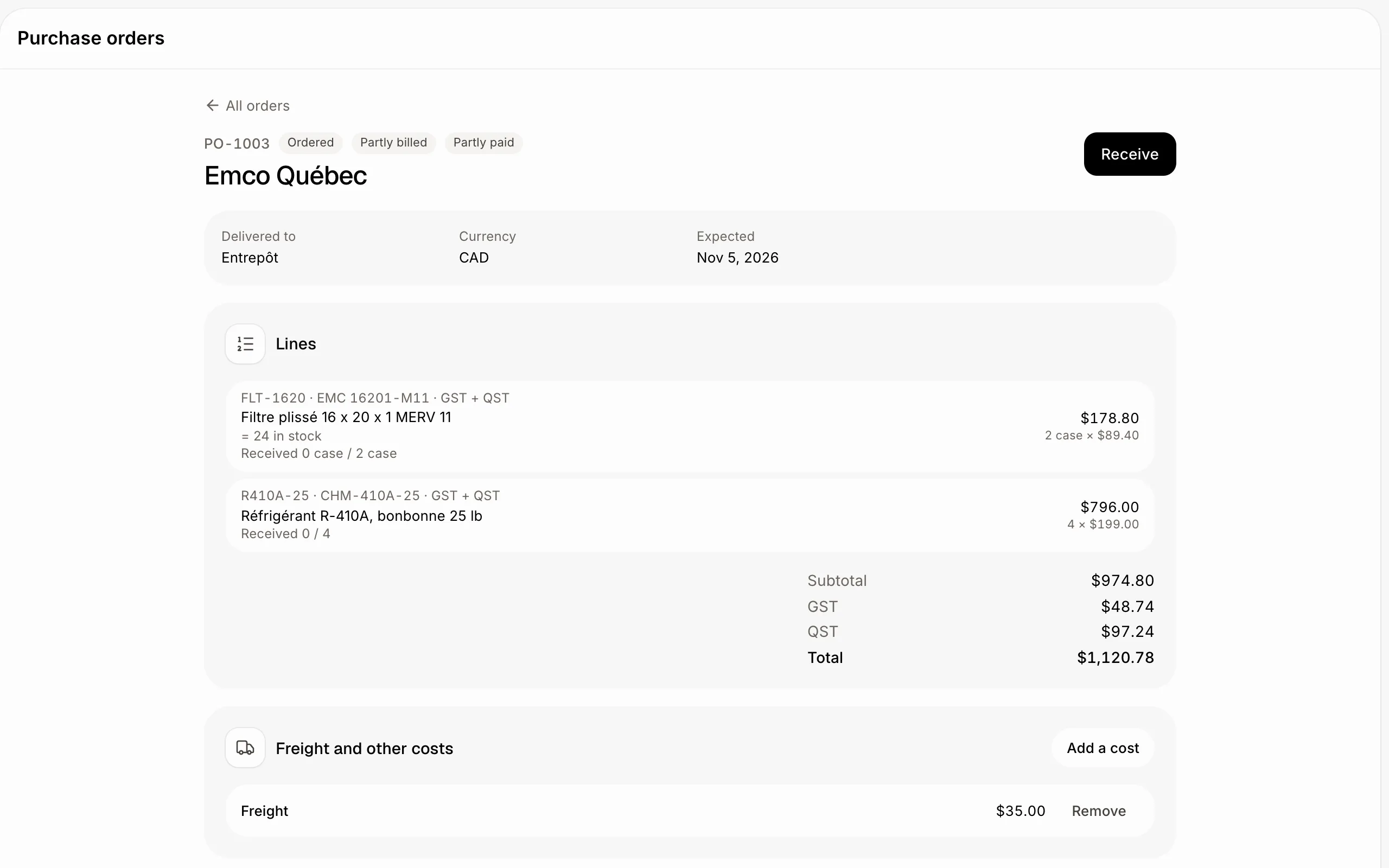
Each cost shows under Freight and other costs, with Remove. What comes in afterwards carries its share in its cost. Goods already received get their share added to their average cost right away.
Click: Purchase orders › the order › Freight and other costs
If it doesn't work
"Enter the exchange rate first." The cost is in another currency than your inventory's: type its rate.
"Enter a number." The amount must be more than 0.