How do I change a person's stage?
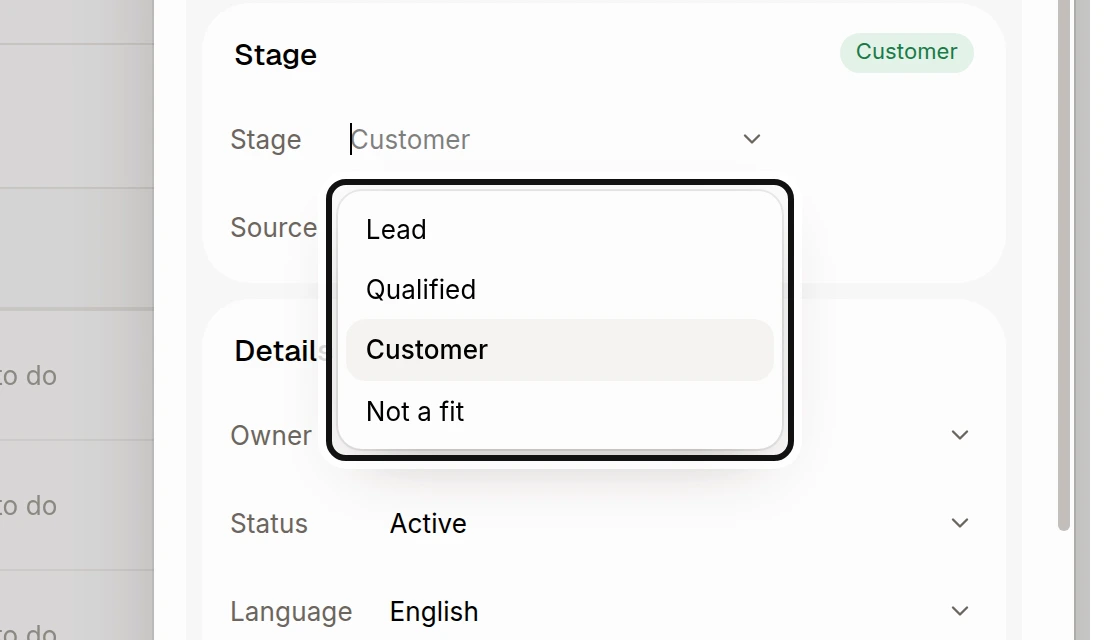
Choose Lead, Qualified, Customer or Not a fit on the person's Stage card.
Written by Philippe Genois
Change where a person stands from their Stage card.
Click the person you want. Their details open beside the list.
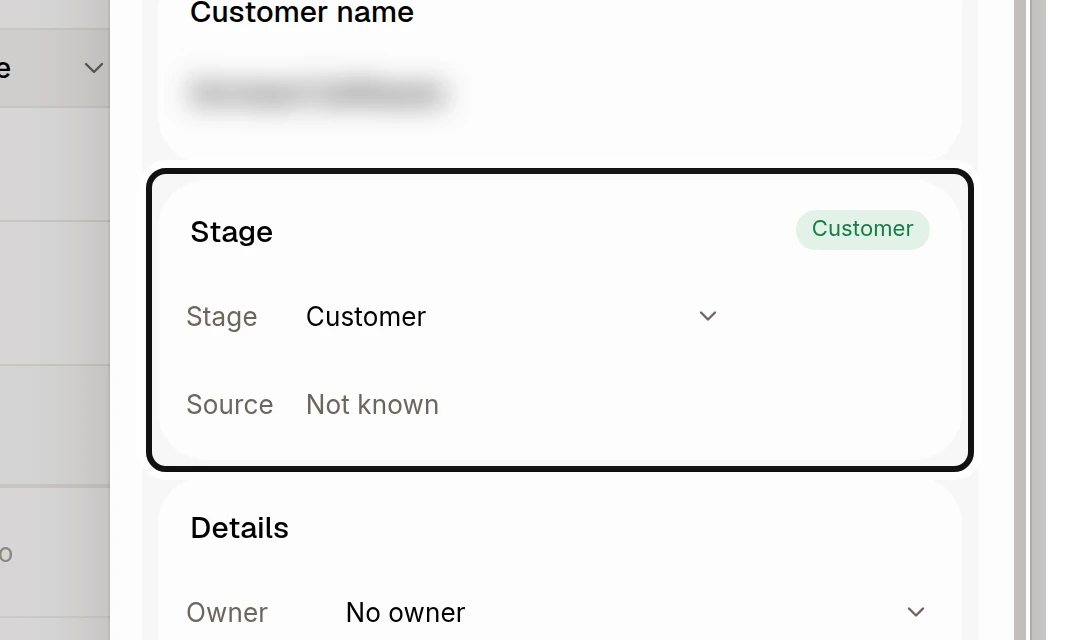
In Stage, click the current stage and choose Lead, Qualified, Customer or Not a fit.
Your choice saves in place.
The card also shows Source, where the person first came from, and whether it was Inbound or Outbound when known. It says Not known when there isn't a source on file. You may also see when the person reached their current stage.
Alori can move a stage forward as work progresses, such as when a deal is won or a quote is made. You can change it by hand in either direction.
Did this answer your question?
NoPartlyYes