How do I create a saved reply?
Save an answer your team can use again.
Save an answer your team can use again.
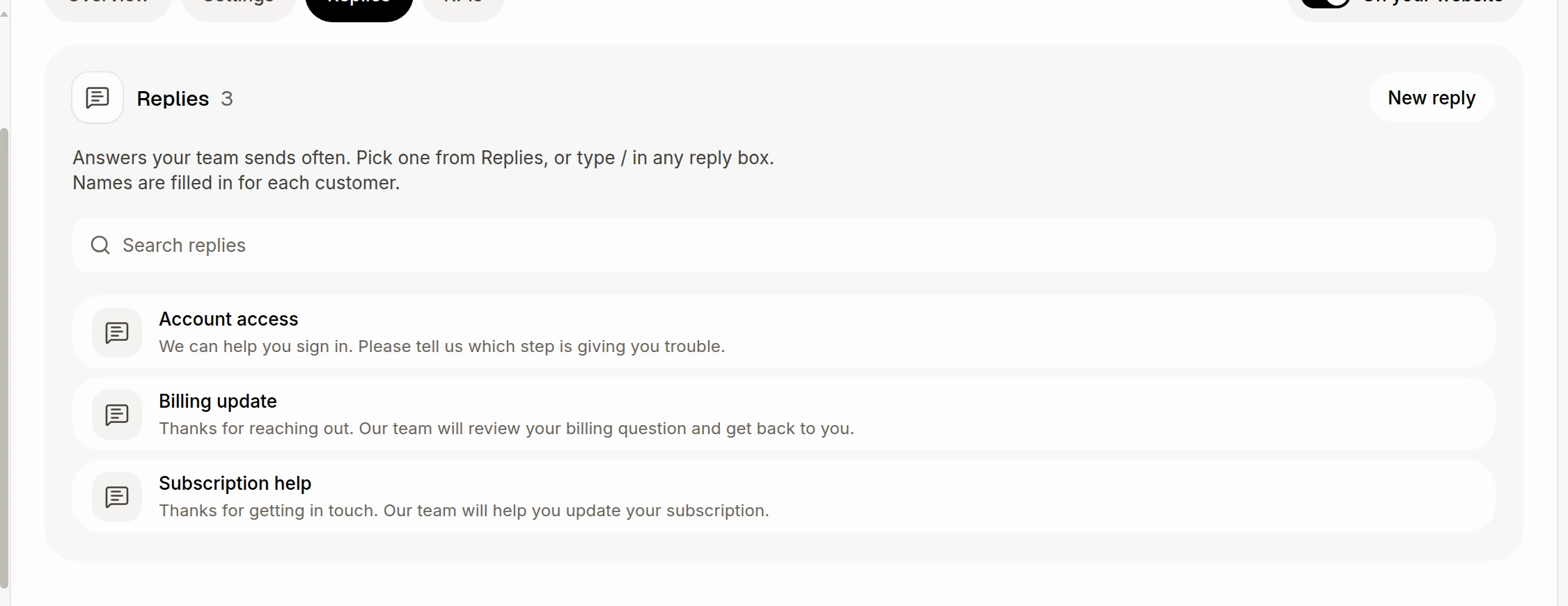
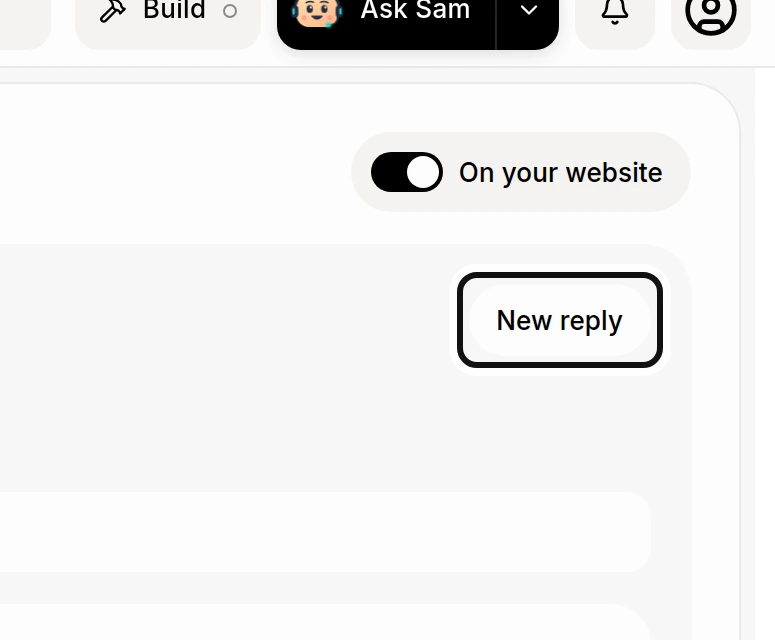
Give the reply a Name.
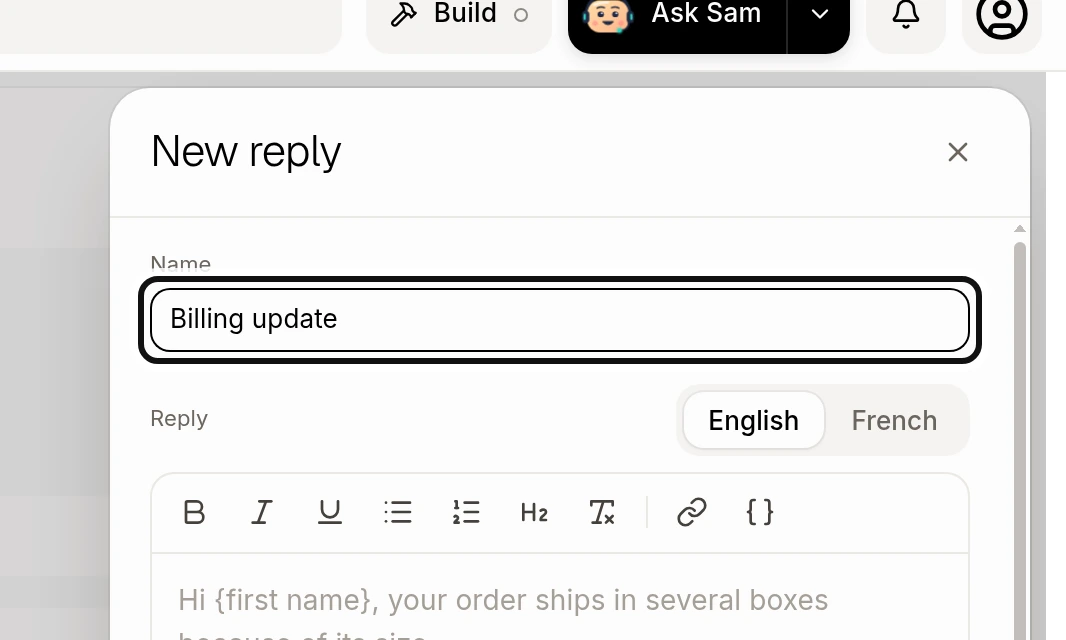
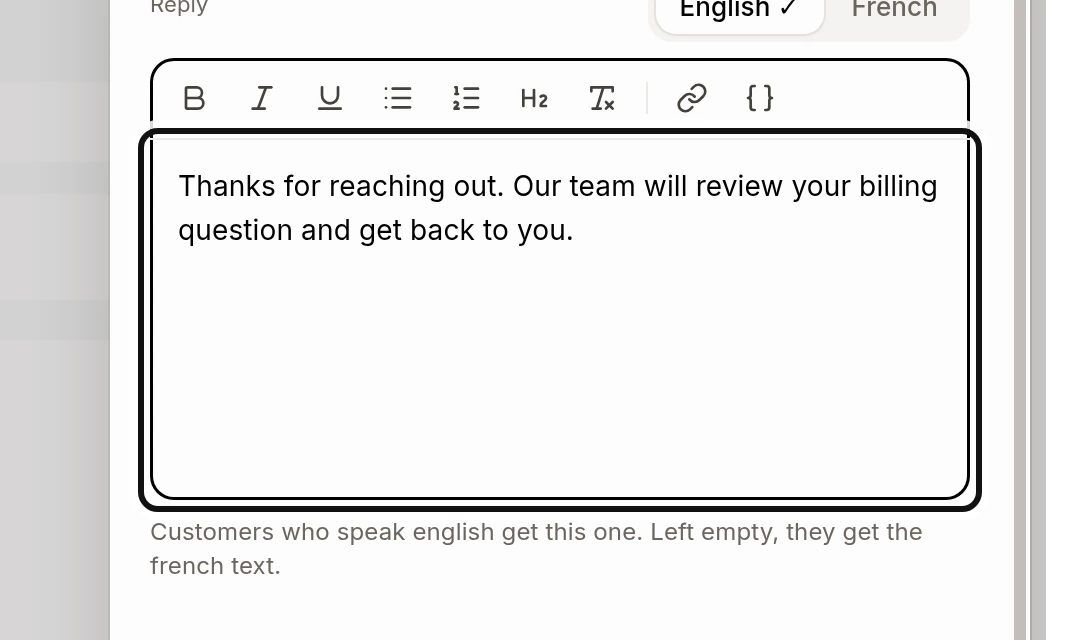
Write the Reply. Use English and French to add each version.
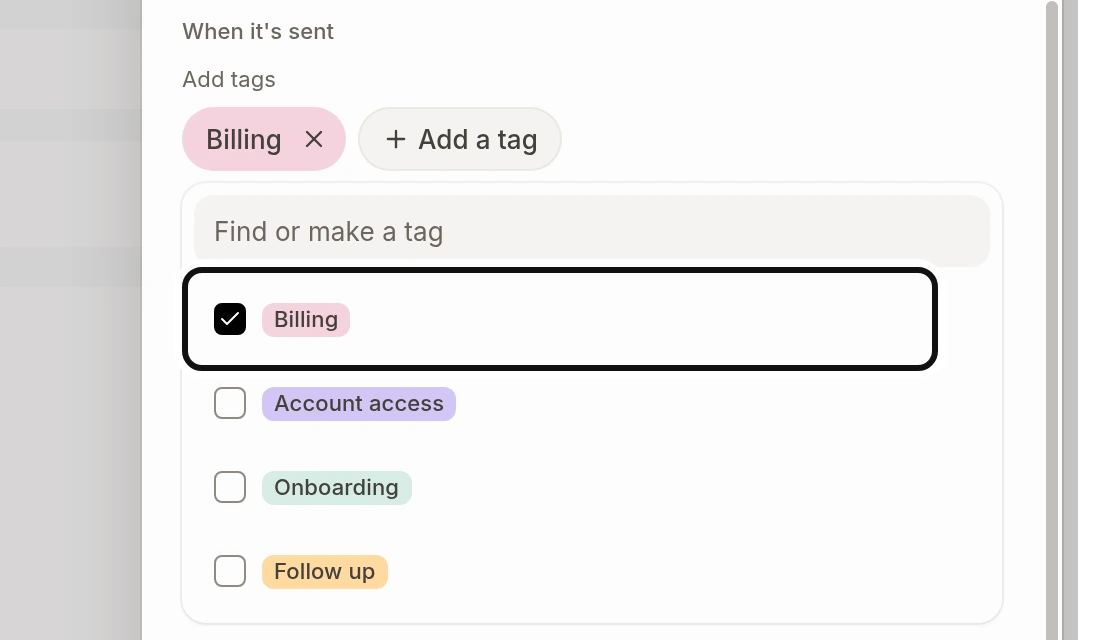
Under When it's sent, use Add a tag to choose tags the reply will add to the conversation.
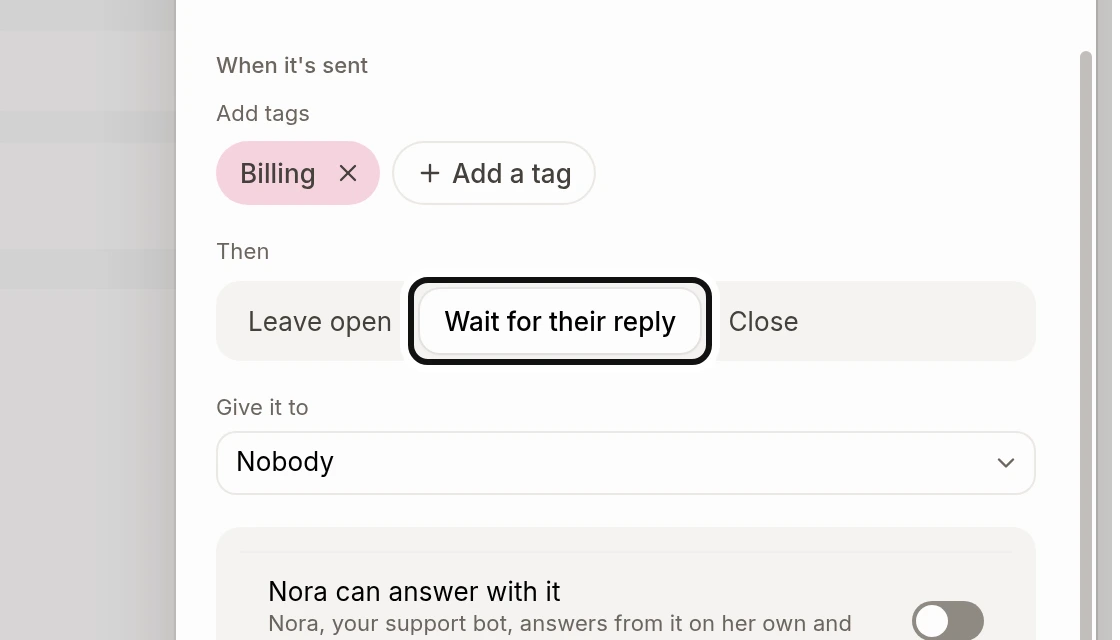
Under Then, choose Leave open, Wait for their reply or Close.
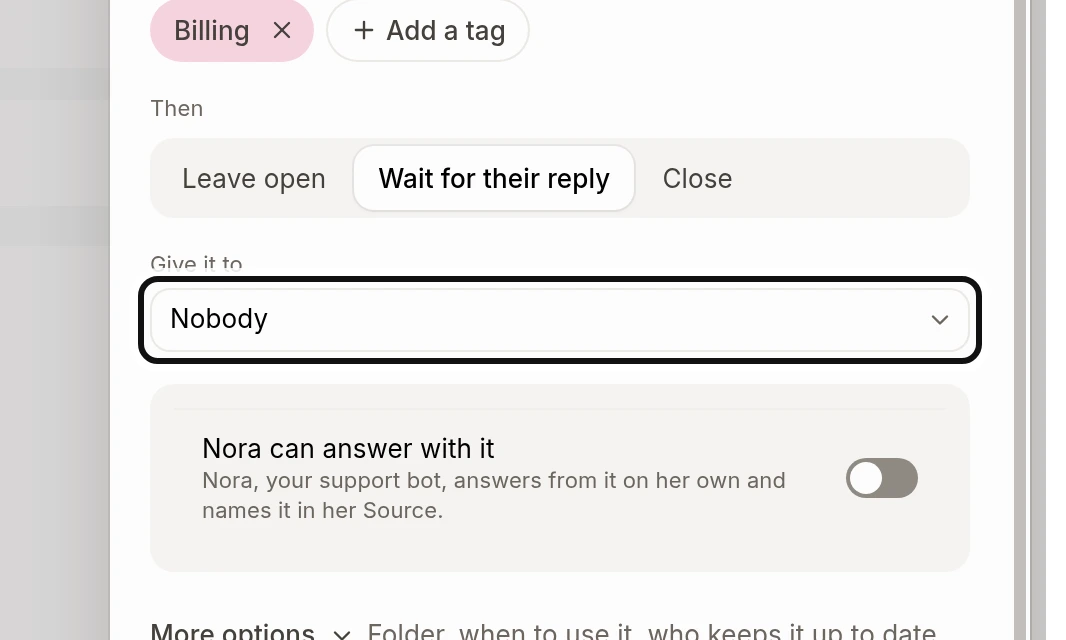
Under Give it to, choose who gets the conversation.
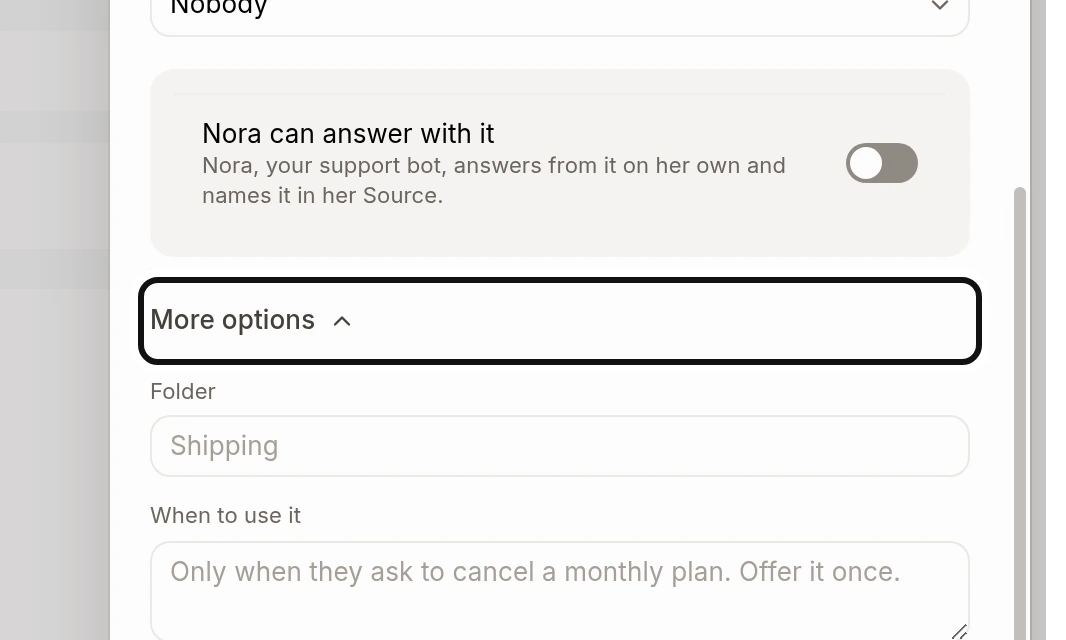
Open More options to set a folder, when to use the reply, who keeps it up to date and whether it shows in website chats.
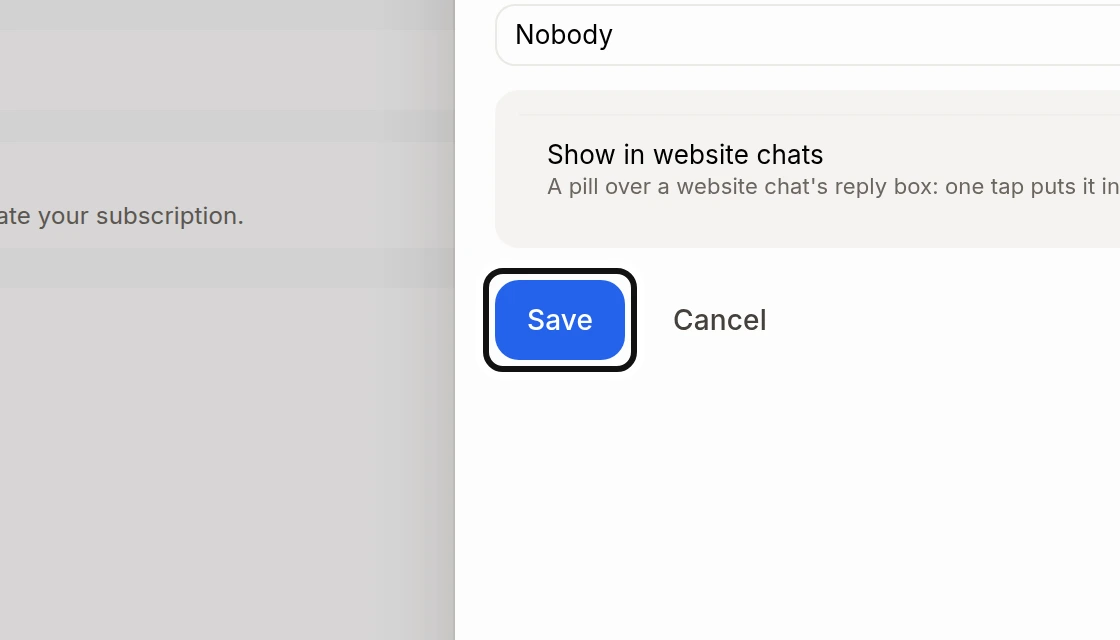
Click Save.
Turn on Nora can answer with it if you want Nora to use the reply herself.
Did this answer your question?
NoPartlyYes