How do I get Ben to do my bookkeeping?
Connect your books and ask Ben to help keep them in order.
Written by Philippe Genois
Only admins can see and talk to Ben. His conversations and reports are shared with the other admins.
Click Ben. If he is not on yet, click Add a bot, find Ben, and click Turn on.
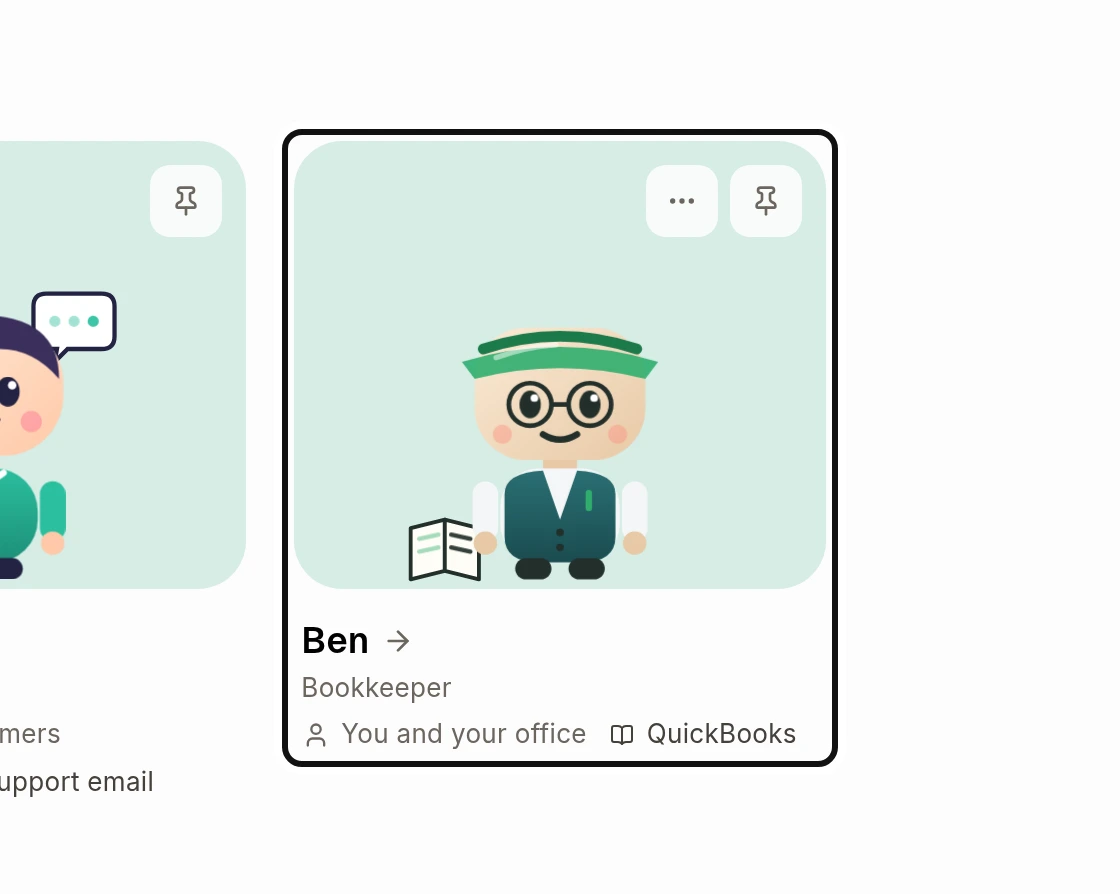
Connect QuickBooks Online or Xero so Ben can read your books. Follow the sign-in steps for your accounting account. You can ask Ben to review your books and help with expenses, bank matching and reports. He shows changes to your books for your approval first.
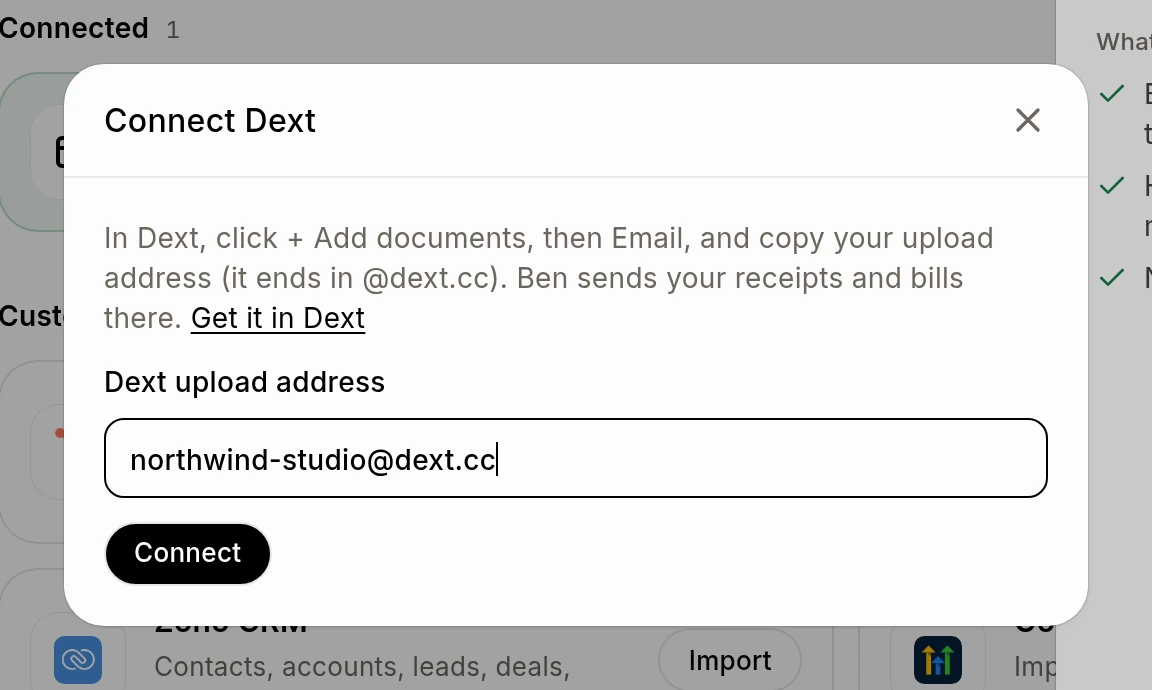
To let Ben forward receipts and supplier bills to Dext, click Connect. In Dext, open + Add documents › Email and copy your upload address. Paste it in Dext upload address and click Connect. Ben uses your connected Gmail to forward the documents, then checks what Dext publishes in QuickBooks or Xero; he does not read Dext directly.
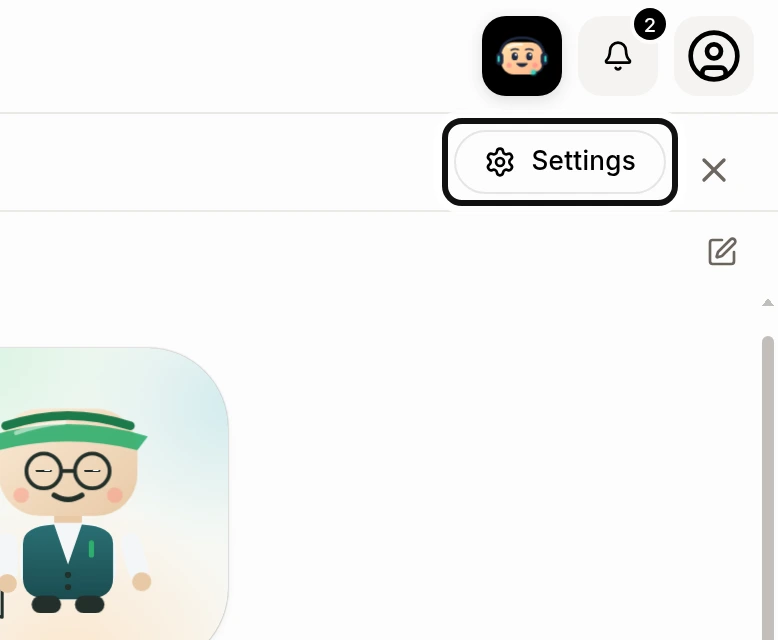
On Ben's page, click Settings to open His work.
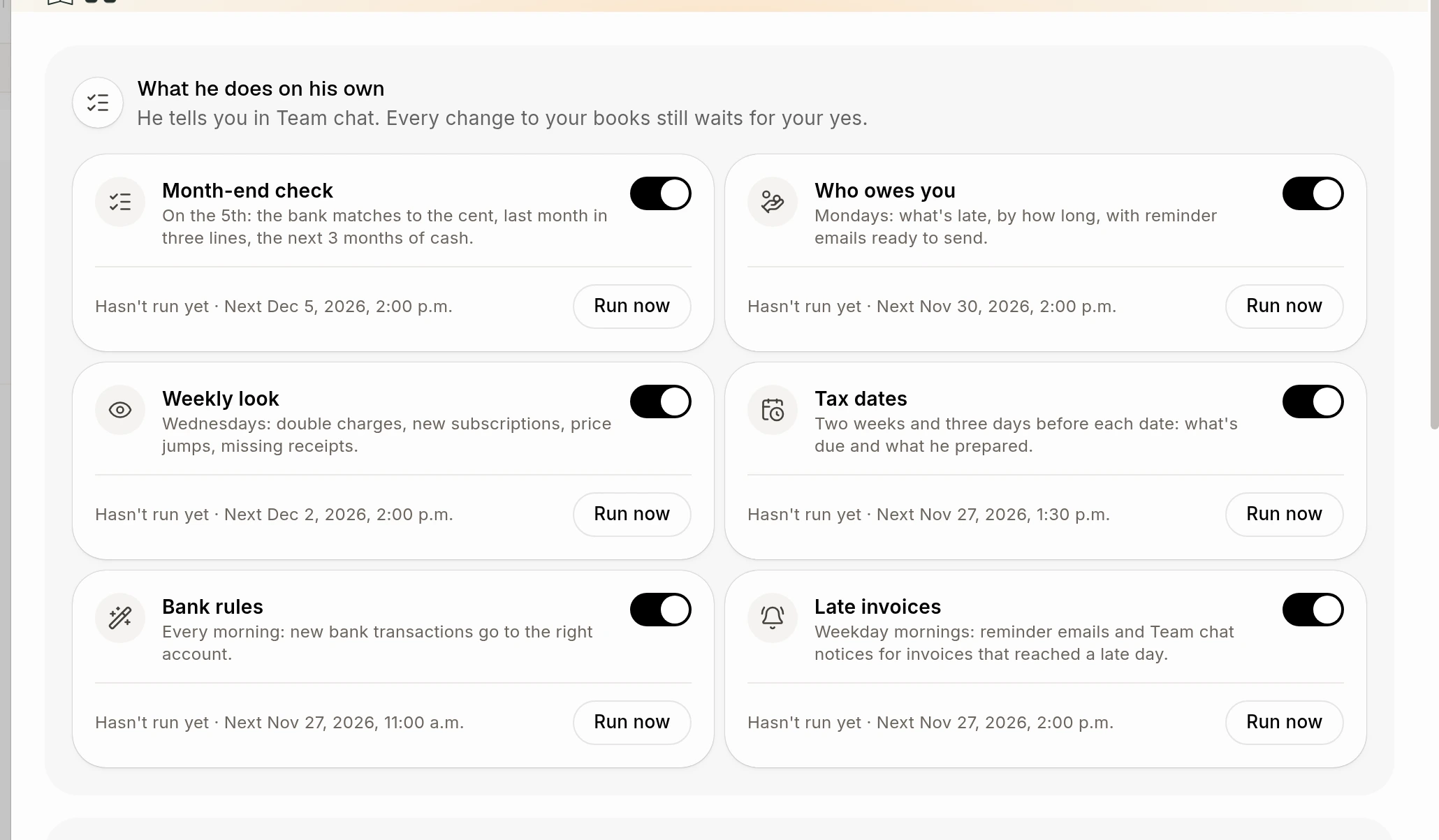
Under What he does on his own, use the switches to turn routines on or off. You can also click Run now. The list shows when each routine last ran and when it is due next.
To set a late-invoice rule, click Set up late invoices in His work, or ask Ben in chat. Name the QuickBooks company, how many days late the invoice should be, and whether he should email the customer or notify the team in Team chat. Email rules use the Gmail of the person who asked. Late-invoice rules are for QuickBooks companies; Ben checks them on weekday mornings.
For another recurring task, click Give him a job in His work or ask Ben in chat. Say what you want, when it should run, and which company it is for. He reports to the person who asked in Team chat. You can switch a job off, remove it, or click Run now under His jobs.
Did this answer your question?