How do I handle several tickets from the same customer?
Pick the right ticket when a customer has more than one request.
Written by Philippe Genois
One customer can have several open tickets, each for a different request.
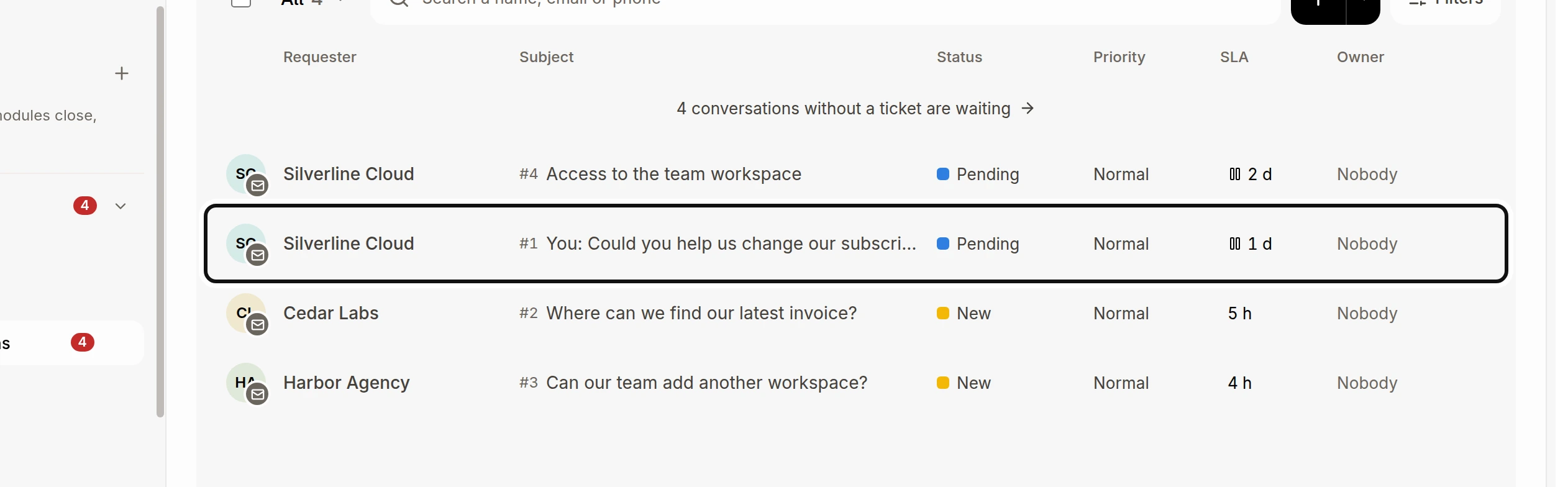
In the Tickets view, select one of the customer's tickets. Each ticket has its own row and number.
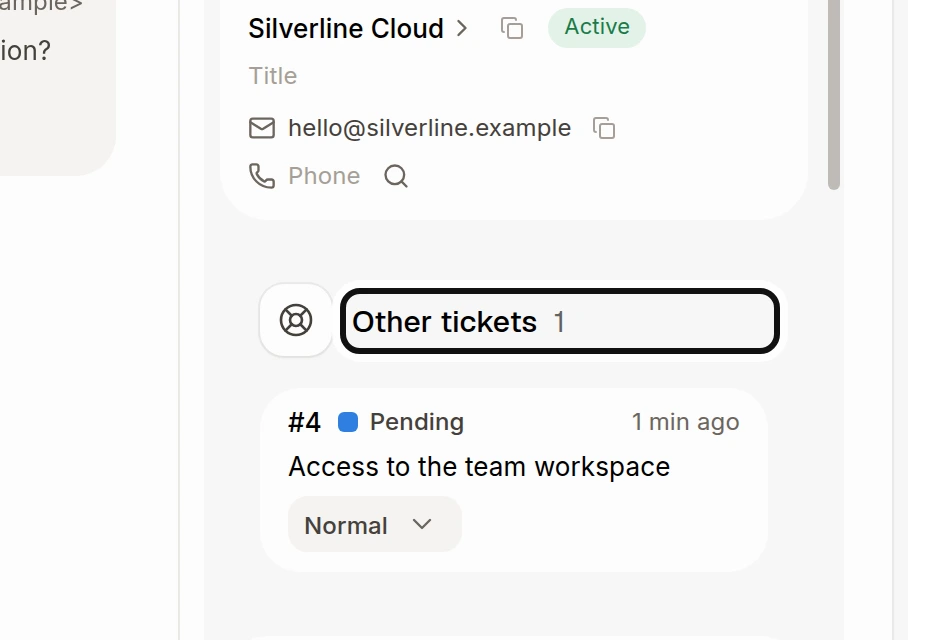
On the ticket page, find Other tickets in the customer's details.
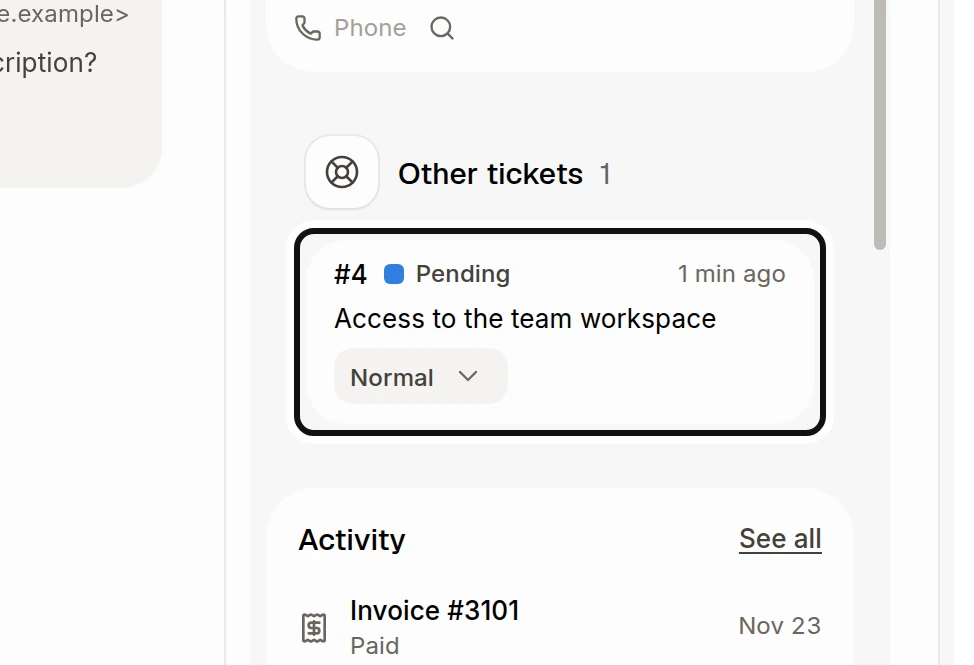
Select the other ticket to open it. Replies and status changes on that page apply to the ticket you picked.
Did this answer your question?
NoPartlyYes