How do I keep writing while I work elsewhere?
Keep an email, text or note in a window while you use another page.
Written by Philippe Genois
Keep an email, text or note open in a small window while you use another page.
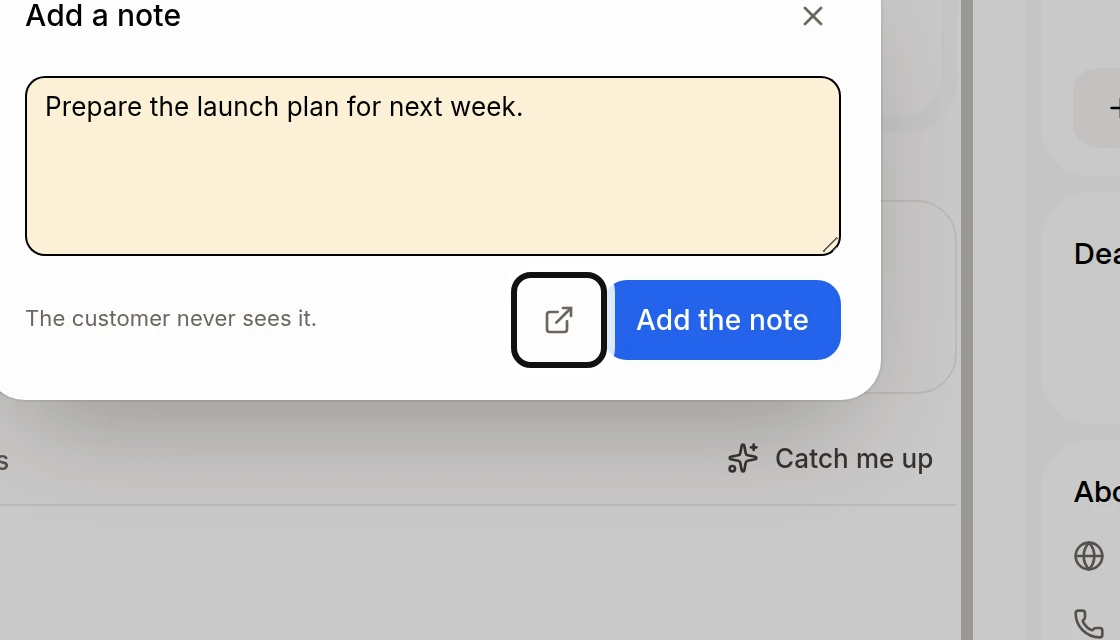
Open a company, click Note, and start writing. Click Keep writing in a window on the note.
Open another page. Your note stays at the bottom right. Click Minimize to tuck it away; click its title to open it again. Expand makes the window larger.
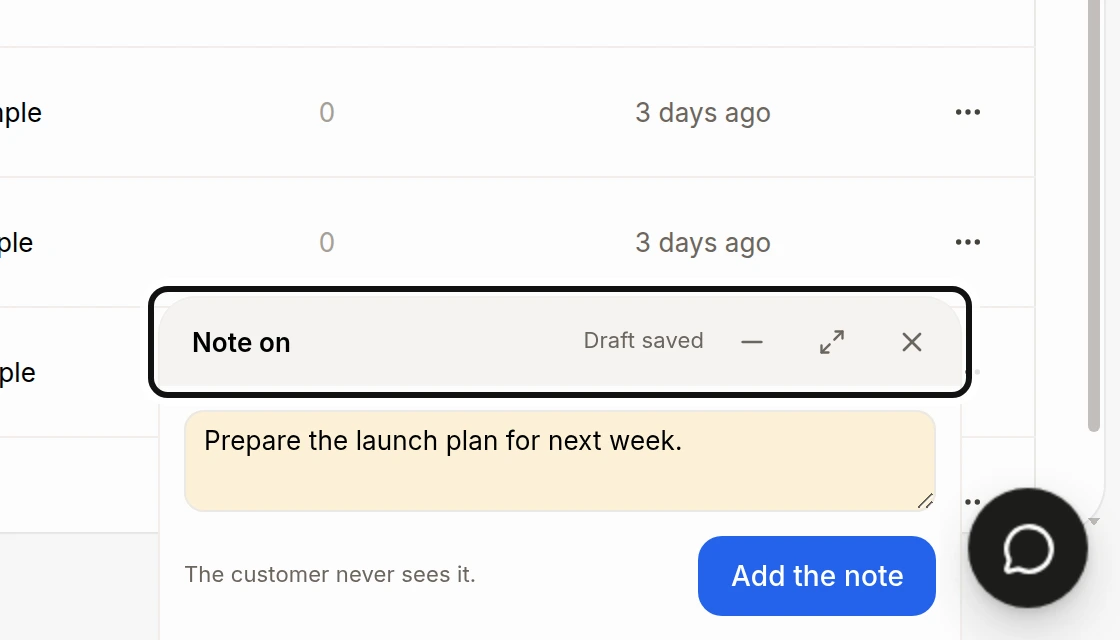
You can also use the window for emails and texts. If you leave a work tab while writing, the unfinished message can move into a window for you. You can keep up to four windows. On a phone, the open window fills the screen.
Did this answer your question?
NoPartlyYes