How do I see a person's details beside a list?
Click a person to see their details without leaving the list.
Written by Philippe Genois
Open a person's details without leaving your list.
Click a person. Their details open beside the list, including their Stage and Details.
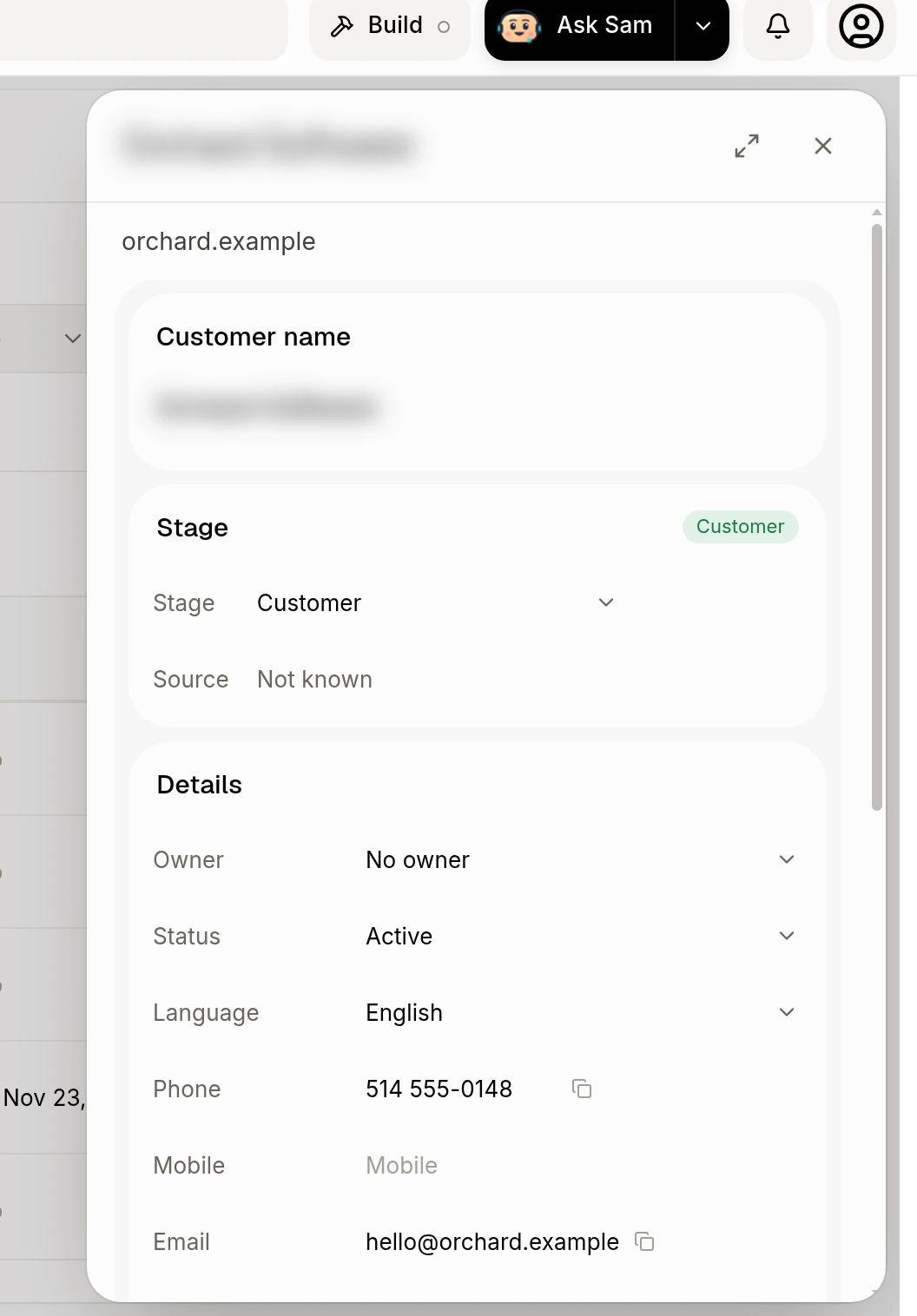
You can also click a person in a sequence's leads in Cold emails, or a campaign's recipients in Newsletters. In a sequence, the panel also shows the person's progress in that sequence.
For their full history, use Open full record, the arrows at the top of the panel. To return to the list, click Close or use your browser's Back button.
Did this answer your question?
NoPartlyYes