How do I snooze a conversation?
Set a conversation aside and bring it back when you need it.
Set a conversation aside and bring it back when you need it.
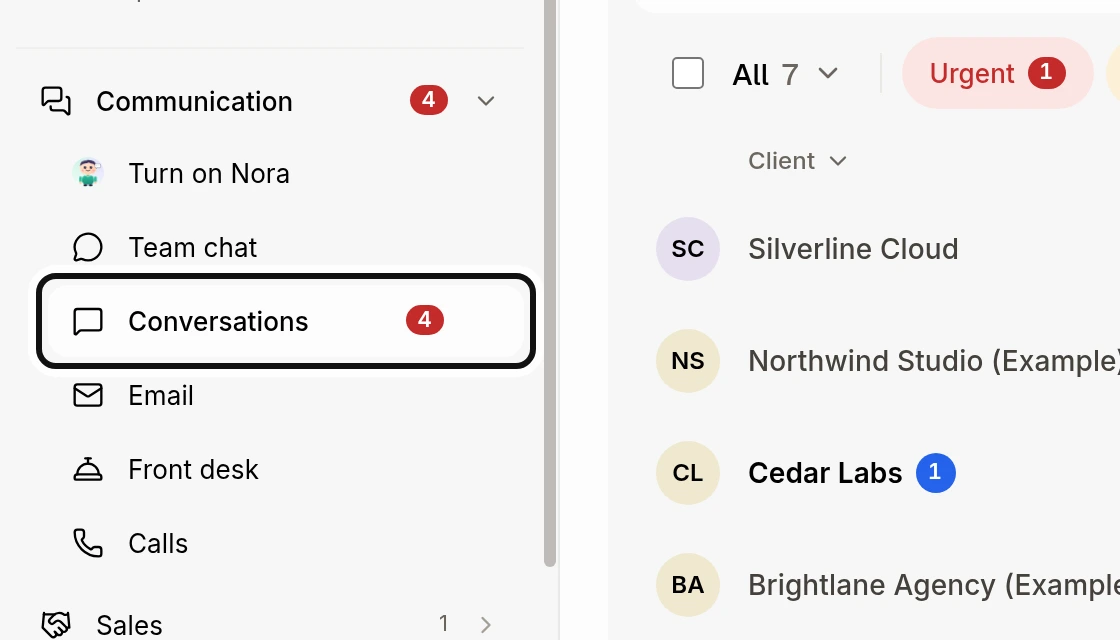
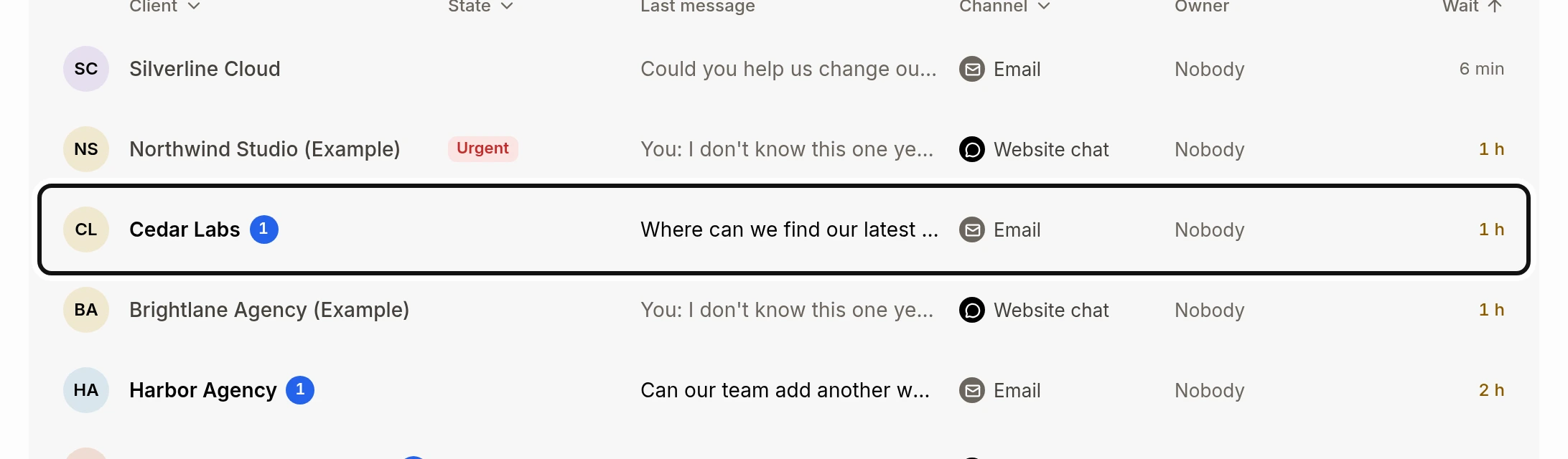
Open the conversation.
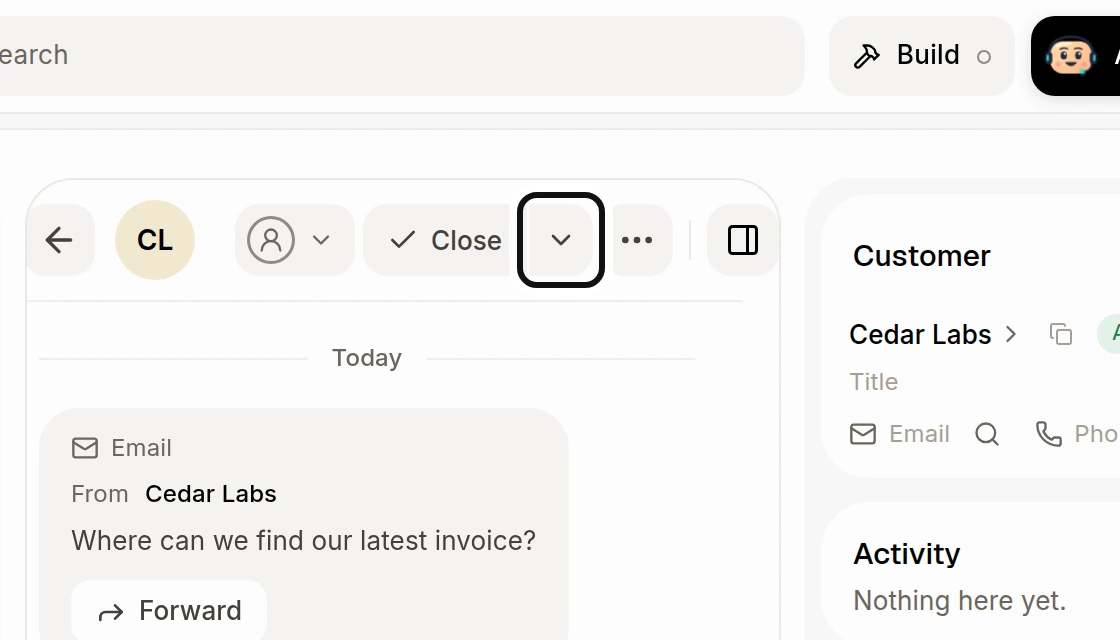
Click the arrow beside Close.
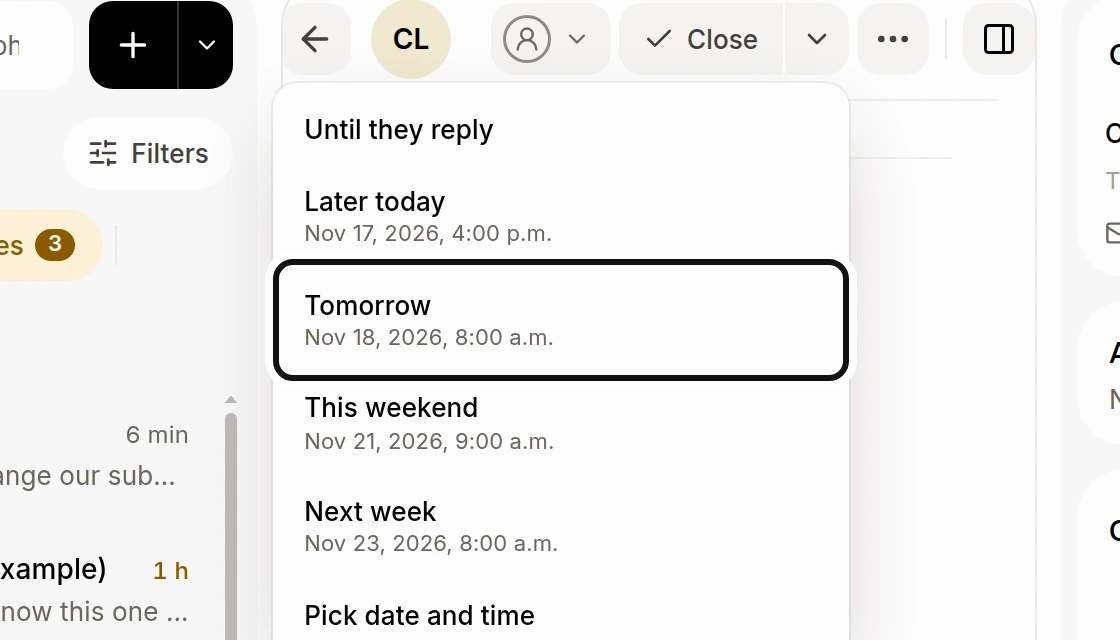
Choose when to bring it back, such as Tomorrow. You can also choose Until they reply or Pick date and time.
The conversation moves to Snoozed. It returns in Needs you at the chosen time, or sooner if the customer writes. Choose Until they reply to wait for their reply instead. To bring it back early, open it from Snoozed and click Bring back now. The confirmation also offers Undo.
Did this answer your question?
NoPartlyYes