How do I switch Conversations to Tickets and work a ticket?
Show one row per support ticket and work on a customer's request.
Written by Philippe Genois
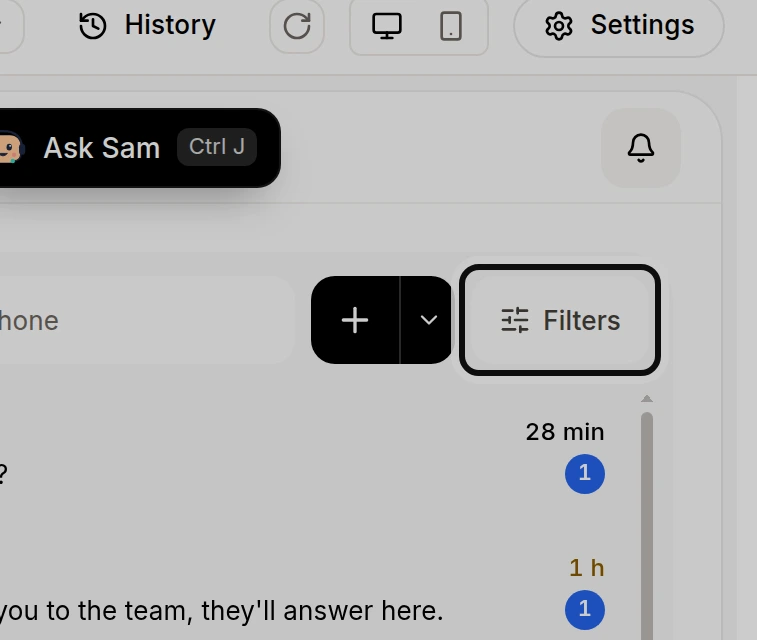
Select Filters.
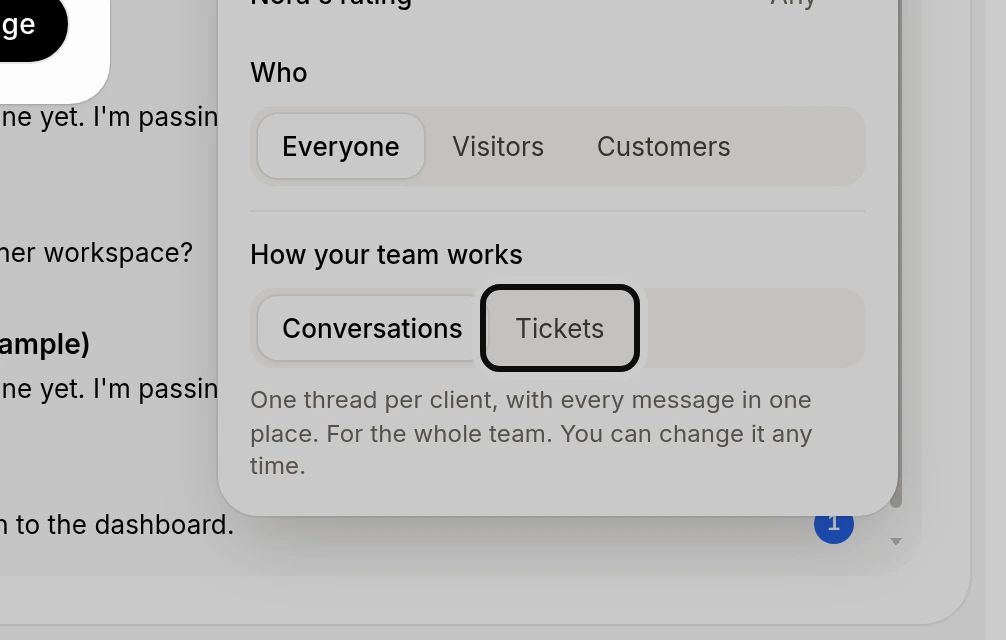
At the bottom, under How your team works, select Tickets. The change applies to the whole team. Select Undo in the message if you want to change it back.
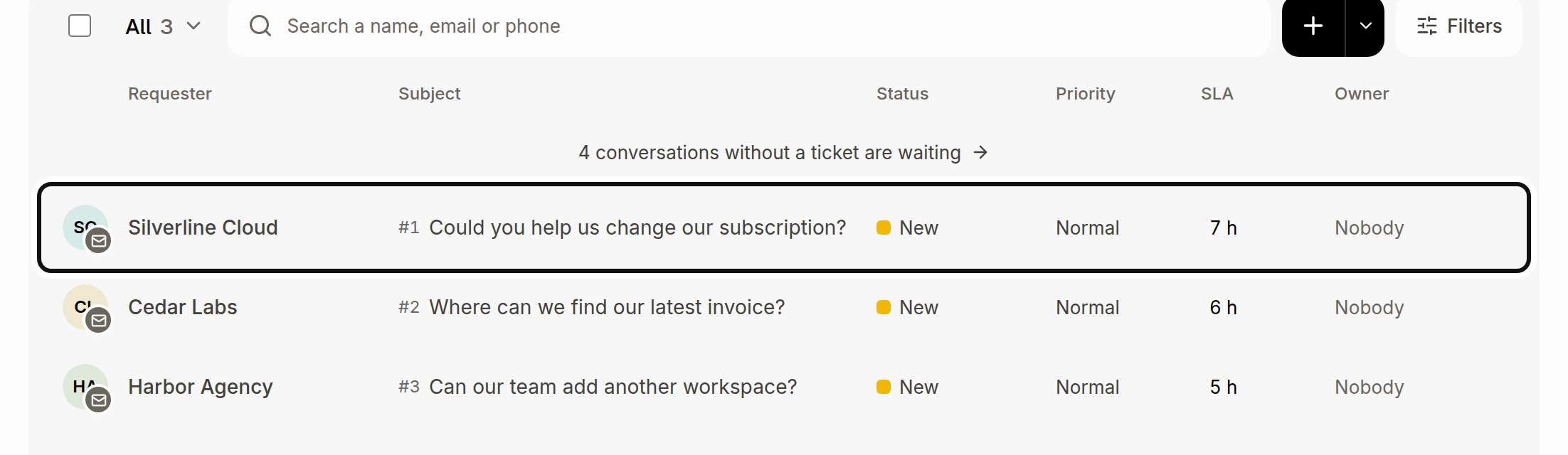
Select a ticket in the list. Each row is one ticket; the columns show its requester, subject, status, priority and owner; SLA appears when targets are set.
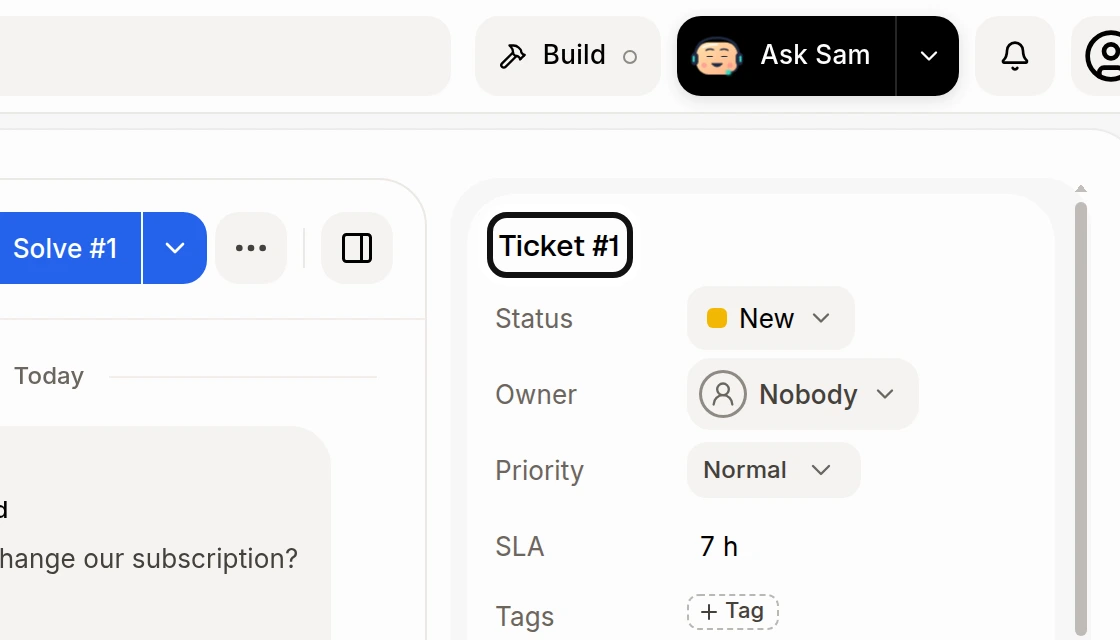
Use the Ticket card beside the conversation to see and change its status, owner, priority and tags.
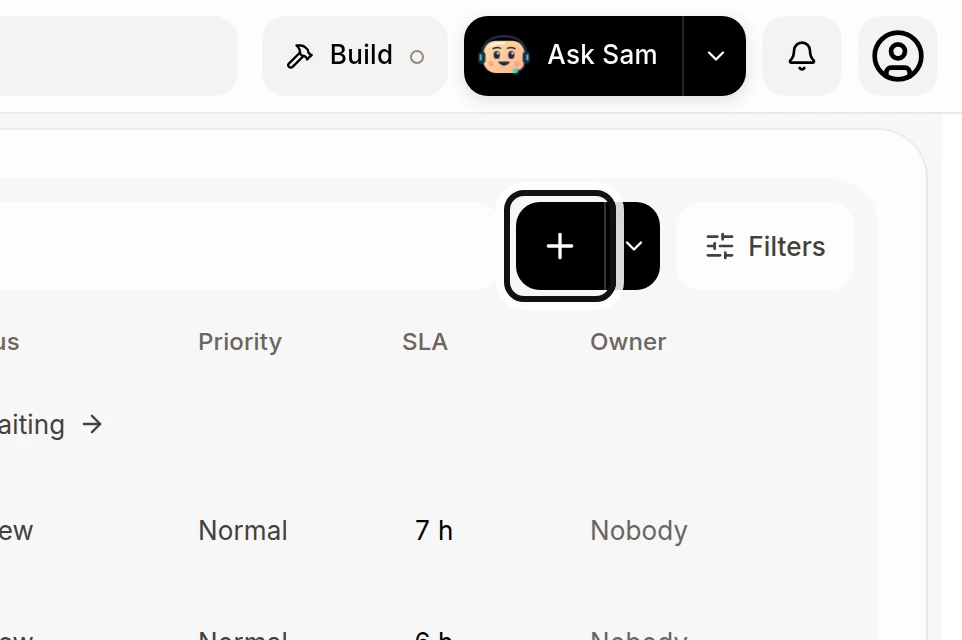
To start another ticket, select the + button (New ticket) above the list.
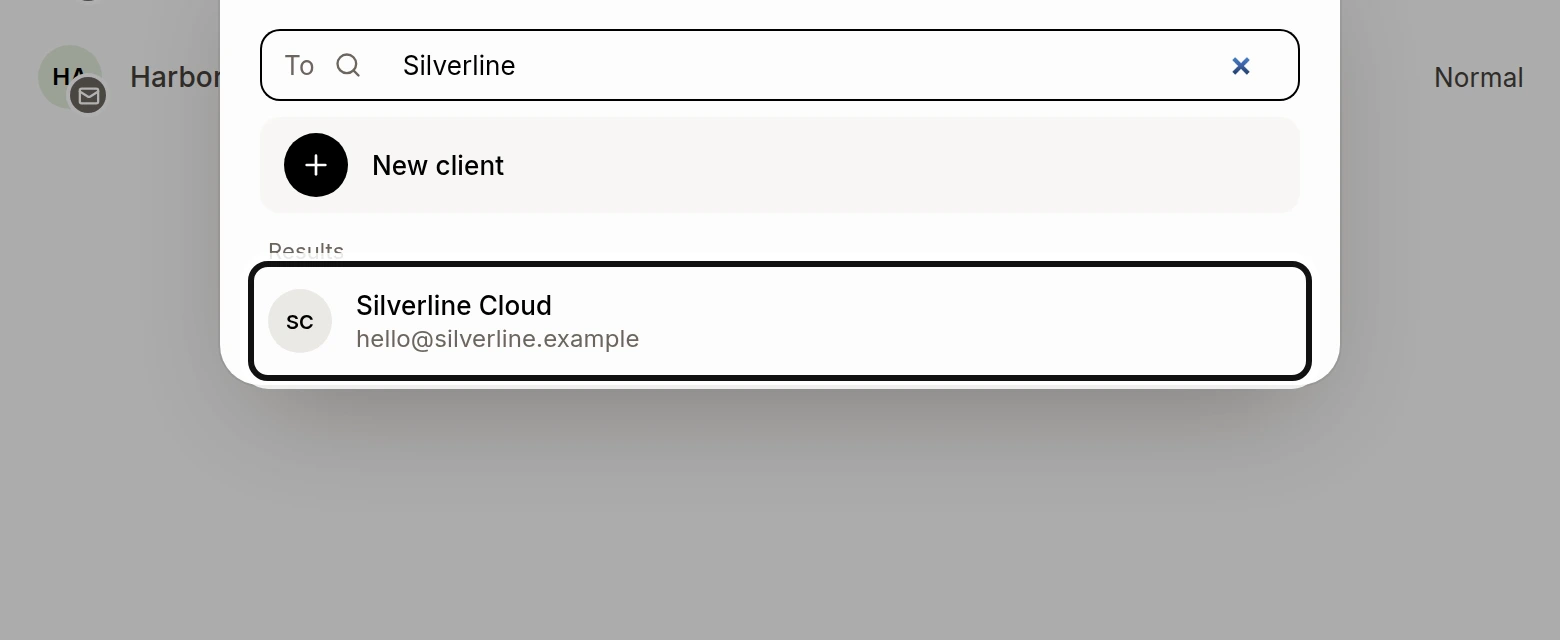
Search for the customer and select them.
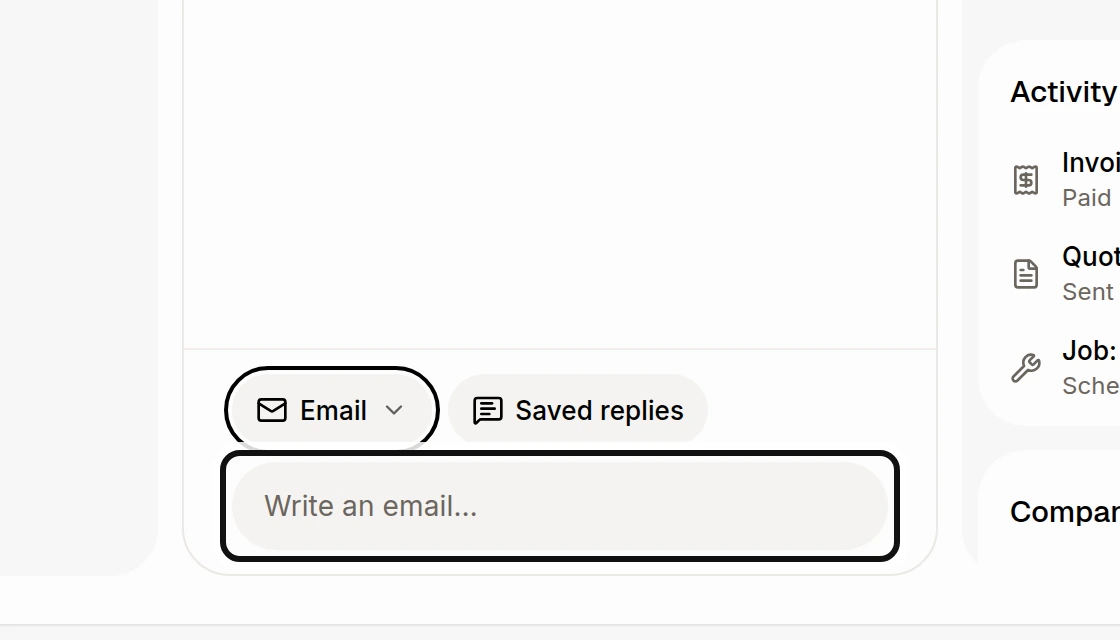
Write the first email on the new ticket page and send it to open the ticket.
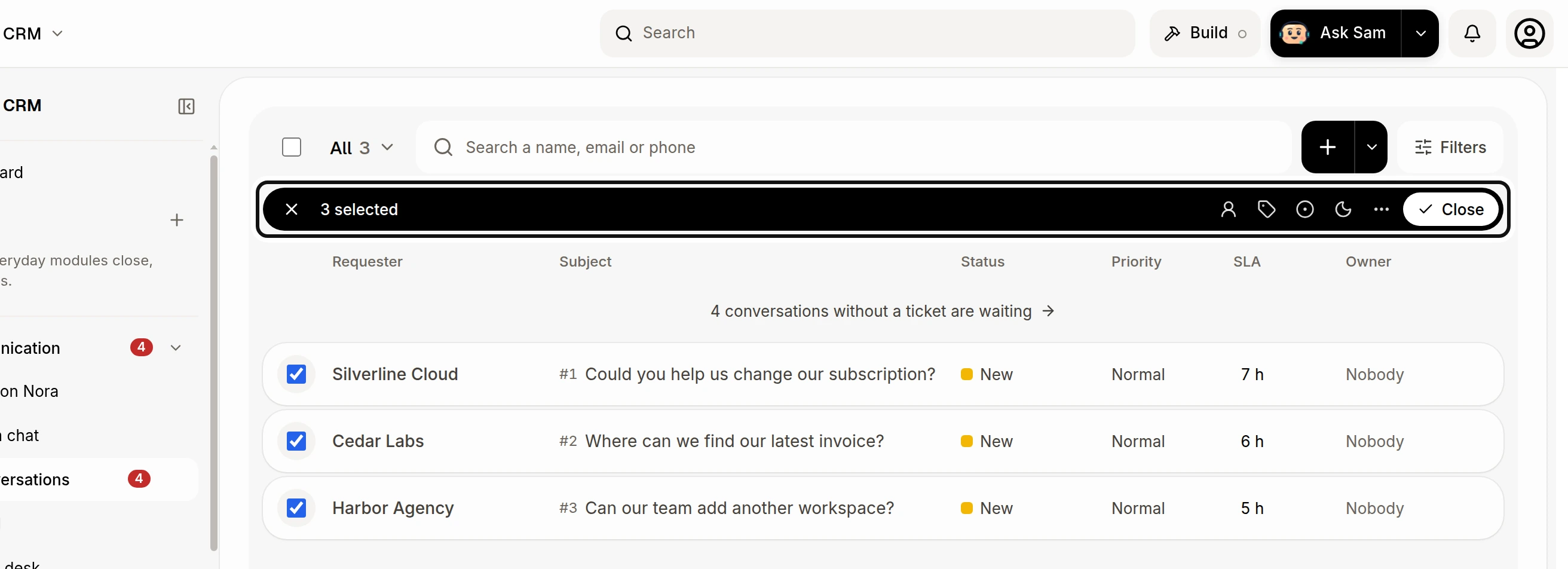
To change several tickets at once, select their checkboxes in the list. The action bar appears above them with options for the owner, tags and status.
Did this answer your question?