How do I turn a conversation into a ticket?
Make an internal ticket from a conversation for your team to work on.
Make an internal ticket from a conversation for your team to work on.
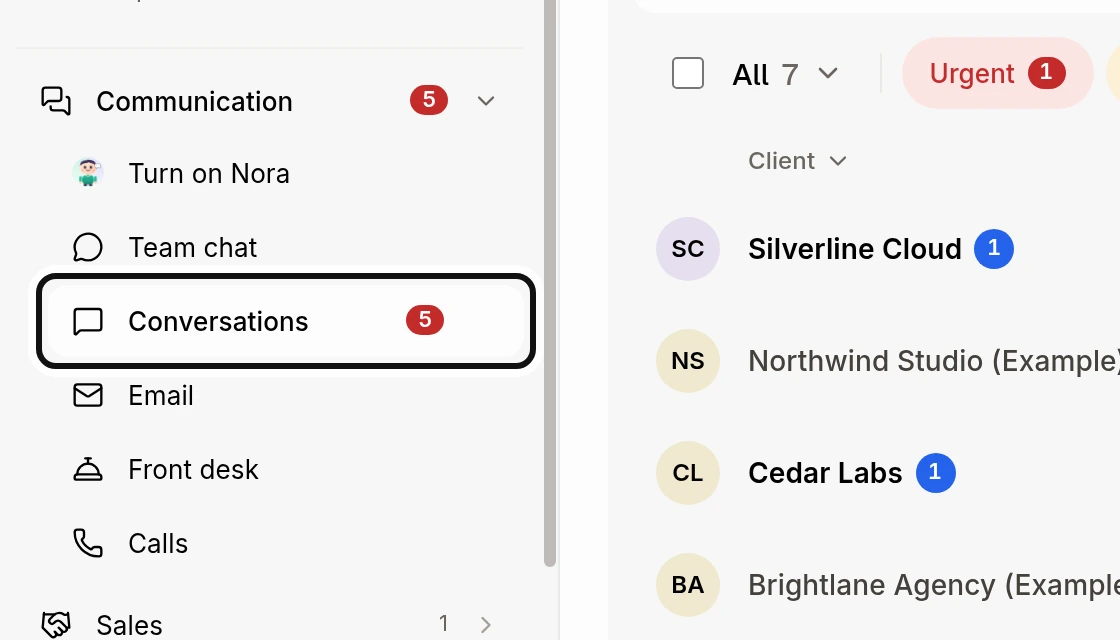
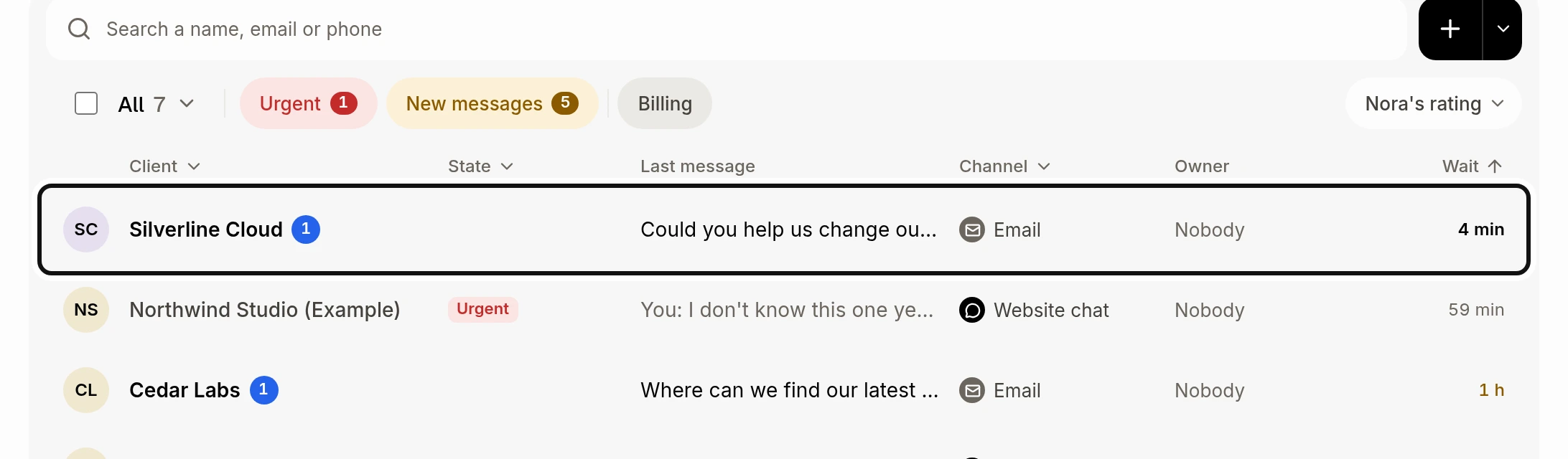
Open the conversation.
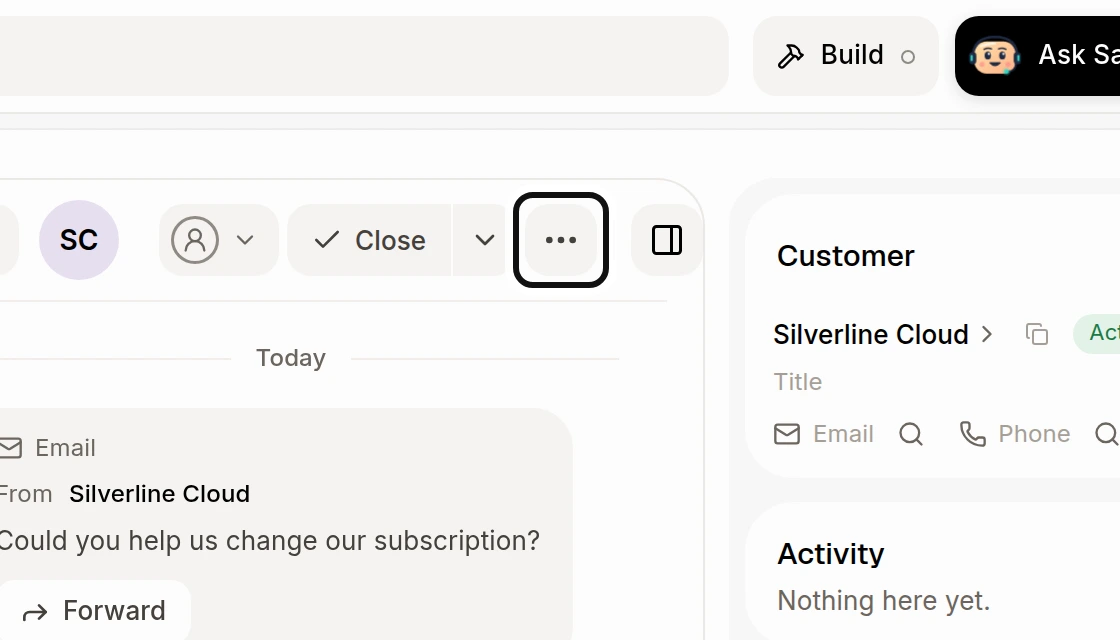
Click More actions at the top.
Click Make an internal ticket.
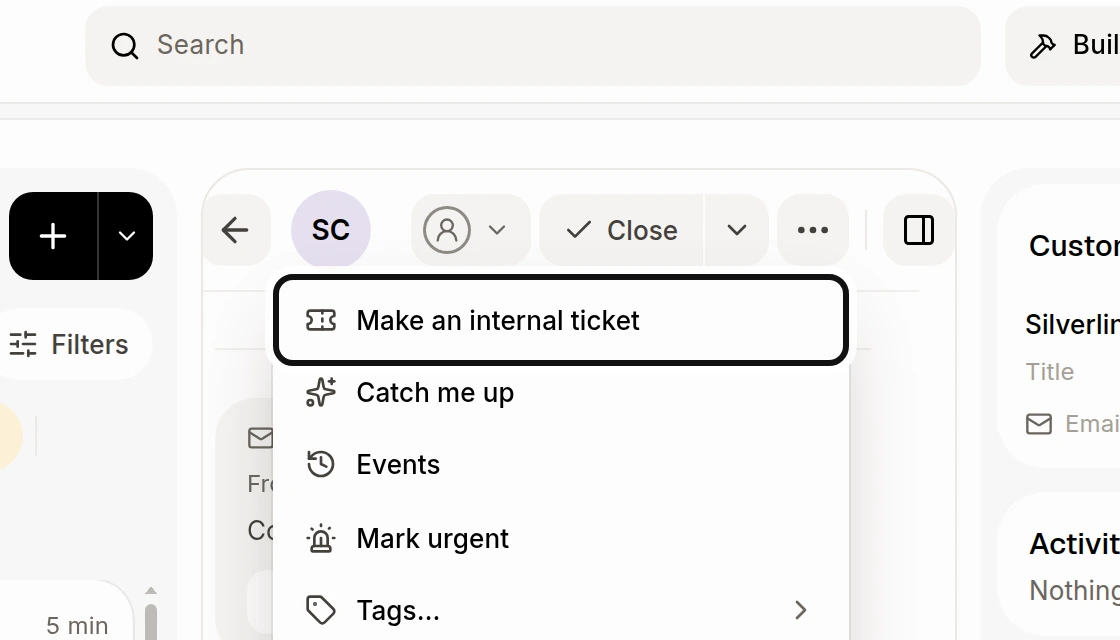
Alori writes the ticket from the latest messages and links it to the customer. The customer is not notified. The confirmation has an Open button to see the ticket. You need access to edit tickets to make one.
Did this answer your question?
NoPartlyYes