How do I use a saved reply in a conversation?
Use a saved answer and check what happens when you send it.
Use an answer your team has saved, then check what it will do when you send it.
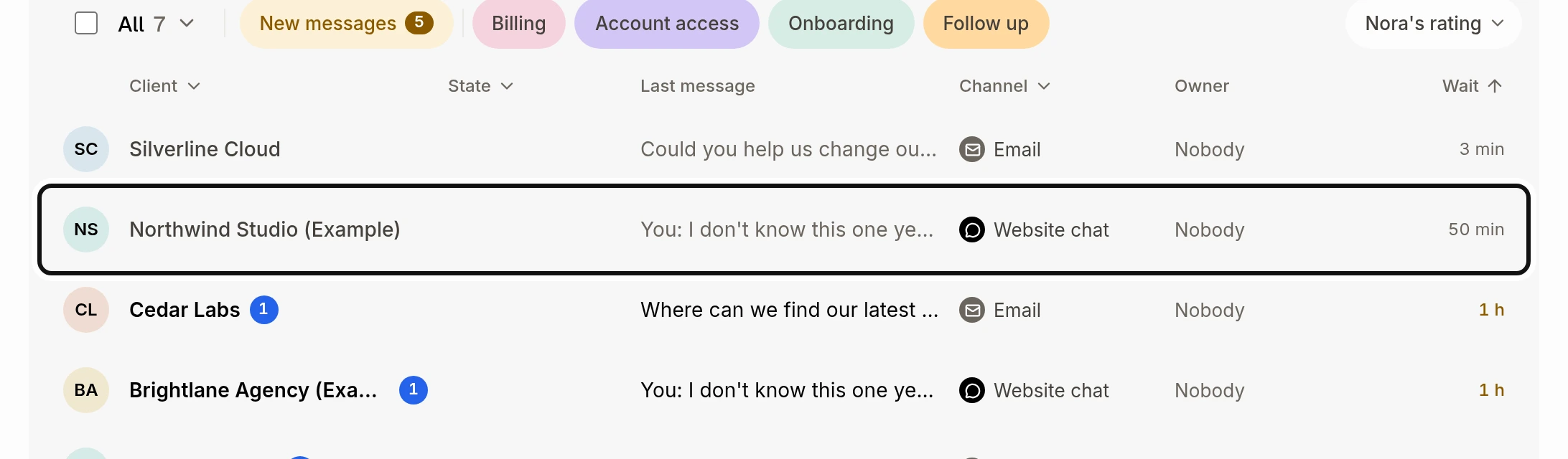
Open Conversations and choose a conversation.
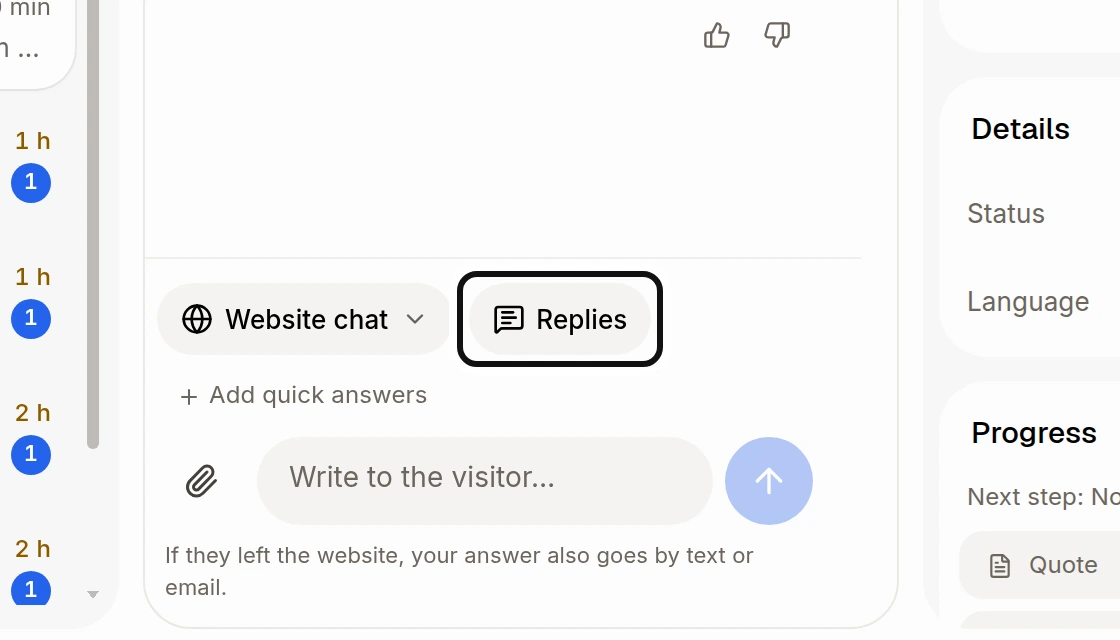
Click Replies beside the channel, or type / in an empty reply box.
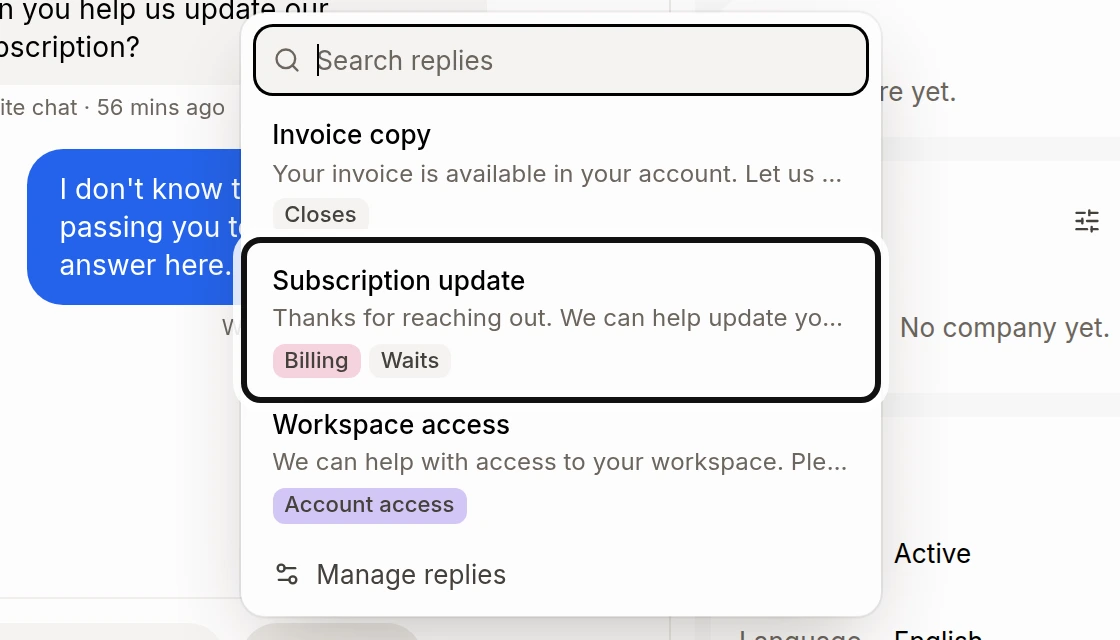
Find and choose the answer. You can search by its name, folder or words. The menu also shows any tags and whether it closes or waits.
Read the answer in the box and edit it if needed. Fill in any blanks before sending.
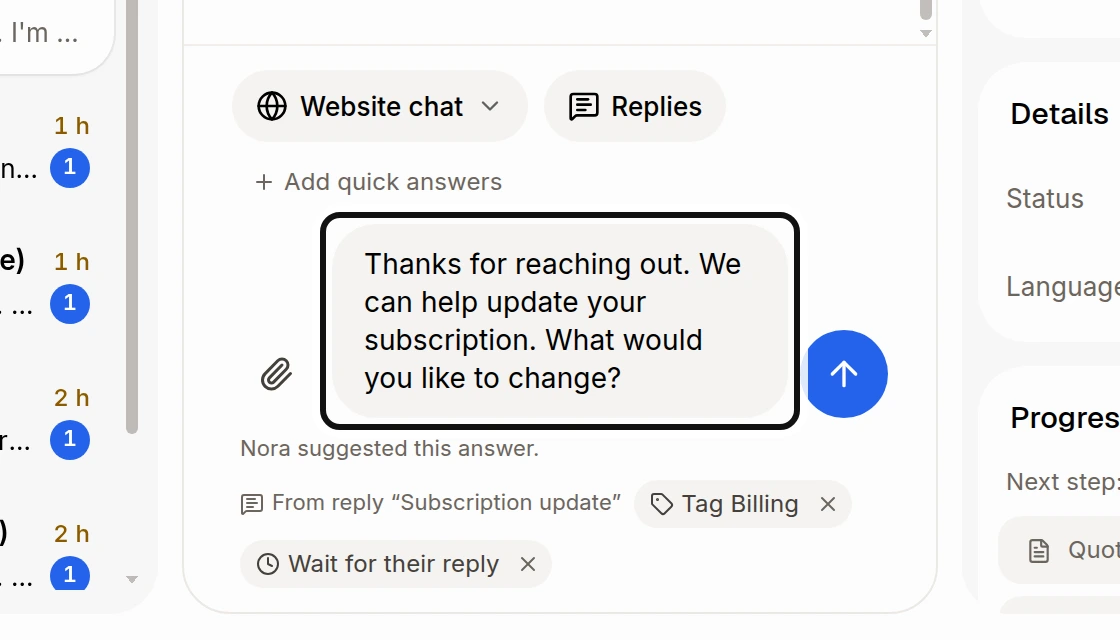
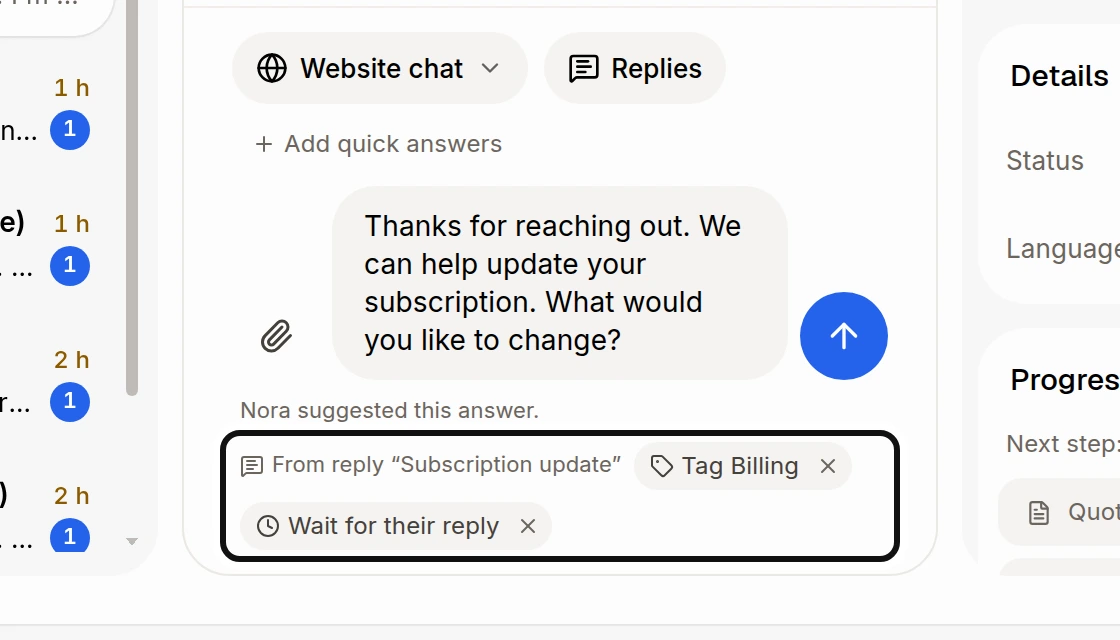
Check the actions below the box. Click the × beside an action to leave it out for this send.
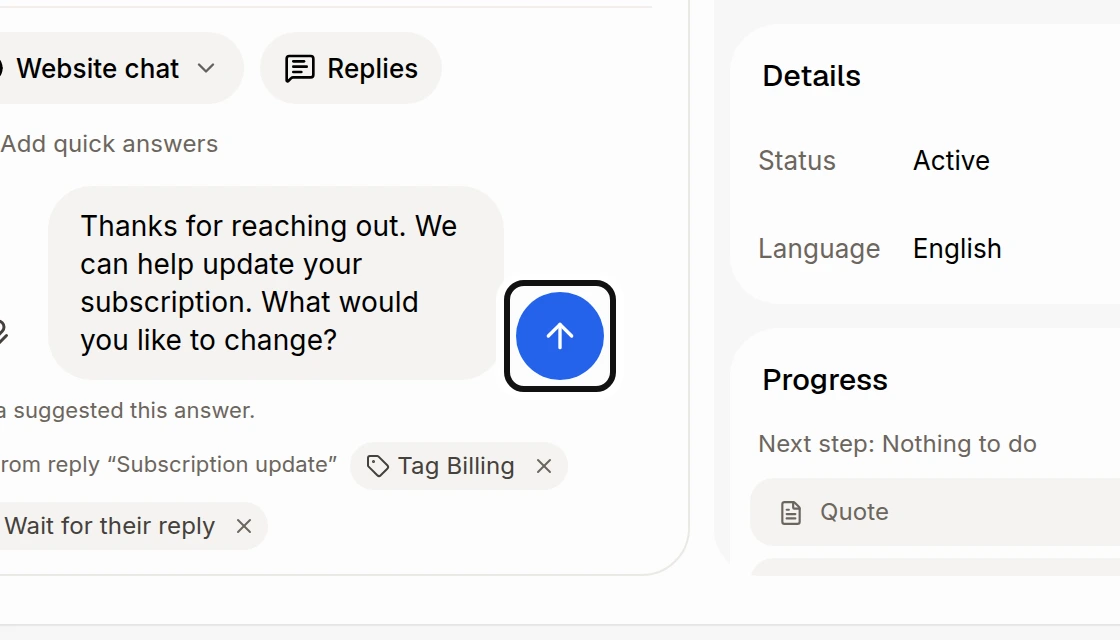
Click Send. The actions you kept run when the answer is sent.
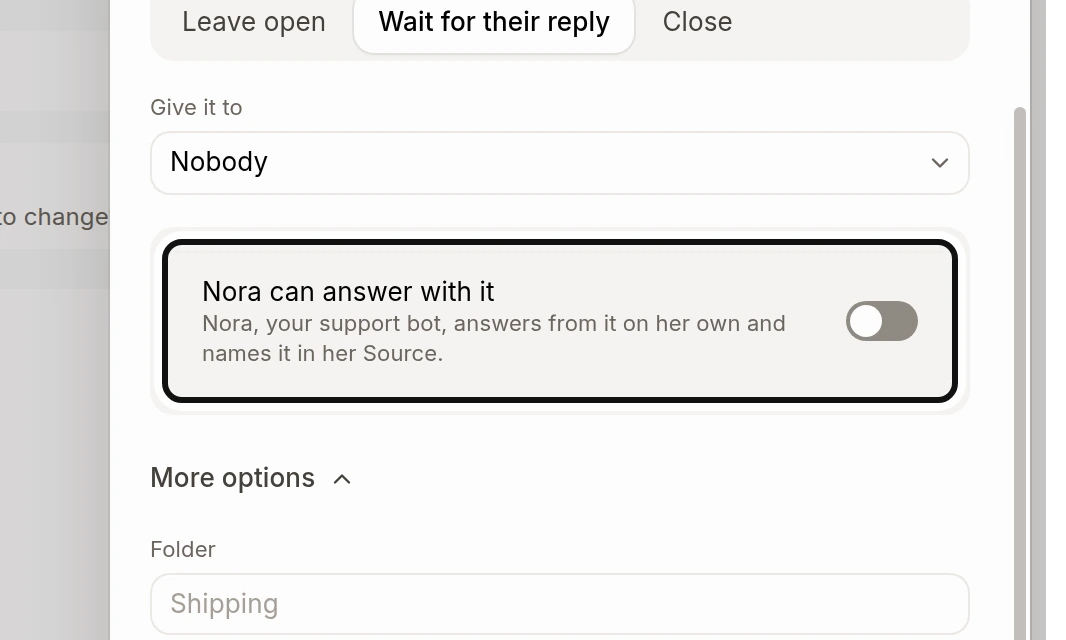
To let Nora answer with a saved reply on her own, open the reply in Front desk › Replies and turn on Nora can answer with it. See How do I create a saved reply?.
Did this answer your question?