How do I connect my Shopify store?
Install Alori from the Shopify App Store. Your store's customers and orders then come into your CRM on their own.
Install Alori from the Shopify App Store. Your store's customers and orders then come into your Alori CRM on their own, and stay up to date.
Also called: Shopify, online store, e-commerce, orders, boutique Shopify, commandes, connecter Shopify
Step 1: Install Alori in your store
Open Alori's listing in the Shopify App Store and click Install. Allow Alori to read your customers and orders.
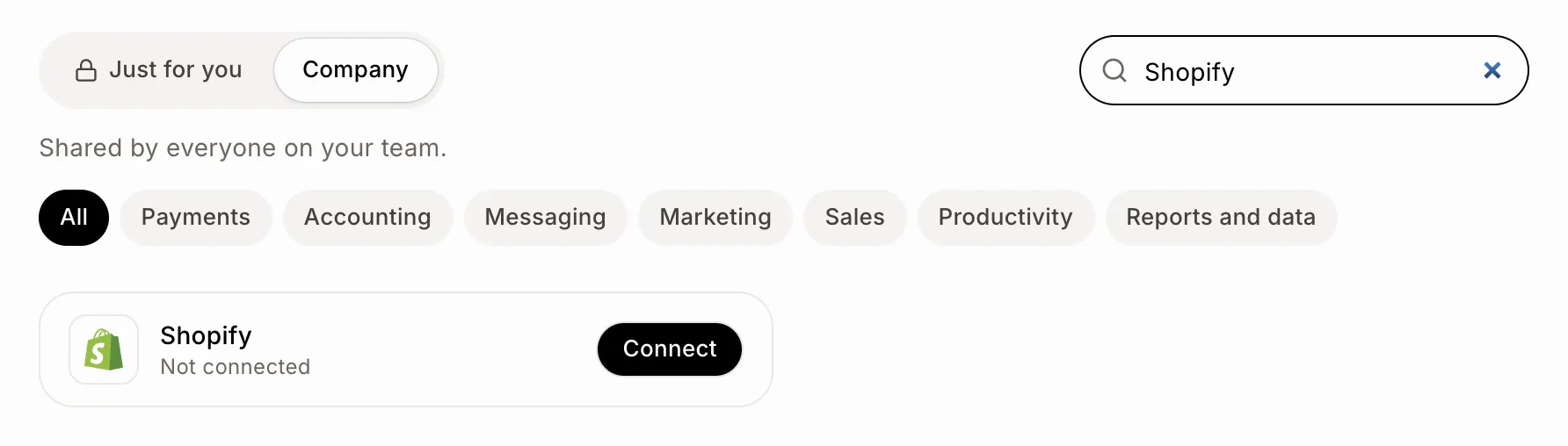
Already on Alori? Click the grid menu at the top right, then Connectors, then Connect on Shopify. It opens the same listing.
Click: Connectors › Company › Shopify › Connect
Step 2: Open Alori
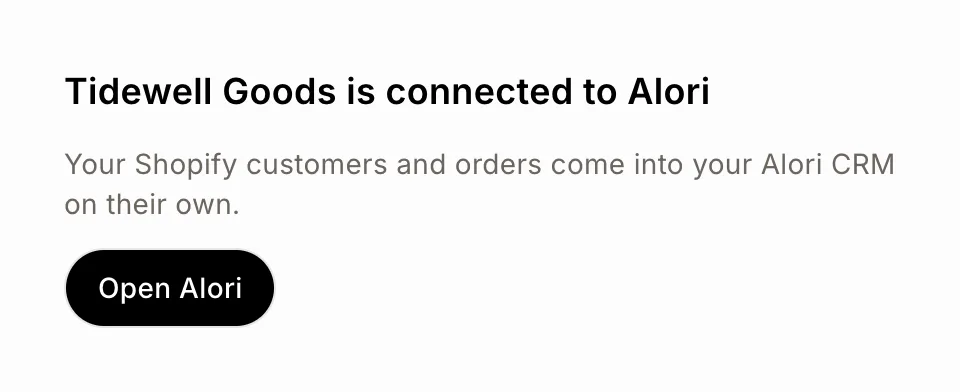
Alori opens inside your Shopify admin.
New to Alori: your account and CRM are made from your store, with nothing to fill in. Click Open Alori.
Your store's email is already on Alori: click Sign in to Alori and sign in as the account's owner. The store joins your account.
Your customers and your orders from the last 60 days start coming in.
Click: Open Alori
Step 3: Choose what comes in
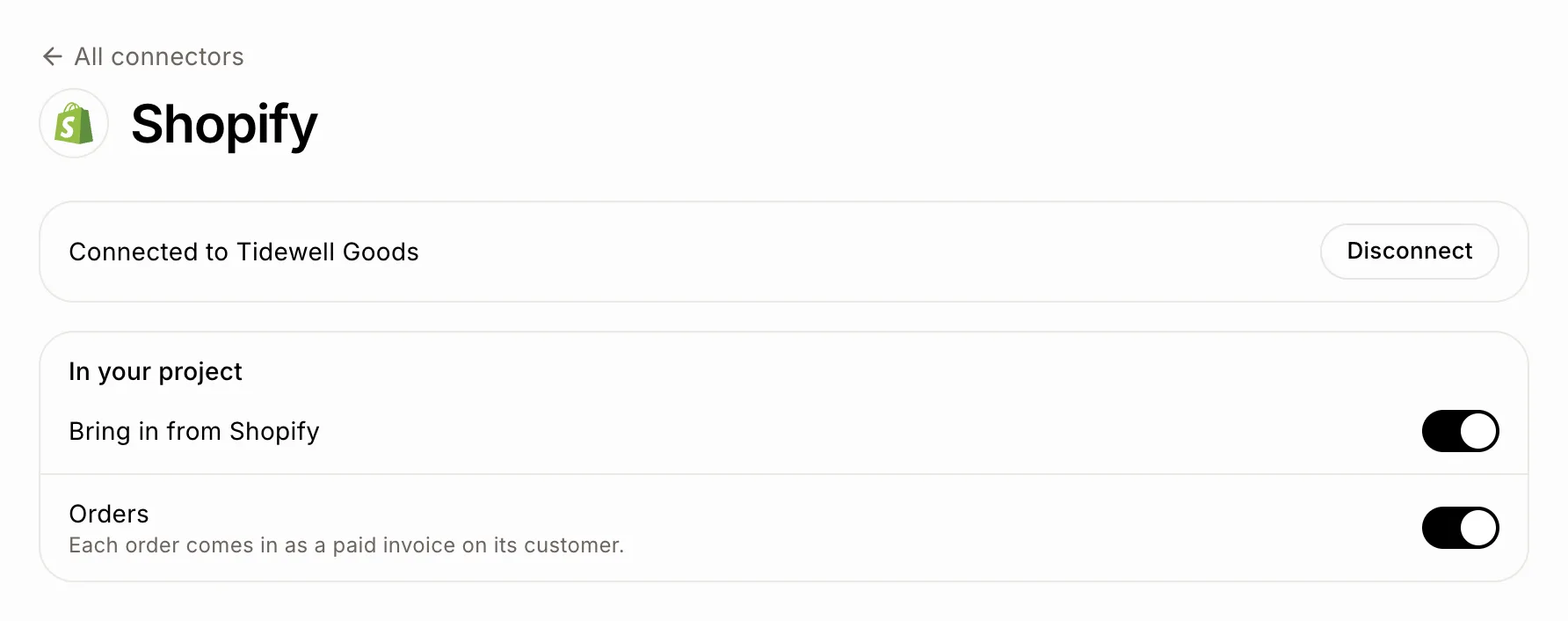
Click Connectors › Company › Shopify. Under In your project, Bring in from Shopify and Orders are on. Turn Orders off to bring only customers, or Bring in from Shopify off to stop. Each change saves at once.
Click: Connectors › Company › Shopify › In your project
Good to know
Customers are matched by email, then by name, so the ones already in your CRM aren't doubled.
Each order shows on its customer as an invoice, with its items, before tax and shipping, a From Shopify tag, its order number and Open in Shopify. Its amount and status follow Shopify: it can't be emailed, marked paid or deleted in Alori, and it gets no pay link.
An order you cancel in Shopify turns Void in Alori, and one you refund turns Refunded.
Nothing you change in Alori is written back to your store.
If you installed Alori from Shopify, Shopify bills your Alori plan with your store's bill. Uninstalling Alori ends that plan.
Only the person who installed Alori opens it from the Shopify admin. Your teammates sign in at alori.dev.
If it doesn't work
"This link expired." Open Alori in your Shopify admin and click Sign in to Alori again.
"This store is connected to another Alori account." Disconnect it from that account first, in Connectors › Shopify.
"This comes from Shopify. Change it in Shopify." You tried to change an order's invoice. Change the order in Shopify instead.
Uninstalled Alori by mistake? Install it again. Your CRM and everything in it stayed in Alori.